
Close Menu
Tech Savvyed
  • Home
  • News
  • Artificial Intelligence
  • Gadgets
  • Apps
  • Mobile
  • Gaming
  • Accessories
  • More
    • Web Stories
    • Spotlight
    • Press Release

Subscribe to Updates

Get the latest tech news and updates directly to your inbox.

What's On
Gemini could finally let you choose how friendly it sounds

Gemini could finally let you choose how friendly it sounds

18 July 2026
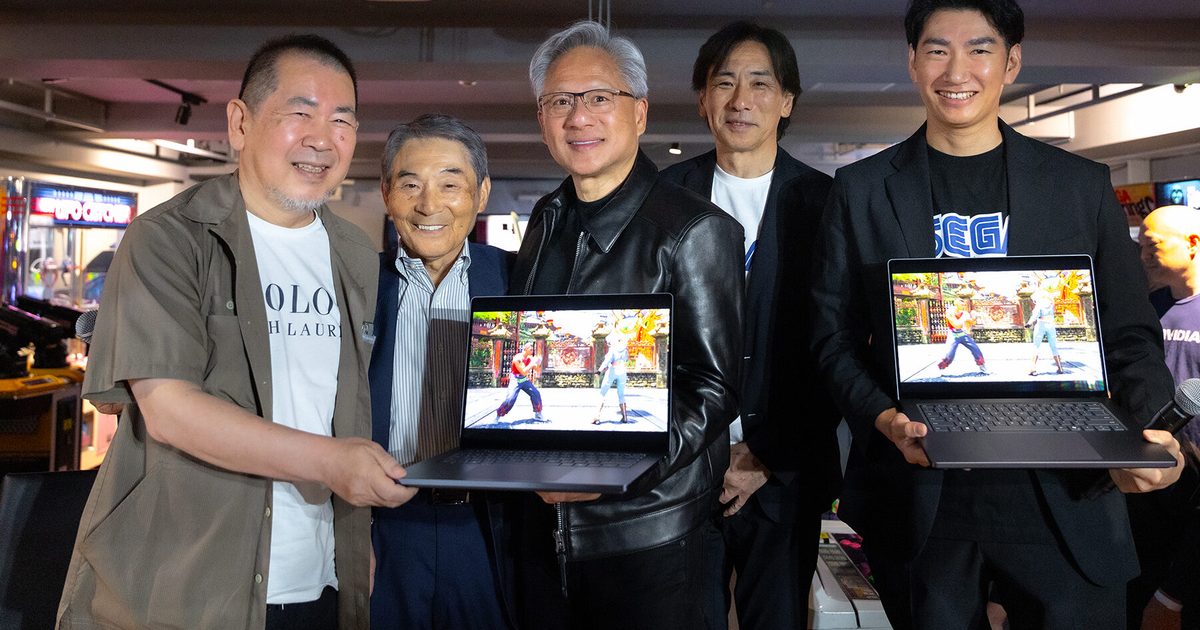
Sega’s Virtua Fighter Crossroads is coming to Nvidia’s wild new RTX Spark PCs

Sega’s Virtua Fighter Crossroads is coming to Nvidia’s wild new RTX Spark PCs

18 July 2026
Shopping for Back-to-school? These are the gaming laptops I’d recommend

Shopping for Back-to-school? These are the gaming laptops I’d recommend

18 July 2026
Facebook X (Twitter) Instagram
Tech Savvyed
SUBSCRIBE
  • Home
  • News
  • Artificial Intelligence
  • Gadgets
  • Apps
  • Mobile
  • Gaming
  • Accessories
  • More
    • Web Stories
    • Spotlight
    • Press Release
Tech Savvyed
Home»News»Samsung PenUp adds new stylus tricks to your Galaxy phone, if it support an S Pen
News

Samsung PenUp adds new stylus tricks to your Galaxy phone, if it support an S Pen

News RoomBy News Room15 May 20262 Mins Read
Samsung PenUp adds new stylus tricks to your Galaxy phone, if it support an S Pen
Share
Facebook Twitter Reddit Telegram Pinterest Email

Samsung’s PenUp app is getting a useful creative upgrade for Galaxy users, especially those who use the S Pen for casual digital art. For those unaware, PenUp is Samsung’s app for sketching and coloring templates. It works with touch input, but the latest update should be most useful on Galaxy phones and tablets with S Pen support.

The latest PenUp update, version 3.9.22.23, adds 53 new brushes through the “Download more brushes” option. It also adds Dual brush, a new tool that lets two strokes work together for layered effects.

What new drawing tools does PenUp add?

Brush controls have been cleaned up as well. Users can now tap a brush twice from the selection screen to open individual settings. The updated menu separates unrelated controls and shows a live preview, which should make it easier to adjust a brush before using it on the canvas.

Samsung has also made it easier to pick up a drawing on another device. The new Export Draft and Import Draft options save work as a “.penup” file, with layers and key settings preserved. There is also Samsung account sync for users who switch between devices.

Electronics, Text, Mobile Phone

What else is new for PenUp users?

Editing gets a small boost with Auto Select in the Lasso selection tool, which can automatically pick out objects in a drawing. PenUp now also supports automatic landscape rotation, as long as Auto Rotate is enabled on the Galaxy device.

While the update is clearly aimed at people who draw with an S Pen, PenUp is not limited to stylus-supported devices. The app also has a Finger Drawing mode, which lets users draw directly with touch input. That works fine for coloring templates, quick tracing, rough sketches, or casual doodles, but it is not as precise as using an S Pen.
Share. Facebook Twitter Pinterest LinkedIn Telegram Reddit Email
Previous ArticleWowed by computer-use AI agents? Research says they’re “digital disasters” even for routine tasks
Next Article AI shouldn’t make decisions for you, but this one will tell when you’re making a bad one

Related Articles

Gemini could finally let you choose how friendly it sounds

Gemini could finally let you choose how friendly it sounds

18 July 2026
Sega’s Virtua Fighter Crossroads is coming to Nvidia’s wild new RTX Spark PCs

Sega’s Virtua Fighter Crossroads is coming to Nvidia’s wild new RTX Spark PCs

18 July 2026
Shopping for Back-to-school? These are the gaming laptops I’d recommend

Shopping for Back-to-school? These are the gaming laptops I’d recommend

18 July 2026
HP fined millions of dollars for acting like a cartel over ink and PCs

HP fined millions of dollars for acting like a cartel over ink and PCs

18 July 2026
I found five mechanical keyboards I’d happily recommend for Back-to-School

I found five mechanical keyboards I’d happily recommend for Back-to-School

18 July 2026
What Makes a Laser Printer Better for Small Business Workflows?

What Makes a Laser Printer Better for Small Business Workflows?

18 July 2026
Demo
Stay In Touch
  • Facebook
  • Twitter
  • Pinterest
  • Instagram
  • YouTube
  • Vimeo
Don't Miss
Sega’s Virtua Fighter Crossroads is coming to Nvidia’s wild new RTX Spark PCs

Sega’s Virtua Fighter Crossroads is coming to Nvidia’s wild new RTX Spark PCs

By News Room18 July 2026

Nvidia’s new RTX Spark platform has landed one of its first major games. Sega has…

Shopping for Back-to-school? These are the gaming laptops I’d recommend

Shopping for Back-to-school? These are the gaming laptops I’d recommend

18 July 2026
HP fined millions of dollars for acting like a cartel over ink and PCs

HP fined millions of dollars for acting like a cartel over ink and PCs

18 July 2026
I found five mechanical keyboards I’d happily recommend for Back-to-School

I found five mechanical keyboards I’d happily recommend for Back-to-School

18 July 2026
Tech Savvyed
Facebook X (Twitter) Instagram Pinterest
  • Privacy Policy
  • Terms of use
  • Advertise
  • Contact
© 2026 Tech Savvyed. All Rights Reserved.

Type above and press Enter to search. Press Esc to cancel.