





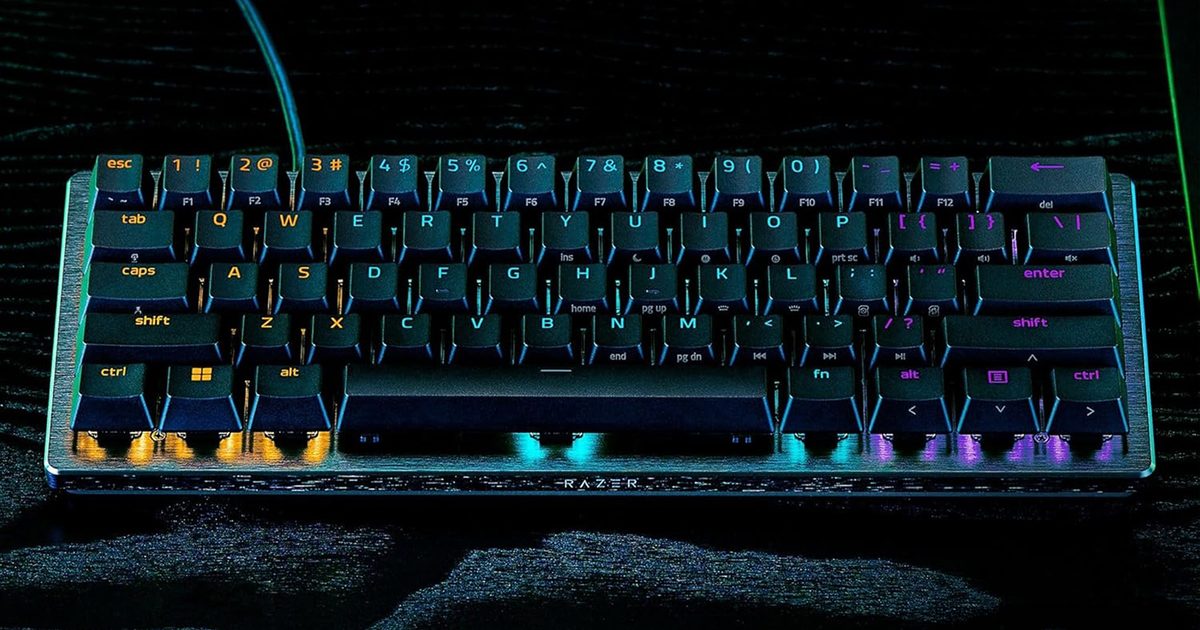
Shopping for a mechanical keyboard is a little different from shopping for a laptop. Unlike flashy specs or benchmark numbers, the right keyboard is something that gets appreciated every single day. Whether it’s taking notes in class, writing essays, coding late into the night, or unwinding with a few games after lectures. After looking through dozens of options, I kept coming back to these five. They cover everything from budget-friendly beginner boards to enthusiast-grade keyboards and esports-focused gaming options. More importantly, they’re keyboards I’d actually recommend buying for the Back-to-School season.
AULA F75 Pro
Pros
- Fantastic value for money
- Excellent factory typing experience
- Hot-swappable switches
- Tri-mode connectivity
Cons
- Software isn’t the most polished
- Plastic construction isn’t as premium as pricier boards
If there’s one keyboard that consistently punches above its price, it’s the AULA F75 Pro. It delivers the kind of typing experience that’s usually reserved for much more expensive keyboards, making it an easy recommendation for students buying their first mechanical keyboard.
The compact 75% layout leaves more room on the desk without sacrificing the dedicated arrow keys, while the gasket-mounted design and five-layer sound dampening give every keystroke a satisfyingly soft, “thocky” feel. It also supports Bluetooth, 2.4GHz wireless, and USB-C, so switching between a laptop, tablet, and desktop is effortless. Hot-swappable switches mean it’s easy to customize later, too.
For most students, this is probably where I’d start. It’s affordable, sounds great straight out of the box, and offers enough premium features that upgrading won’t feel necessary anytime soon.
Keychron K2 Ultra
Pros
- Premium aluminum construction
- Excellent typing feel
- Hot-swappable switches
- Strong macOS and Windows support
Cons
- Slightly heavier than most 75% keyboards
- Slightly expensive
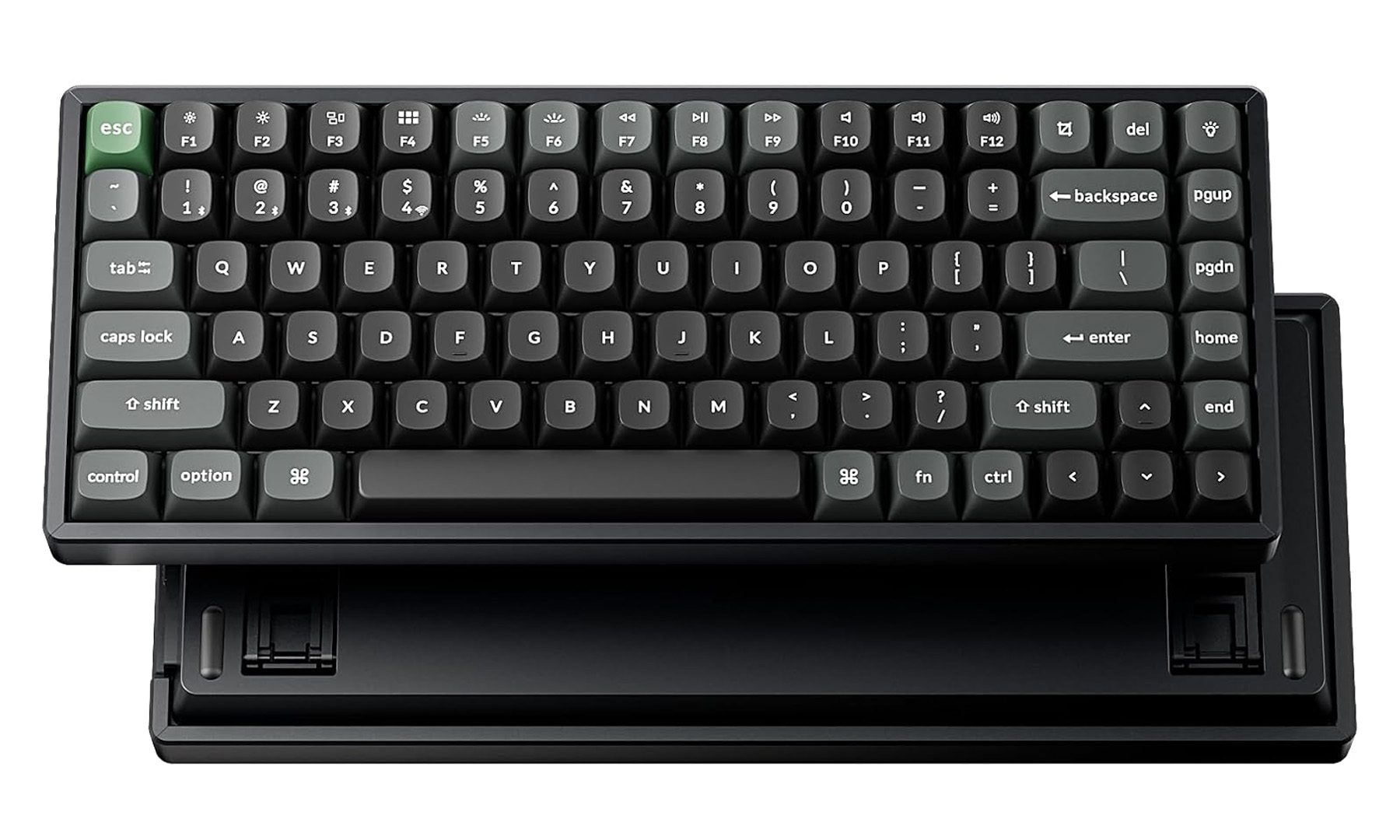
Keychron has built a reputation for making keyboards that feel equally at home in an office or a gaming setup, and the K2 Ultra continues that tradition. It’s the keyboard I’d recommend to anyone who spends as much time typing as they do gaming.
The build quality immediately stands out, and the hot-swappable mechanical switches make it easy to experiment with different switch types down the road. Wireless connectivity, long battery life, and seamless support for both Windows and macOS also make it a great fit for students carrying a laptop between lectures and home.
Of course, the K2 Ultra isn’t the cheapest option here, but it’s one of those purchases that’s easy to appreciate years later. It’s built to last, feels fantastic to type on, and doesn’t scream “gaming keyboard” when sitting on a study desk.
Razer Huntsman V3 Pro Mini
Pros
- Lightning-fast analog optical switches
- Adjustable actuation and Rapid Trigger
- Compact 60% layout
- Built for competitive gaming
Cons
- Missing dedicated arrow keys
- Not the best choice for heavy productivity work
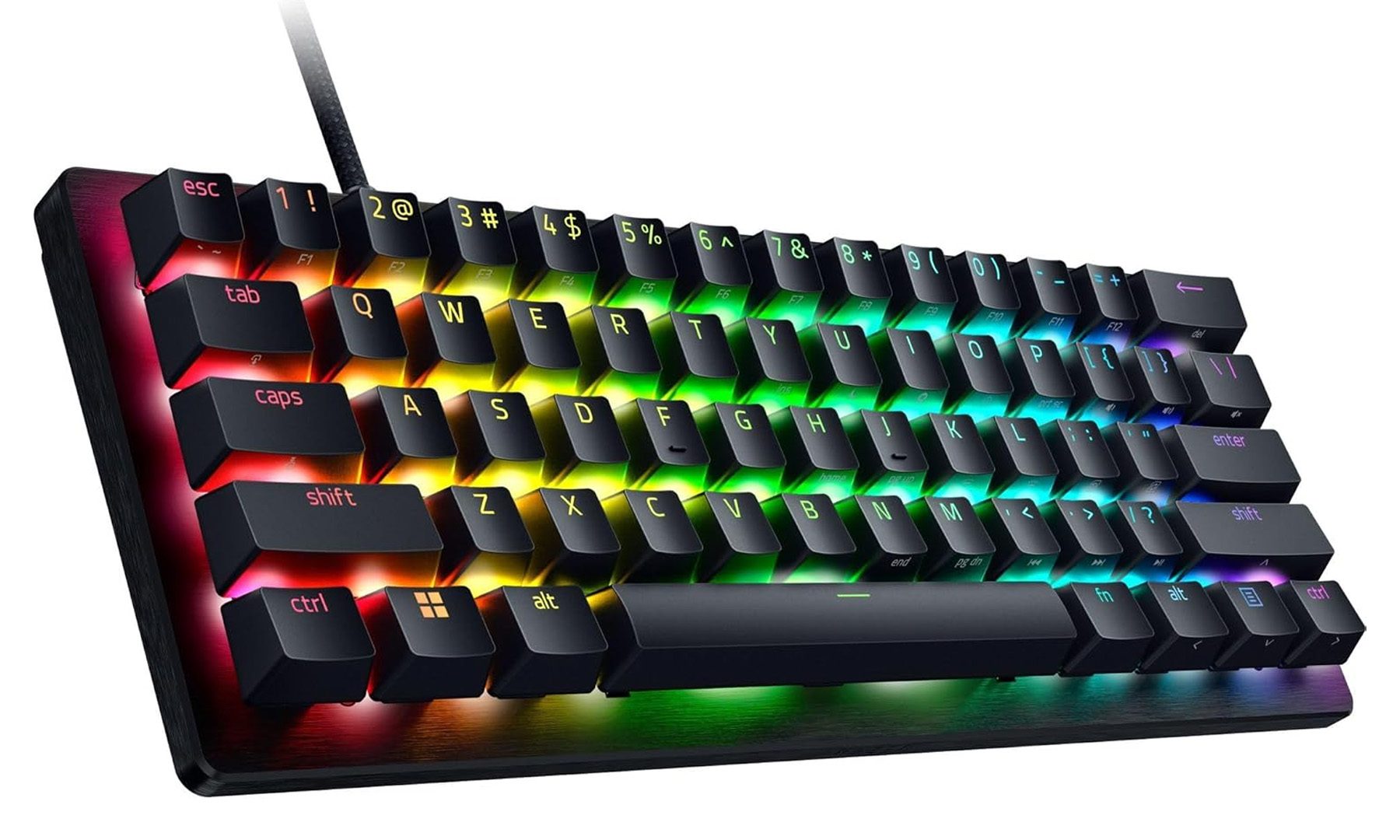
Let’s be honest, not every student needs an esports keyboard. That said, if competitive games are part of the daily routine, the Razer Huntsman V3 Pro Mini is one of the best compact gaming keyboards money can buy.
Its analog optical switches let users adjust how far each key needs to travel before registering an input, while Rapid Trigger resets keys almost instantly for faster repeated presses. In fact, those features have become increasingly popular among players of games like Valorant and Counter-Strike because they offer incredibly responsive movement and control.
I’d recommend this keyboard almost exclusively for gamers. The 60% layout is fantastic for creating more mouse space, but sacrificing function keys and dedicated arrows can make everyday productivity less convenient.
Logitech MX Mechanical Wireless
Pros
- Comfortable low-profile typing
- Excellent battery life
- Easy switching between multiple devices
- Great software support
Cons
- Not designed specifically for gaming
- More expensive than typical office keyboards
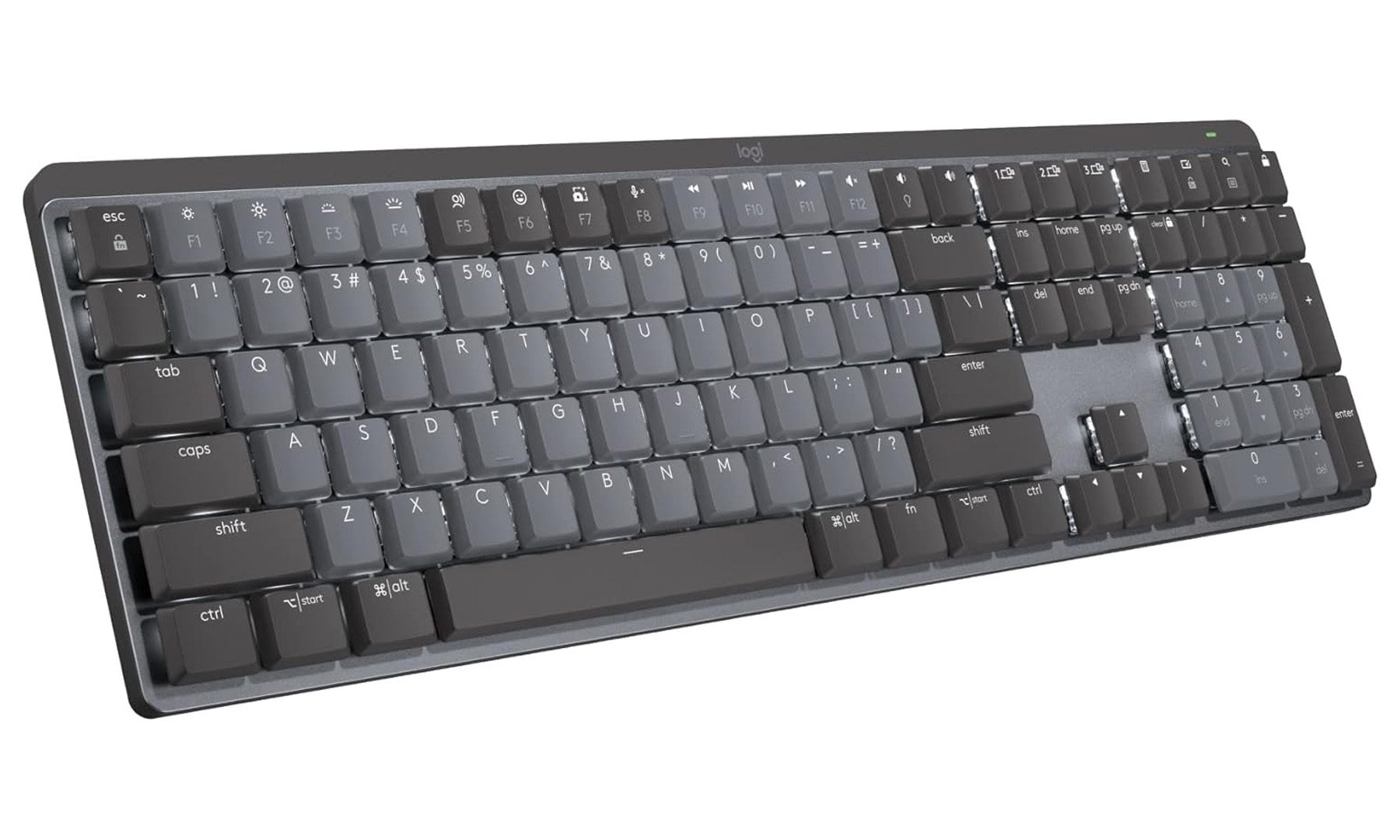
Mechanical keyboards don’t always have to be loud or flashy. The Logitech MX Mechanical proves that with a clean, understated design that’s just as comfortable in a lecture hall as it is on a home desk.
Its low-profile mechanical switches make typing feel faster and quieter than many traditional mechanical keyboards, while Logitech’s Easy-Switch feature allows quick switching between multiple devices. If there’s a Windows laptop, MacBook, and tablet constantly being used throughout the day, this keyboard fits seamlessly into that workflow.
For students who care more about writing assignments, programming, or productivity than RGB lighting, this is the keyboard I’d happily recommend. It feels refined, reliable, and comfortable enough for all-day use.
NuPhy WH80
Pros
- Beautiful premium design
- Smooth factory-lubed switches
- Excellent wireless performance
- Great typing acoustics
Cons
- Harder to find than mainstream brands
- Premium pricing
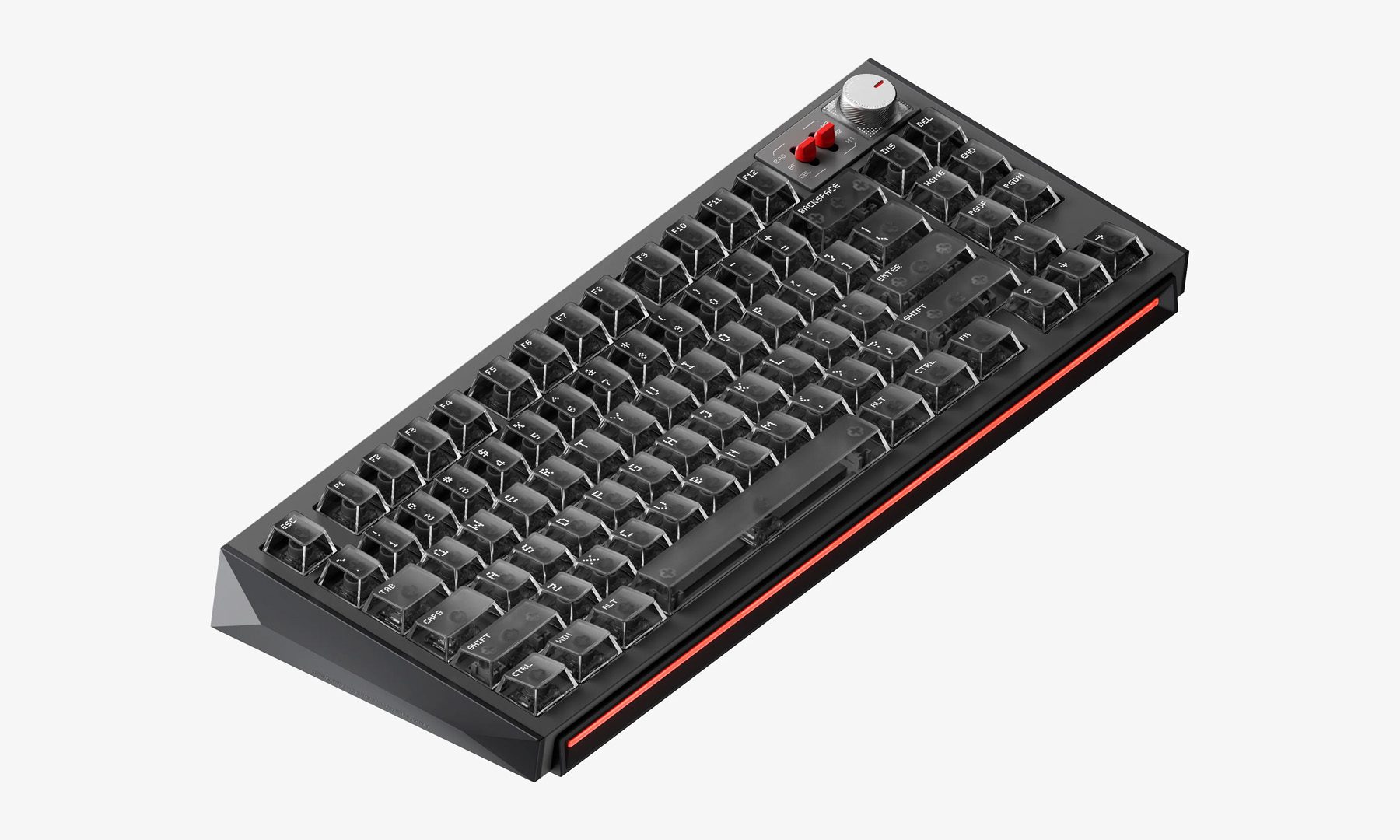
NuPhy has quietly become one of the most respected names among mechanical keyboard enthusiasts, and the WH80 shows exactly why. It strikes an impressive balance between gaming performance and everyday typing comfort without leaning too heavily in either direction.
The wireless connectivity is rock solid, the switches feel incredibly smooth straight out of the box, and the overall typing sound is rich without becoming distracting. It also looks refreshingly different from the typical RGB-heavy gaming keyboards, making it equally suited for classrooms, dorm rooms, and home offices.
If someone wants a keyboard they’ll enjoy using every single day, not just while gaming, the WH80 is an easy recommendation. It’s one of those rare keyboards that feels special the moment it’s taken out of the box, and it’s likely to stay on the desk long after graduation.





