




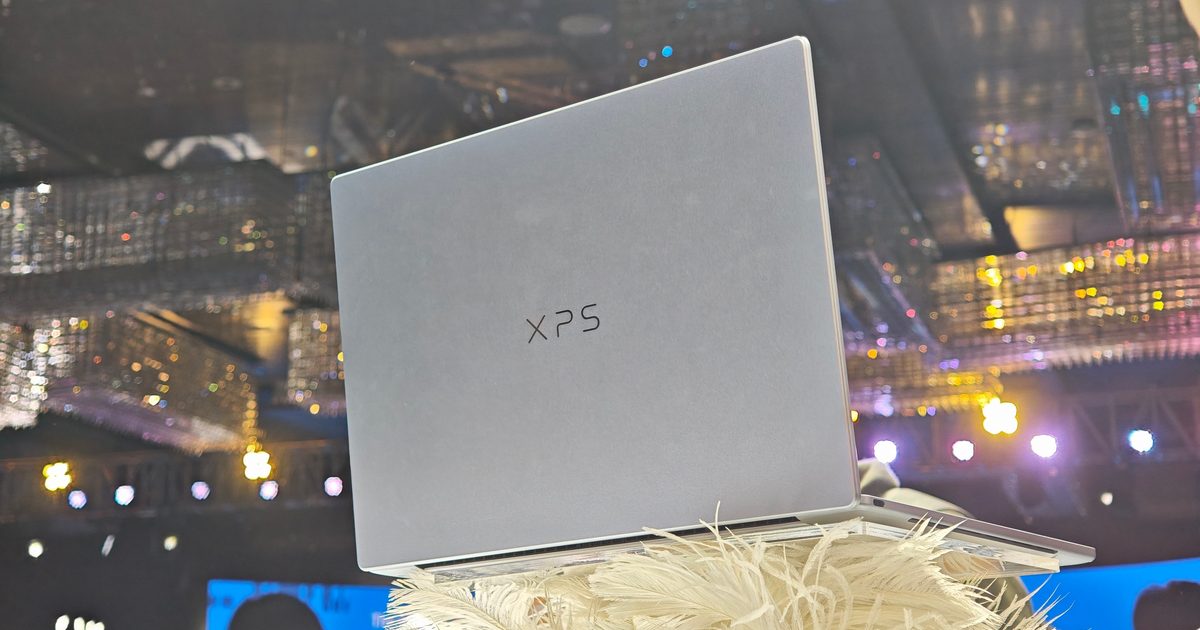
When Apple launched the MacBook Neo, it reset my expectations for affordable laptops. Its $599 starting price paired an aluminum body with the polish people expect from a MacBook, leaving Windows manufacturers with a difficult target to chase. While that price has since risen, it is still a solid laptop for the price it is listed at.
During Computex 2026, I saw a possible answer to this MacBook. After spending time around several affordable Windows laptops at the show, I wrote about how the category finally appeared ready to move beyond plastic bodies and poor displays– and one of the models that I was particularly looking forward to was the Dell XPS 13.
I recently spent more time with the 8GB model, and my first impression has held up. This is a remarkably compact Windows laptop with a robust aluminum build, a sharp touchscreen, and a $699 starting price. Eligible students can even pick it up for $599. The MacBook Neo still casts a large shadow over this price range, but Dell has checked a surprising number of boxes against it.
This still carries itself like a proper XPS
The XPS name has traditionally sat near the premium end of Dell’s laptop lineup. The new XPS 13 brings that identity to a much lower price without abandoning the clean, understated design associated with the series. Its CNC-aluminum chassis appeared robust during my hands-on time. The build lacks some of the refinement of the Dell XPS 14 I recently reviewed, and I noticed a little flex through the keyboard deck when applying pressure.
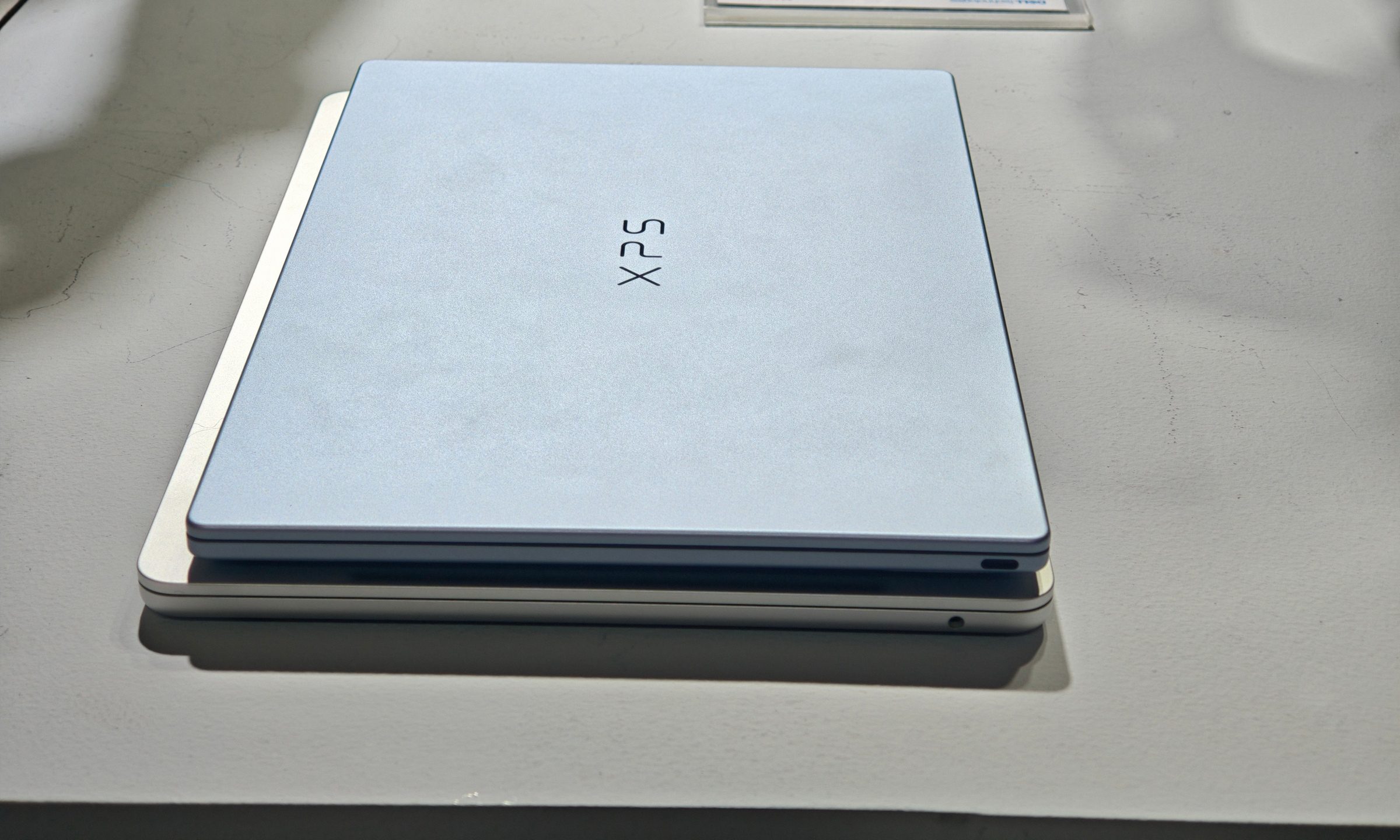
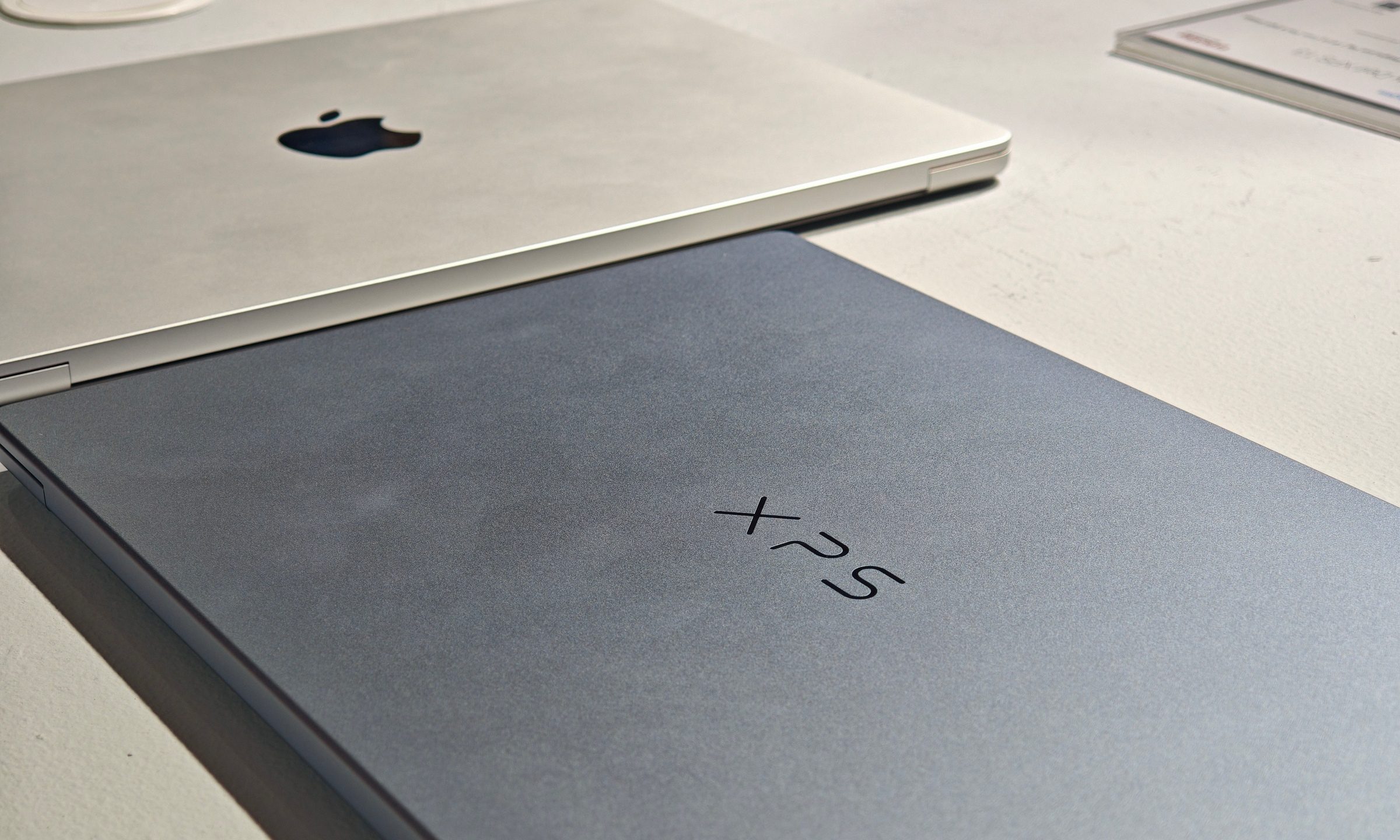
The hinge felt solid too, opening smoothly and staying firm. What really stands out, though, is the portability. At only 1kg and 12.7mm thick, the XPS 13 was noticeably lighter than the 13-inch M4 MacBook Air I had beside it. It also seemed slimmer and was much easier to hold in one hand. Both laptops are designed around highly portable computing, but Dell’s smaller overall footprint gives it a clear advantage for commuting or working out of a compact bag.
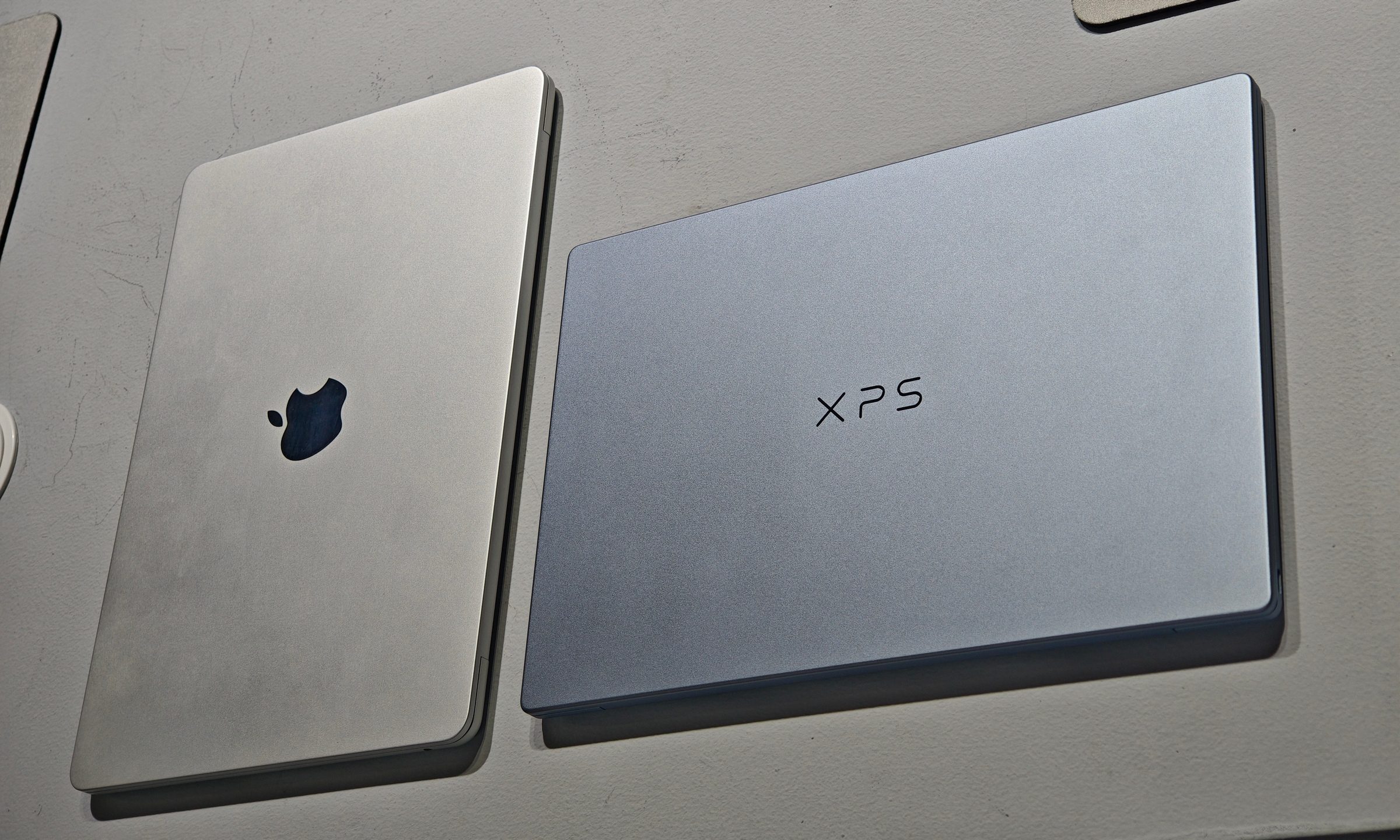
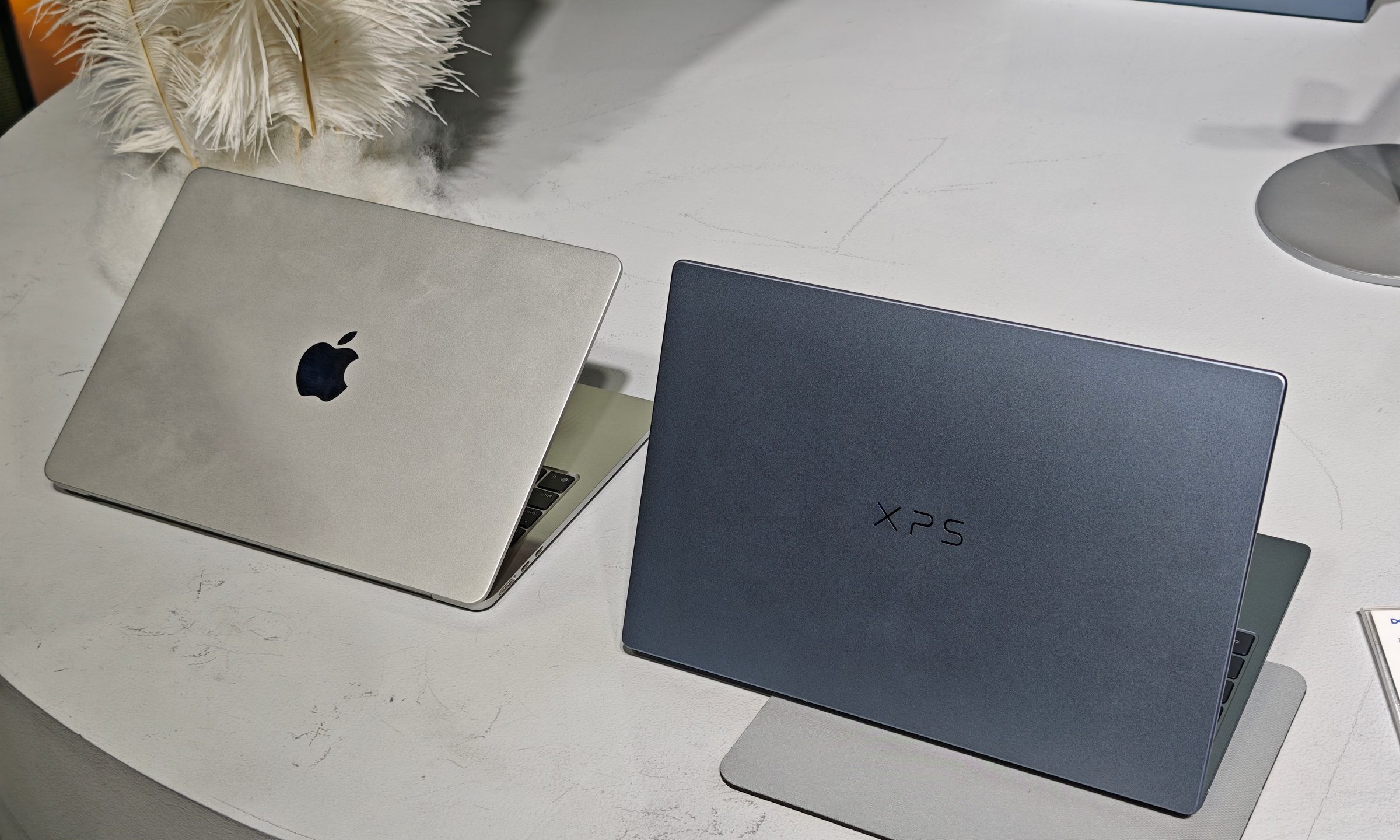
Comparing it with the MacBook Air was just to judge its dimensions and construction. The MacBook Neo remains the more relevant rival on price and performance. Dell’s XPS 13 carries itself like a serious response, giving buyers a proper Windows machine from a veteran PC maker.
The display is a major part of the appeal
Dell has equipped the XPS 13 with a 13.4-inch, 2.5K touchscreen offering a variable refresh rate between 30Hz and 120Hz. It looked sharp during my hands-on session, with clear text and enough space for everyday productivity despite the laptop’s compact dimensions. Scrolling also appeared smooth, and touch support adds a useful option that Apple still avoids across its MacBook lineup.
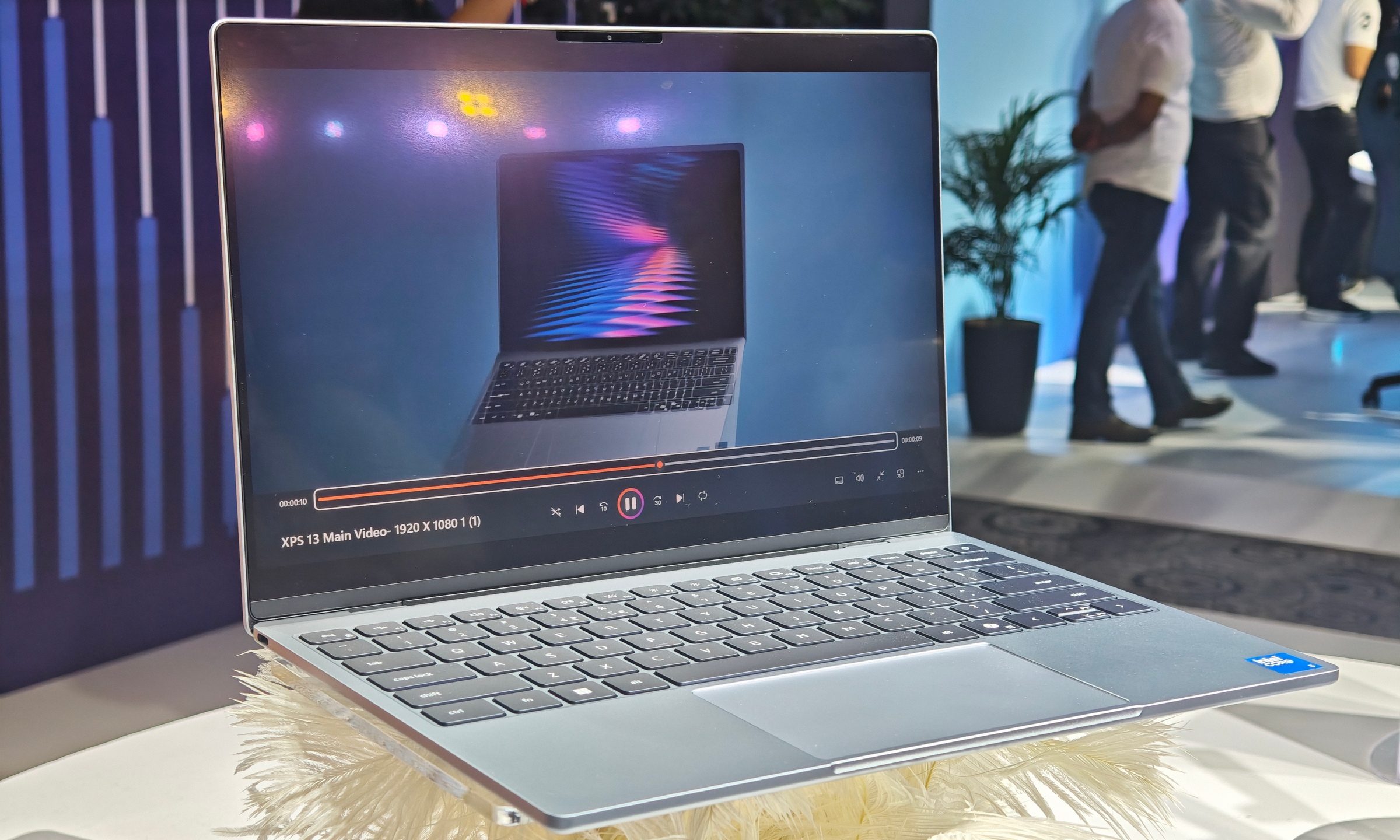
The anti-glare treatment was another welcome inclusion. Reflections can quickly undermine an otherwise good laptop screen, especially under office lights or near a window. Budget-oriented models regularly overlook this detail, so seeing it here makes the display more practical for working across different environments.
Typical brightness reaches 500 nits, which is strong for this price range. I would need a controlled test to judge color accuracy, contrast, and outdoor visibility properly. But nothing about the panel appeared cheap during my time with it. The display may be the XPS 13’s strongest argument against the MacBook Neo. Dell gives you a slightly larger panel, touch input, and a refresh rate that can climb to 120Hz, all inside a body that remains extremely portable.
Dell made some understandable compromises
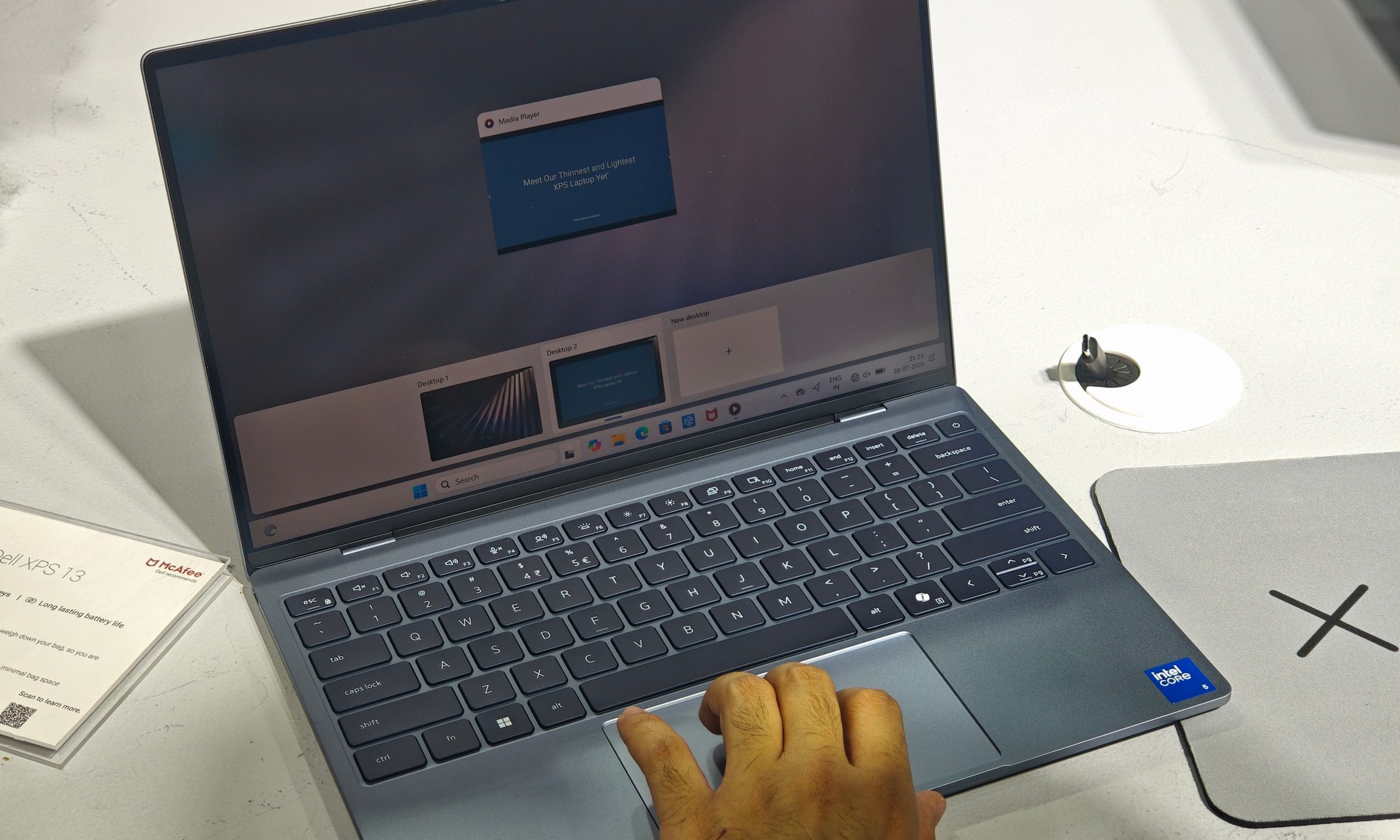
The lower price becomes more apparent around the keyboard and touchpad. The keyboard had a slightly mushy response during my brief typing session. Nothing that makes it unusable, just not as satisfying as something like the MacBook or even the Dell XPS 14. Longer writing sessions will reveal whether that softer action becomes tiring.
Dell has also returned to a conventional touchpad rather than using the seamless haptic design found on some recent XPS laptops. Tracking was accurate, and the surface provided a comfortable amount of room relative to the laptop’s size. The physical click was a little stiff.
Neither compromise bothered me much at this price. The base configuration comes with an Intel Core 5 320 processor, 8GB of memory, and a 512GB SSD. Storage capacity is ample for most users, but the 8GB of single-channel memory is the specification I would watch most closely during a full review.


