




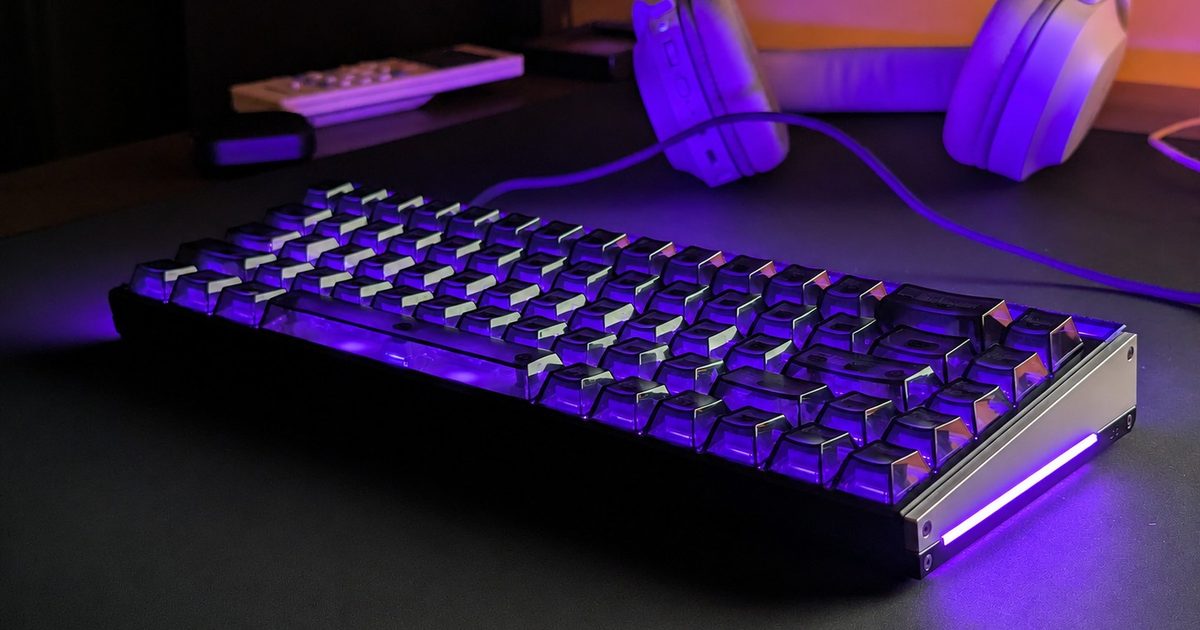
I have been reviewing the MelGeek Made68 Ultra V2 for the past few weeks, and surprisingly, one of my favorite things about it has nothing to do with gaming.
Make no mistake, this is very much a gaming keyboard, and a premium one at that. It uses Hall effect switches, offers adjustable actuation, and has all the usual features you would expect from a modern magnetic keyboard. I have particularly enjoyed using it in Rainbow Six Siege, where peeking and strafing feel noticeably snappier than on the mechanical keyboards I normally use.
But I have also fallen in love with simply typing on it. My unit uses TTC’s KOM Lite switches, which have been an absolute delight. They produce a clicky yet surprisingly balanced sound that has been music to my ears after spending years using comparatively muted linear mechanical switches.
None of this, however, prepared me for the feature that has probably consumed the most time during my review.
Wait, why does my keyboard support GIFs?
While digging through MelGeek’s Hive 2.0 software, I came across an option called GIF Lighting. My immediate reaction was confusion.
Uploading GIFs makes perfect sense on keyboards that have little LCD or OLED screens. The Made68 Ultra V2 does not have one. It has 69 RGB LEDs sitting underneath its keys, so I wanted to know what exactly MelGeek expected me to do with a GIF
Naturally, I started uploading random ones.
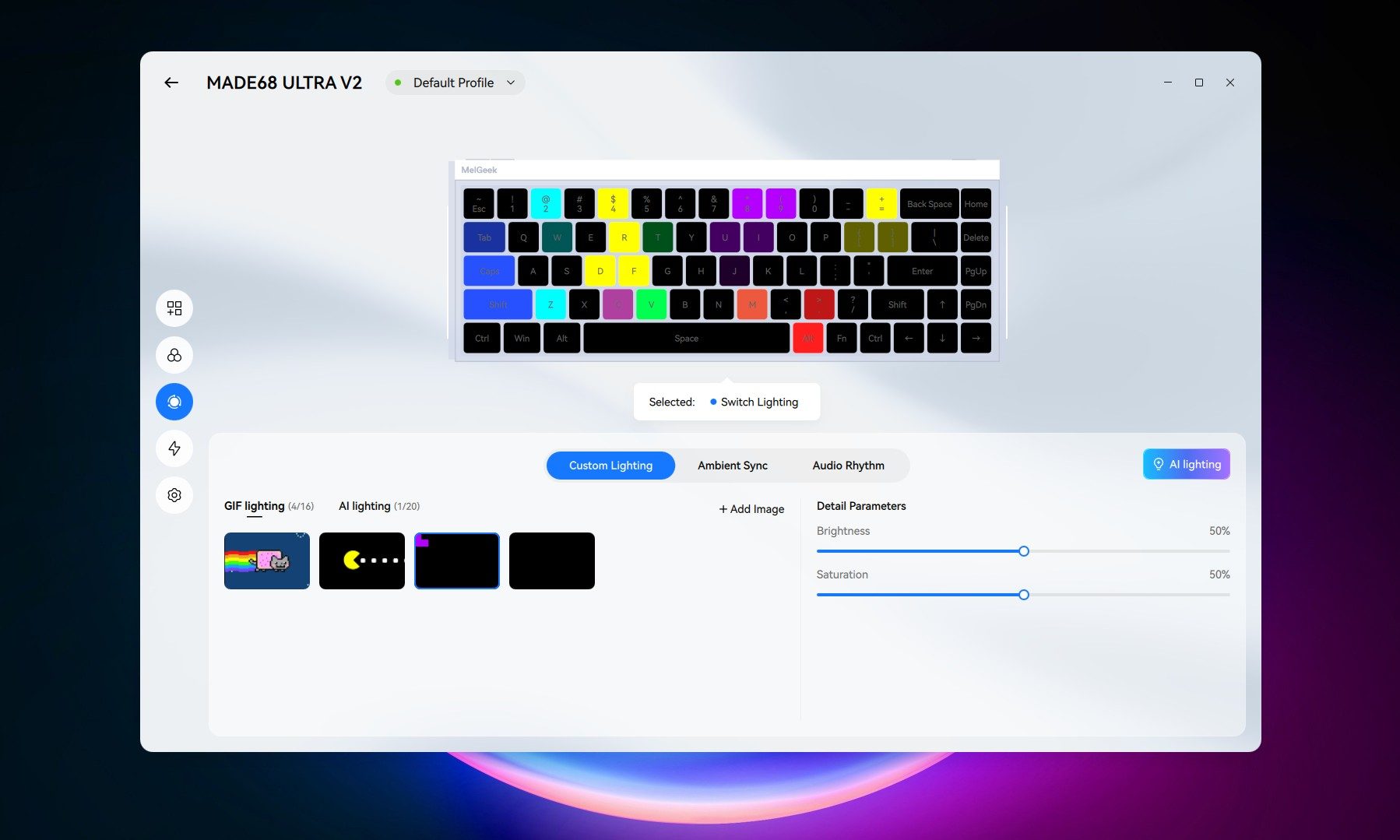
Pac-Man went in first, followed by Nyan Cat and a few other basic animations. The results were about as messy as you would expect when an image is being recreated using fewer than 70 individual lights. You could see colors moving across the keyboard, but recognizing what was actually happening required a healthy amount of imagination.
Then it clicked. Tetris.
I spent a good chunk of my childhood playing Tetris on cheap Game Boy clones, usually on tiny black-and-white screens. A keyboard seemed almost perfect for recreating it. The keys already form a grid, each one can display a different color, and Tetris does not need detailed graphics to be recognizable.
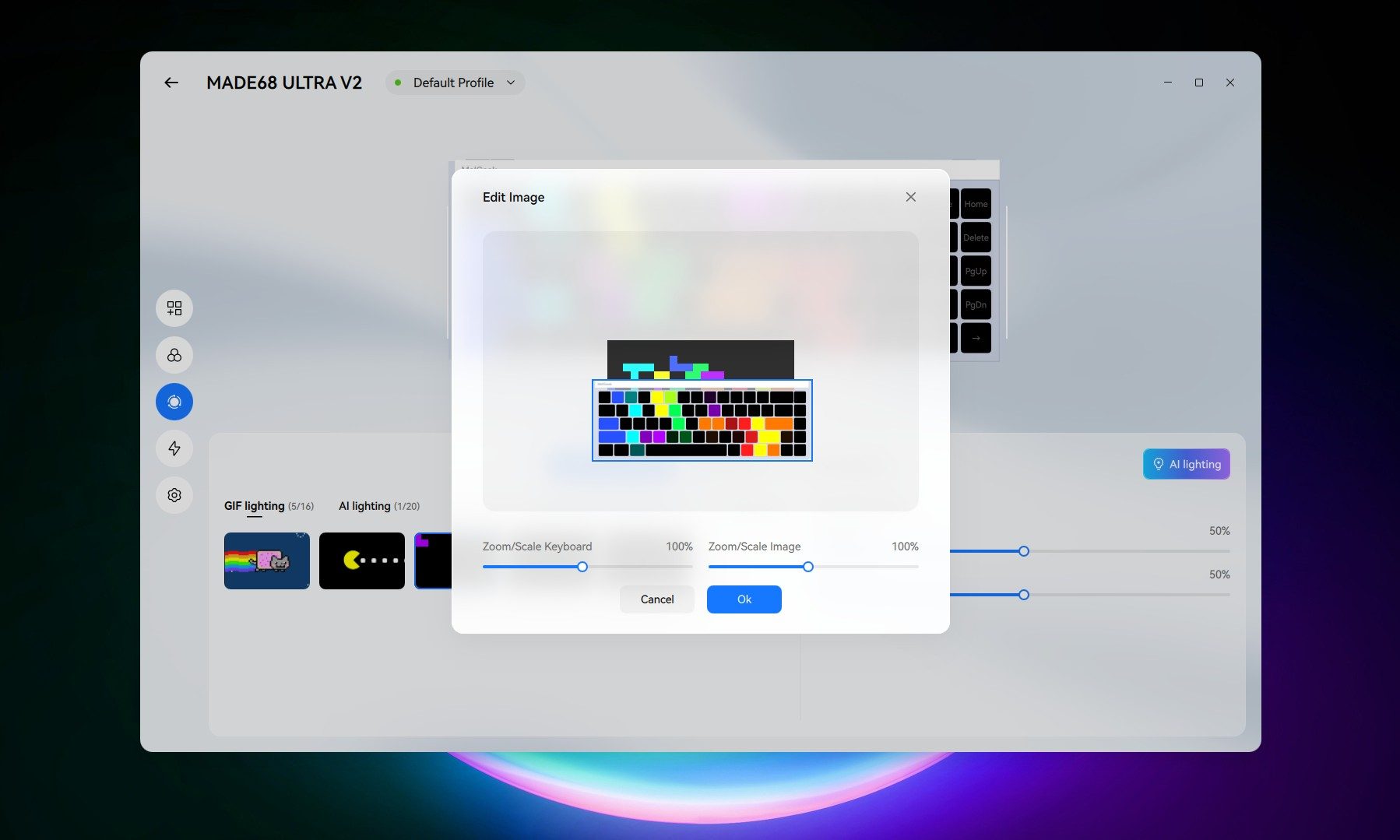
I searched around for suitable GIFs, but nothing really worked the way I wanted. So I ended up using ChatGPT to make one from scratch.
It took two attempts to get right, but I eventually had a 30-second looping animation filled with red, blue, green, purple, yellow, and turquoise blocks falling and stacking across a black background.
My keyboard is now playing Tetris
Getting it onto the keyboard was surprisingly simple. I uploaded the GIF into MelGeek Hive, adjusted its scale and position, and mapped the animation across the RGB lighting.
Suddenly, little Tetris blocks were falling across my keyboard.
It is obviously not a perfect miniature Tetris display. There simply are not enough LEDs for that kind of detail. But the chunky blocks, bright colors, and movement translate remarkably well. From a normal sitting distance, it looks like a tiny game is constantly unfolding underneath my fingertips.
I am certainly not the first person to put Tetris on an RGB keyboard. What makes MelGeek’s implementation interesting to me is how little effort it requires. I do not need to hunt down somebody else’s lighting configuration, install a custom preset, or manually program every key. It accepts an ordinary GIF, and Hive lets me resize and reposition it until the animation fits.
More importantly, I am not restricted to a tiny preset animation. My current Tetris loop runs for 30 seconds, but there is nothing stopping me from creating something dramatically longer. A 30-minute or even hour-long Tetris game is already something I have my eyes on, alongside improving the animation so it makes better use of every key.
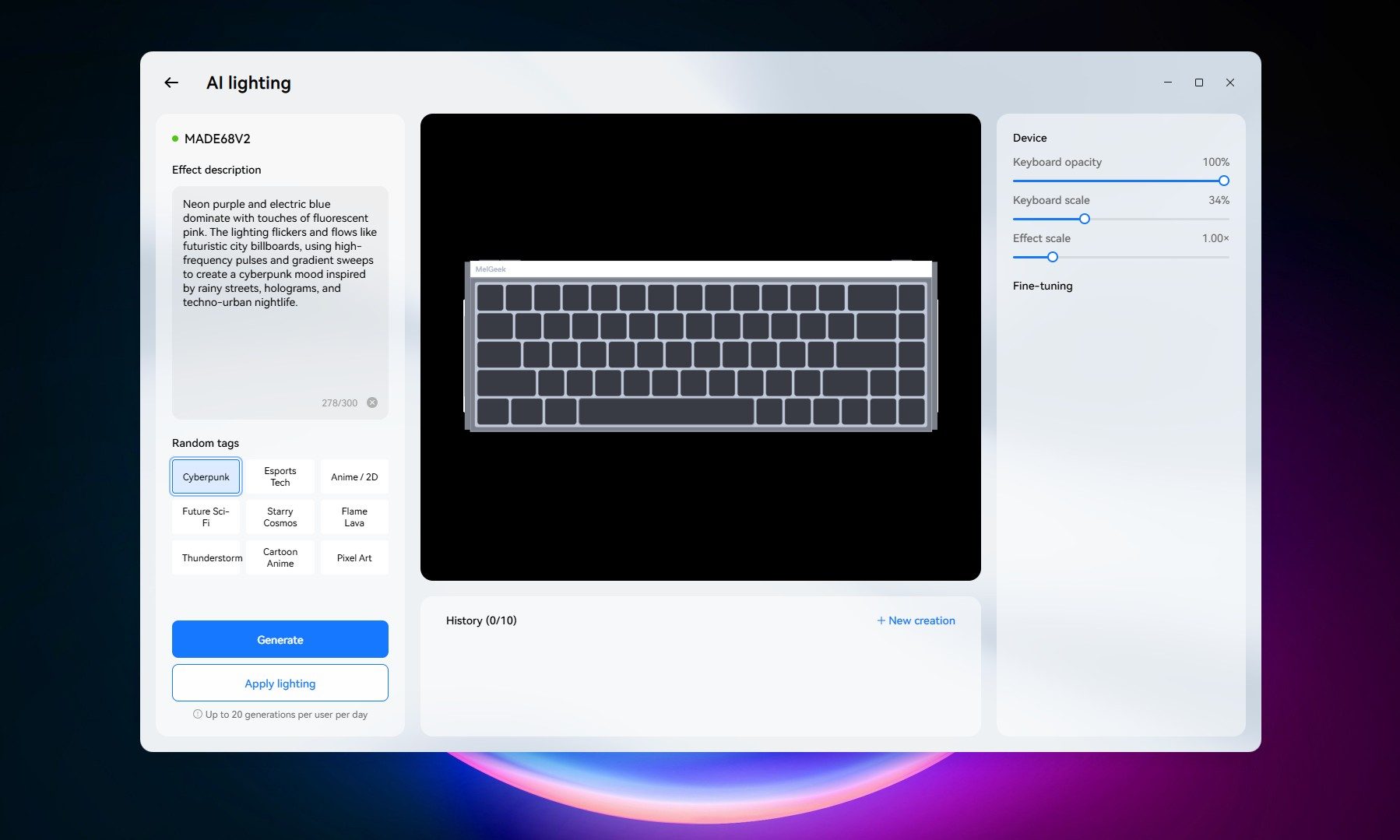
GIF Lighting is not the only unusual lighting tool hiding inside Hive either. There is also AI Lighting, which lets you describe a color palette, mood, or visual style through a prompt and have the software generate an effect. Presets including Cyberpunk, Esports Tech, Anime/2D, Pixel Art, and Flame Lava give you somewhere to start.
I am still digging through those features and will have much more to say about the Made68 Ultra V2 in my full review. For now, I am enjoying Tetris running across my keyboard and wondering what other GIFs could work just as well.


