
Close Menu
Tech Savvyed
  • Home
  • News
  • Artificial Intelligence
  • Gadgets
  • Apps
  • Mobile
  • Gaming
  • Accessories
  • More
    • Web Stories
    • Spotlight
    • Press Release

Subscribe to Updates

Get the latest tech news and updates directly to your inbox.

What's On
The First Witcher 3: Wild Hunt – Songs Of The Past Footage Will Be Revealed During Gamescom’s Opening Night Live Stream

The First Witcher 3: Wild Hunt – Songs Of The Past Footage Will Be Revealed During Gamescom’s Opening Night Live Stream

21 July 2026
Samsung’s new AI assistant wants to explain what your health data actually means

Samsung’s new AI assistant wants to explain what your health data actually means

21 July 2026
The Incident at Galley House Review – A Clever Blast From The Past

The Incident at Galley House Review – A Clever Blast From The Past

21 July 2026
Facebook X (Twitter) Instagram
Tech Savvyed
SUBSCRIBE
  • Home
  • News
  • Artificial Intelligence
  • Gadgets
  • Apps
  • Mobile
  • Gaming
  • Accessories
  • More
    • Web Stories
    • Spotlight
    • Press Release
Tech Savvyed
Home»News»At last, Microsoft will spare you the shame of unintended hand raise in Teams
News

At last, Microsoft will spare you the shame of unintended hand raise in Teams

News RoomBy News Room21 April 20262 Mins Read
At last, Microsoft will spare you the shame of unintended hand raise in Teams
Share
Facebook Twitter Reddit Telegram Pinterest Email

If you’ve ever accidentally raised your hand mid-meeting on Microsoft Teams, you know the pain. Suddenly, everyone’s looking at you, and all you can do is scramble to unmute and awkwardly clarify that it was a mistake.

Microsoft has finally decided to do something about it by moving the raise hand button away from the main toolbar. The company is also planning a significant redesign of the Teams meeting toolbar, which is likely to roll out on desktop and macOS in June 2026.

Starting a support group for those who have accidentally raised their hand during a Teams meeting 🖐️

— Microsoft 365 (@Microsoft365) September 12, 2024

How will Microsoft Teams fix the accidental raise hand issue?

The update, listed on the Microsoft 365 Roadmap under ID 560321, will move the Raise Hand button out of the main toolbar. It will appear under the Reactions button instead. This is important because the two functions look similar enough at a glance to mix up easily.

Accidentally hitting Raise Hand when you meant to send an emoji reaction is a surprisingly common frustration for Teams users. The Leave button is also getting its own clearly separated spot on the right side of the meeting window. That should fix both accidental exits and the frantic button-hunting that happens at the end of calls.

Will it be possible to customize the new Microsoft Teams meeting toolbar?

Yes, and that’s the other big part of this update. You’ll be able to pin, unpin, and reorder controls on the meeting toolbar to match how you actually work. However, Microsoft hasn’t shared any images of the new toolbar yet. The company does acknowledge the shift could take some getting used to, noting it “may feel different at first.”

Microsoft is also working on other quality-of-life fixes for Teams. A pre-join mic and speaker test is reportedly in the works, letting you record a short audio clip and play it back before entering a call, so you’re not the person asking “can everyone hear me?” at the start of every meeting.
Share. Facebook Twitter Pinterest LinkedIn Telegram Reddit Email
Previous ArticleTides of Tomorrow Review – An Effective Ripple Effect
Next Article Diablo IV: Lord of Hatred Review – Embrace The Hate

Related Articles

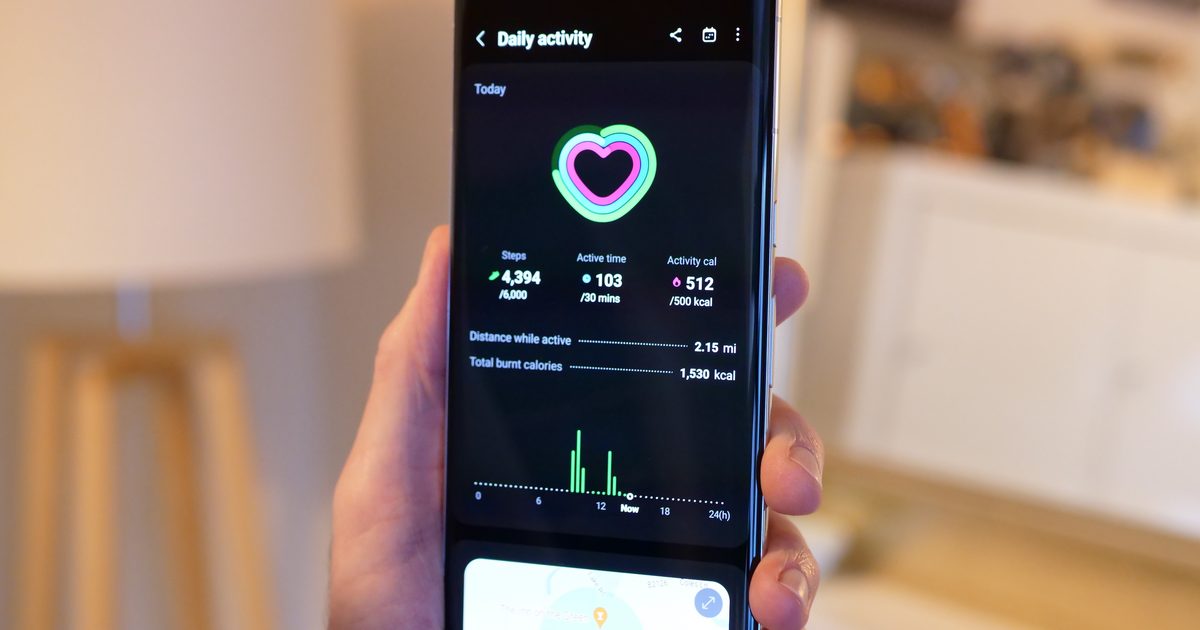
Samsung’s new AI assistant wants to explain what your health data actually means

Samsung’s new AI assistant wants to explain what your health data actually means

21 July 2026
Apple’s next big iPhone display experiment could be its biggest yet

Apple’s next big iPhone display experiment could be its biggest yet

21 July 2026
Garmin’s new Fitbit Air rival has 80 workout modes and avoids the frustrating subscription trap

Garmin’s new Fitbit Air rival has 80 workout modes and avoids the frustrating subscription trap

21 July 2026
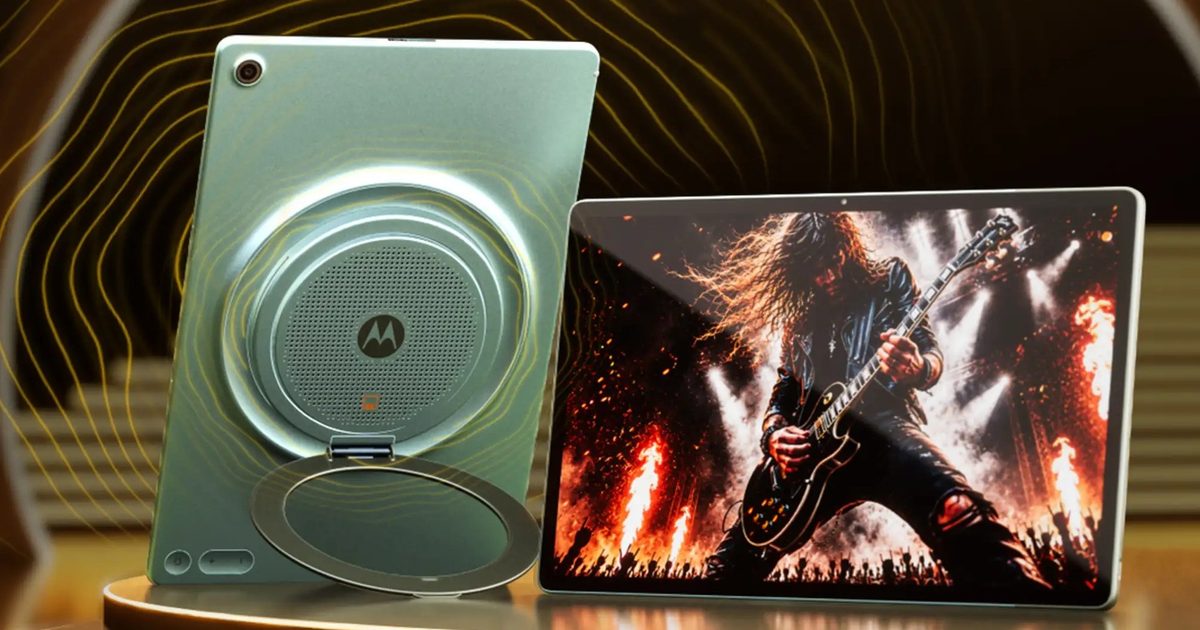
After flips and foldables, Motorola drops a tablet stuffed with nine JBL speakers, and I need to hear it

After flips and foldables, Motorola drops a tablet stuffed with nine JBL speakers, and I need to hear it

21 July 2026
Yet another study says AI is bad for elections, and the rabbit hole gets worse

Yet another study says AI is bad for elections, and the rabbit hole gets worse

21 July 2026
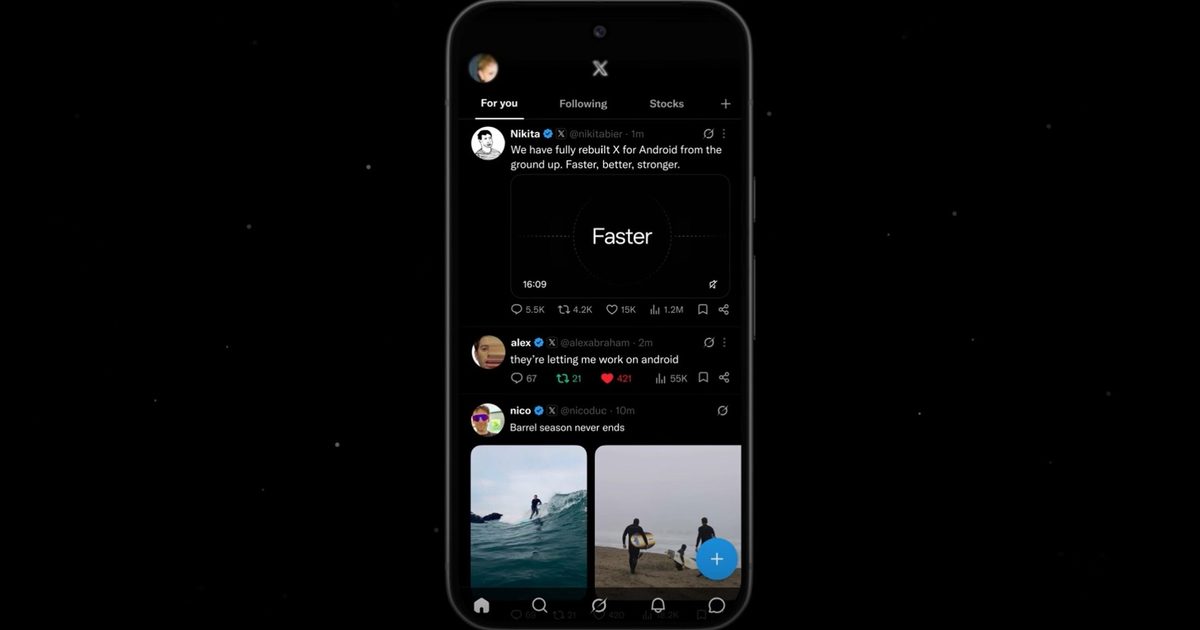
X finally rebuilt its neglected Android app, and it only took a year

X finally rebuilt its neglected Android app, and it only took a year

21 July 2026
Demo
Stay In Touch
  • Facebook
  • Twitter
  • Pinterest
  • Instagram
  • YouTube
  • Vimeo
Don't Miss
Samsung’s new AI assistant wants to explain what your health data actually means

Samsung’s new AI assistant wants to explain what your health data actually means

By News Room21 July 2026

Samsung Health is getting smarter than ever before with its new AI assistant. The Samsung…

The Incident at Galley House Review – A Clever Blast From The Past

The Incident at Galley House Review – A Clever Blast From The Past

21 July 2026
Apple’s next big iPhone display experiment could be its biggest yet

Apple’s next big iPhone display experiment could be its biggest yet

21 July 2026
Garmin’s new Fitbit Air rival has 80 workout modes and avoids the frustrating subscription trap

Garmin’s new Fitbit Air rival has 80 workout modes and avoids the frustrating subscription trap

21 July 2026
Tech Savvyed
Facebook X (Twitter) Instagram Pinterest
  • Privacy Policy
  • Terms of use
  • Advertise
  • Contact
© 2026 Tech Savvyed. All Rights Reserved.

Type above and press Enter to search. Press Esc to cancel.