




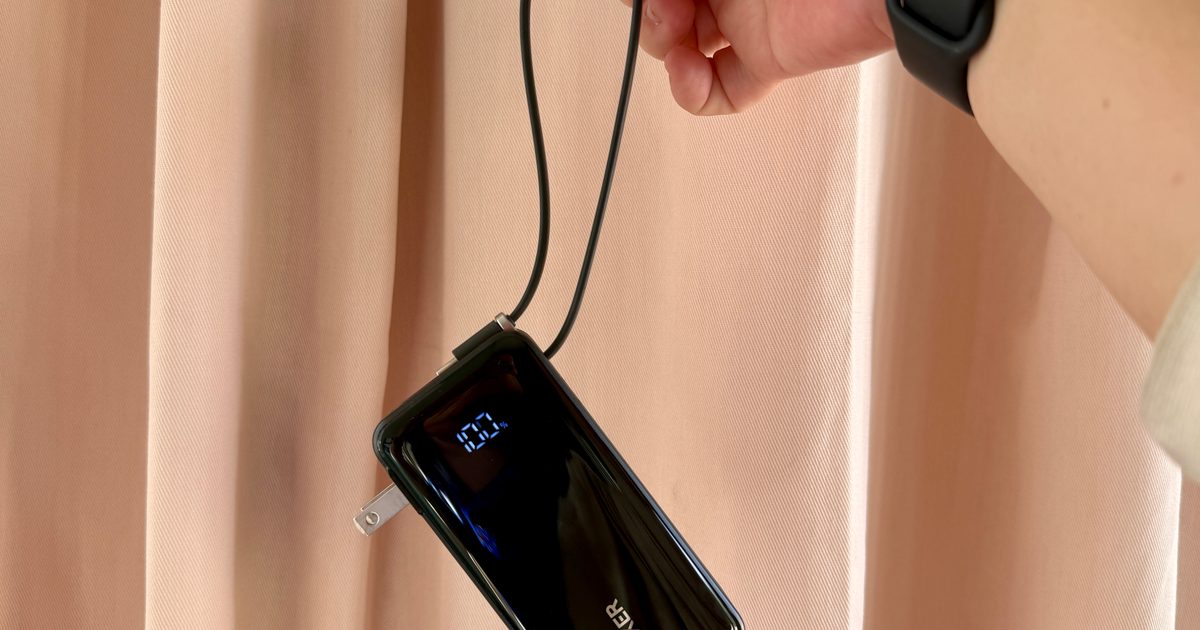
Finding an empty outlet on campus can require more patience than registering for a popular class. Common spaces like libraries or lecture halls rarely have sockets in the right places. So a good power bank gives you far more freedom. It gives you the option to choose the quiet corner of the library, work outside between classes, or even finish an assignment without worrying about your laptop’s battery.
The right model depends on what you carry, since a phone needs far less power than a MacBook or gaming laptop. I picked four Anker power banks that cover everything from everyday phone charging to running several demanding devices at once.
Anker Prime Power Bank (20K, 220W)
Pros
- Massive 220W total output capacity
- Fast 140W single-port charging speed
- Rapid 100W self-recharging input rate
- TSA-compliant 72.36Wh portable size
Cons
- High price tag relative to capacity
- Heavy, dense build at 510 grams
- Plastic exterior easily gathers smudges
The Anker Prime is the model I would put in my backpack if I lug around a power-hungry laptop for architecture, engineering, or animation workflows. A single USB-C port can deliver up to 140W, while its 220W combined ceiling lets it charge a laptop alongside a phone, tablet, or another USB-C device. The display shows far more than a basic battery percentage, including active charging speeds and remaining runtime estimates, while the companion app provides additional monitoring and power-management controls.
That capability comes with a considerable 1.12-pound weight penalty, so this is closer to a portable charging station than an emergency phone battery. Students carrying lighter equipment can spend less and save valuable backpack space. For demanding laptops and several-device setups, however, the Prime provides the strongest charging performance in this group. Best Buy currently lists it for $129.99, down $50 from its $179.99 comparable value.
Anker Laptop Power Bank (25K, 165W)
Pros
- Massive 165W combined output power
- Integrated retractable USB-C cable included
- TSA-compliant flight-approved 90Wh capacity
- Smart display shows real-time metrics
Cons
- Fairly heavy build at 595 grams
- Shiny display screen scratches easily
- Thick body requires dedicated bag space
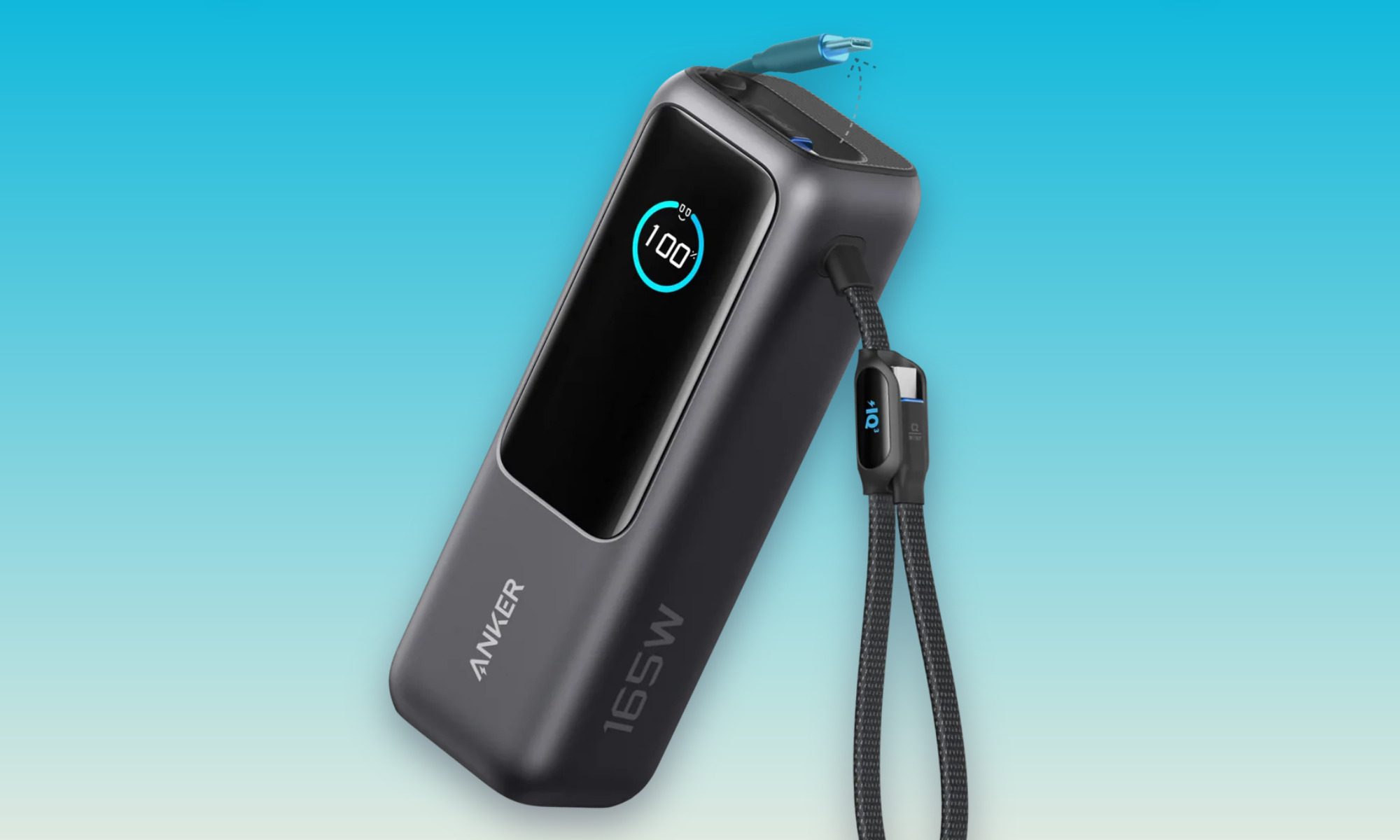
This is the power bank for students who might pack all of their gadgets, but leave the charging cable sitting on their desk. With modern-day users relying on a wide variety of tech products in their daily routine, I recommend the Anker Laptop Power Bank as a solid one-stop solution. This one power bank can charge as many as four devices simultaneously.
Anker builds two USB-C cables directly into the battery, including a retractable 27.6-inch cable and a shorter cable that doubles as a carrying loop. You also get separate USB-C and USB-A ports. Each USB-C connection can supply up to 100W, which is enough for many thin-and-light laptops, MacBooks, tablets, handheld gaming PCs, and phones. Its 25,000mAh capacity also provides more endurance than the Prime, although the larger battery and cable system raise its weight to around 21 ounces. That makes it a substantial addition to a backpack, yet the convenience of leaving every separate cable at home could justify the extra bulk. It is currently listed on Best Buy at $104.99.
Anker Nano Power Bank 10K
Pros
- Built-in cable doubles as strap
- Fast 30W two-way Power Delivery
- Eco-friendly post-consumer recycled plastic
- Informative digital battery status screen
Cons
- Built-in cable is not user-replaceable
- Short cable limits device placement
- Slightly heavy for its size
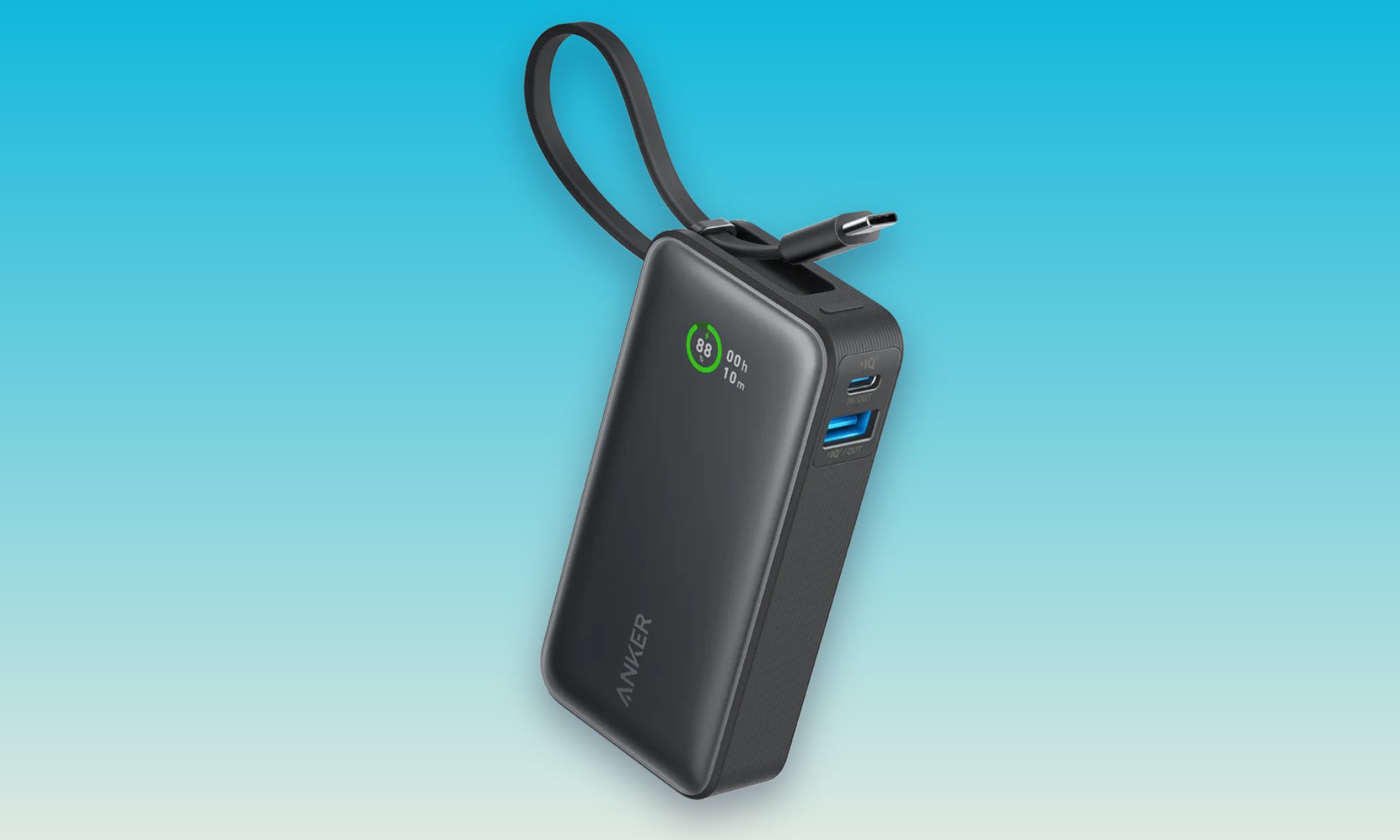
Most students need backup power for their phones, earbuds, and other portable gadgets. Not everyone is working on a workstation-class laptop. So another easy recommendation of mine is the Anker Nano, which gets the job done without turning a backpack into strength training. It weighs 7.58 ounces and includes a built-in USB-C cable that works for charging devices and replenishing the battery itself.
A separate USB-C port and USB-A connection provide flexibility for older accessories, while the display gives you a clearer idea of the remaining charge. Its maximum 30W output suits phones, tablets, a Nintendo Switch, and smaller USB-C devices. However, students should avoid choosing it as their primary laptop charger. It may slow the battery drain on an efficient notebook, but larger laptops demand considerably more power. The 10,000mAh capacity and smaller body make the Nano the easiest recommendation for everyday campus use. Walmart currently lists the black version for $49.99.
Anker Zolo Magnetic Power Bank 10K
Pros
- Affordable price-to-capacity value ratio
- Fast 30W wired charging speed
- Convenient built-in fold-out kickstand
- Integrated right-angle USB-C cable
Cons
- Wireless charging limited to 7.5W
- Chunky and heavy when attached
- Soft-touch finish attracts lint easily
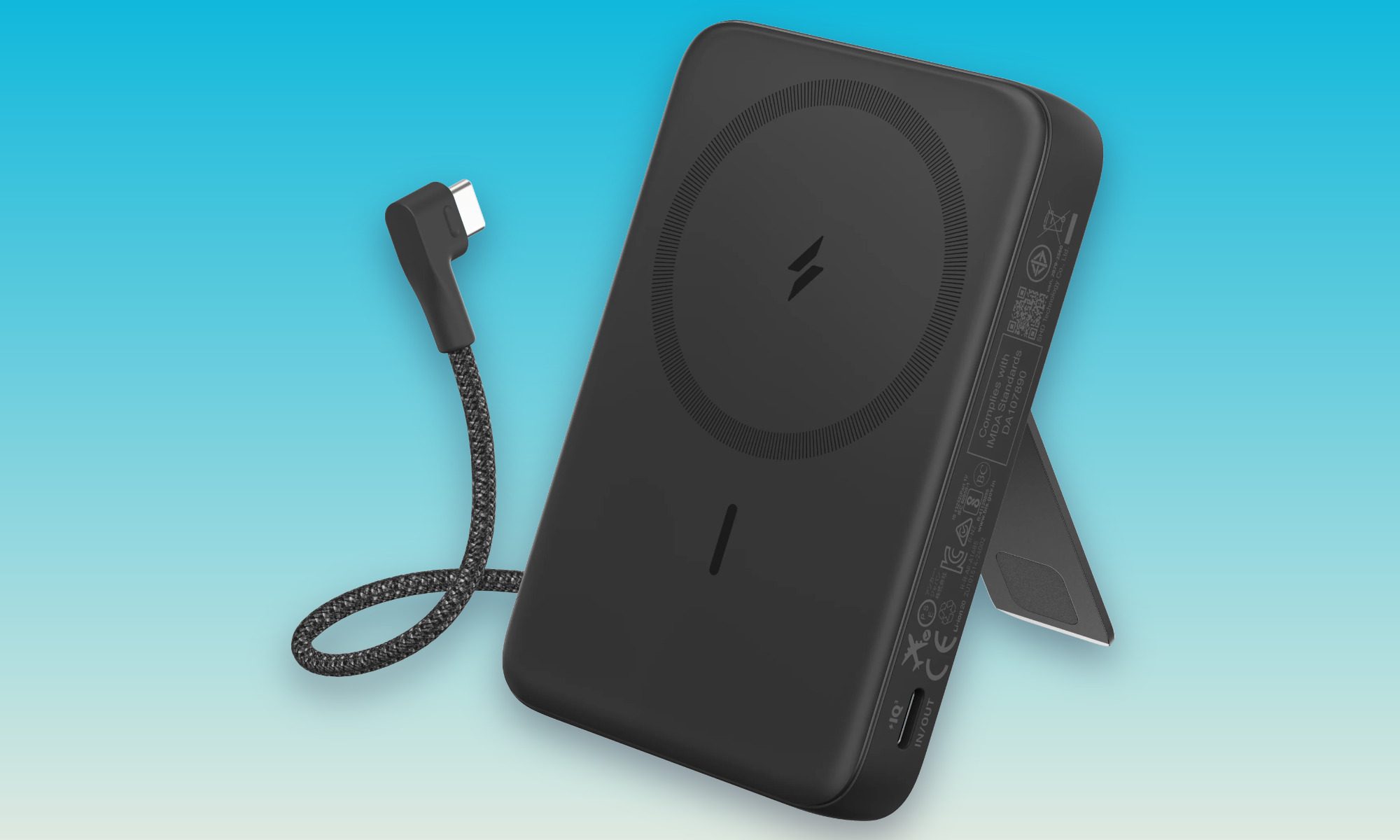
For iPhone users, the Zolo is my pick for the most convenient option. So if you take breaks watching videos or attending calls, you can magnetically attach your compatible iPhone. Thanks to the built-in adjustable stand, this creates a small desktop phone holder. The built-in right-angle USB-C cable delivers up to 30W when faster charging matters, and its design keeps the connector from awkwardly jutting out beneath the phone.
Wireless charging is considerably slower at 7.5W, so the magnetic mode works best for steady top-ups rather than quickly rescuing an almost-empty battery. At 8.46 ounces and 0.81 inches thick, it also adds noticeable bulk when attached. The combination of a stand, magnetic charging, and an integrated cable still makes it the most versatile phone-focused option in this selection.


