
Close Menu
Tech Savvyed
  • Home
  • News
  • Artificial Intelligence
  • Gadgets
  • Apps
  • Mobile
  • Gaming
  • Accessories
  • More
    • Web Stories
    • Spotlight
    • Press Release

Subscribe to Updates

Get the latest tech news and updates directly to your inbox.

What's On
GTA 6 may not get the real physical release fans were hoping for

GTA 6 may not get the real physical release fans were hoping for

27 June 2026
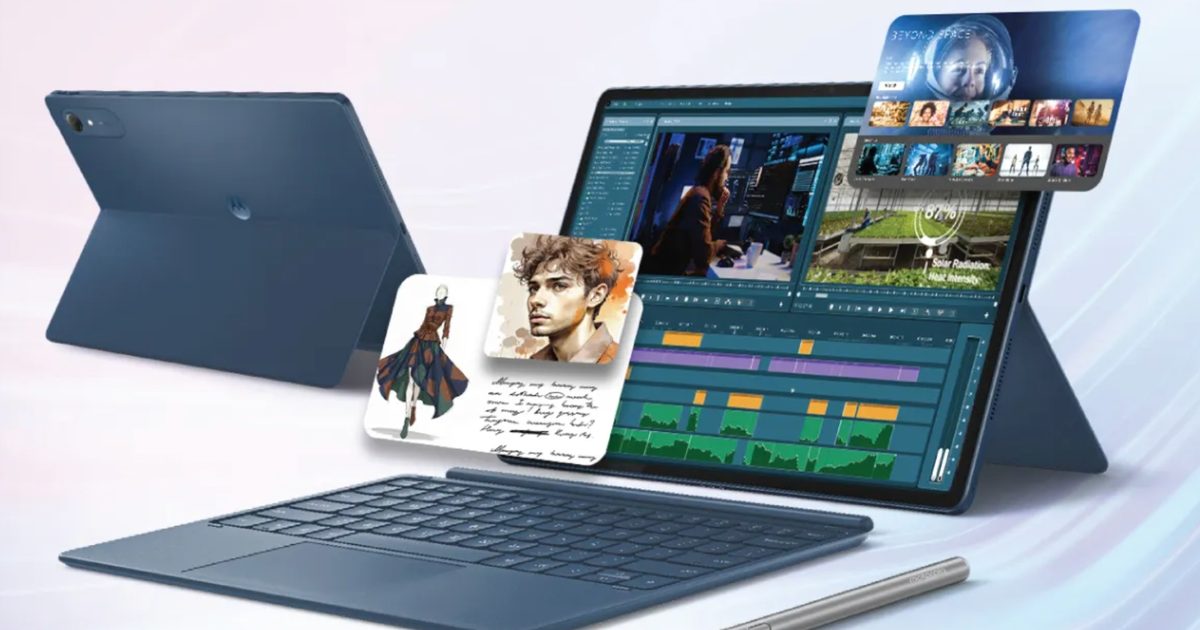
As iPads get pricier, Motorola’s Pad 70 Pro arrives as a solid option… just not for US buyers yet

As iPads get pricier, Motorola’s Pad 70 Pro arrives as a solid option… just not for US buyers yet

27 June 2026
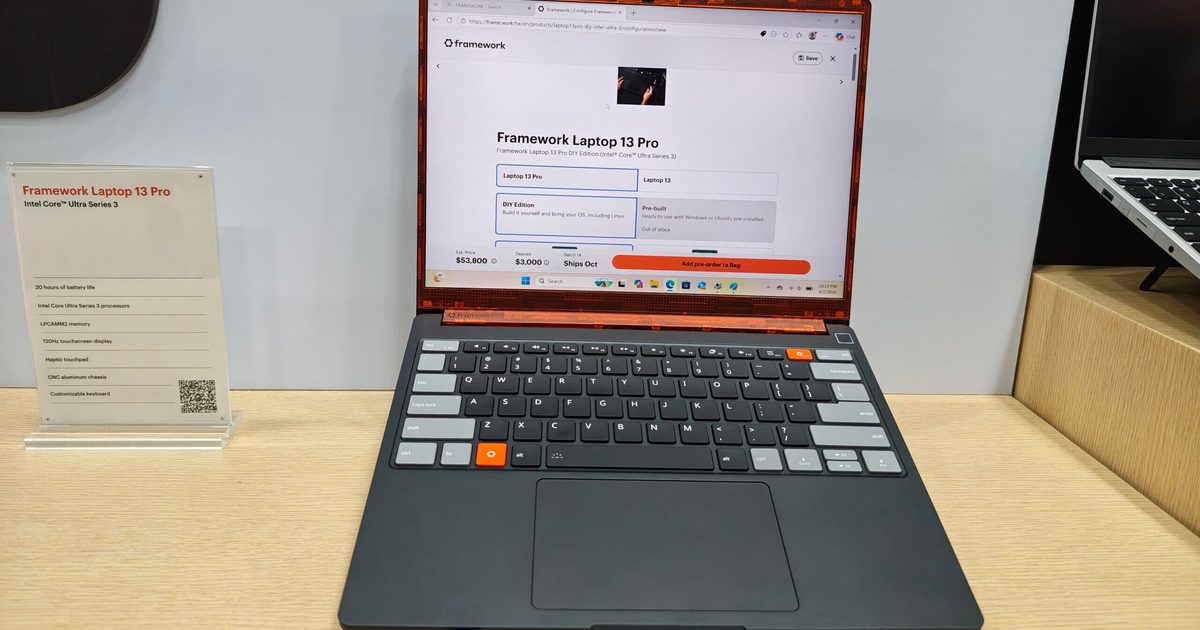
Framework found a way to make its new laptop cheaper, but don’t celebrate yet

Framework found a way to make its new laptop cheaper, but don’t celebrate yet

27 June 2026
Facebook X (Twitter) Instagram
Tech Savvyed
SUBSCRIBE
  • Home
  • News
  • Artificial Intelligence
  • Gadgets
  • Apps
  • Mobile
  • Gaming
  • Accessories
  • More
    • Web Stories
    • Spotlight
    • Press Release
Tech Savvyed
Home»News»You can finally have human-like conversations with Google’s smart home Gemini
News

You can finally have human-like conversations with Google’s smart home Gemini

News RoomBy News Room22 April 20262 Mins Read
You can finally have human-like conversations with Google’s smart home Gemini
Share
Facebook Twitter Reddit Telegram Pinterest Email

Google is finally making Gemini for Home feel a little less like a voice assistant that forgets what you said two seconds ago. In a new post on the Google Nest Community, the company announced that Continued Conversation is now rolling out to Gemini for Home.

This feature basically lets users ask follow-up questions without having to say “Hey Google” again and again, which makes back-and-forth interactions on Gemini on Nest speakers and smart displays feel much faster and more natural. Google is rolling out Continued Conversation for Gemini for Home early access users, and the feature is available without a subscription.

How does it work?

After you ask Gemini your first question, the mic stays open for a few more seconds so you can keep talking. So if you ask about the weather in Tokyo, you can ask a follow-up with “How about tomorrow?” and Gemini will understand that you are still talking about Tokyo.

Google says this new version goes beyond the older implementation of Google Assistant, which only reopened the microphone for a separate question and was limited to US English. Gemini for Home now keeps the context of the conversation, which is the part that actually makes it useful.

Why this is a great upgrade

Google’s Continued Conversation will now work across all supported languages and regions, so this isn’t just a US-only release restricted to English. It’s also flexible, since even guests can use it too once it is enabled. Gemini has also seen an improvement in side-talk detection, so it should do a better job telling the difference between a follow-up command and someone else just talking in the room.

Google Gemini now supports Continued Conversation

In other words, you’re getting a voice assistant that keeps listening after it speaks, which can get weird quickly if it starts reacting to random chatter. So Google has worked on keeping this feature less trigger-happy.

How to enable this feature?

If you want to turn it on, Google says the setting lives in the Home app under Home Settings > Gemini for Home voice assistant > Continued Conversation.

The official blog post frames Continued Conversation as one of the most-requested additions from early users, which makes sense because it directly addresses one of the most obvious frustrations in voice interaction.

Share. Facebook Twitter Pinterest LinkedIn Telegram Reddit Email
Previous ArticleSamsung SmartThings network will be friends with Ikea’s Matter-ready devices
Next Article Oppo Find X9 Ultra lands with camera chops that Apple and Samsung won’t dare attempt

Related Articles

GTA 6 may not get the real physical release fans were hoping for

GTA 6 may not get the real physical release fans were hoping for

27 June 2026
As iPads get pricier, Motorola’s Pad 70 Pro arrives as a solid option… just not for US buyers yet

As iPads get pricier, Motorola’s Pad 70 Pro arrives as a solid option… just not for US buyers yet

27 June 2026
Framework found a way to make its new laptop cheaper, but don’t celebrate yet

Framework found a way to make its new laptop cheaper, but don’t celebrate yet

27 June 2026
The Steam Machine launch hasn’t even happened, but the resale circus has begun

The Steam Machine launch hasn’t even happened, but the resale circus has begun

27 June 2026
Your Windows 10 PC just got an extra year of security updates, here’s how to get it for free

Your Windows 10 PC just got an extra year of security updates, here’s how to get it for free

27 June 2026
I found two Prime Day budget charger deals that don’t feel like cable-drawer junk

I found two Prime Day budget charger deals that don’t feel like cable-drawer junk

27 June 2026
Demo
Stay In Touch
  • Facebook
  • Twitter
  • Pinterest
  • Instagram
  • YouTube
  • Vimeo
Don't Miss
As iPads get pricier, Motorola’s Pad 70 Pro arrives as a solid option… just not for US buyers yet

As iPads get pricier, Motorola’s Pad 70 Pro arrives as a solid option… just not for US buyers yet

By News Room27 June 2026

If you don’t know about Apple’s recent price hike, which affected all the products in…

Framework found a way to make its new laptop cheaper, but don’t celebrate yet

Framework found a way to make its new laptop cheaper, but don’t celebrate yet

27 June 2026
The Steam Machine launch hasn’t even happened, but the resale circus has begun

The Steam Machine launch hasn’t even happened, but the resale circus has begun

27 June 2026
Your Windows 10 PC just got an extra year of security updates, here’s how to get it for free

Your Windows 10 PC just got an extra year of security updates, here’s how to get it for free

27 June 2026
Tech Savvyed
Facebook X (Twitter) Instagram Pinterest
  • Privacy Policy
  • Terms of use
  • Advertise
  • Contact
© 2026 Tech Savvyed. All Rights Reserved.

Type above and press Enter to search. Press Esc to cancel.