




Close Menu
Tech Savvyed
  • Home
  • News
  • Artificial Intelligence
  • Gadgets
  • Apps
  • Mobile
  • Gaming
  • Accessories
  • More
    • Web Stories
    • Spotlight
    • Press Release

Subscribe to Updates

Get the latest tech news and updates directly to your inbox.

What's On
No Law Preview: So Much More Than A Cyberpunk FPS

No Law Preview: So Much More Than A Cyberpunk FPS

31 August 2026
Windows 11 is finally rolling out the option to kick Bing out of Search

Windows 11 is finally rolling out the option to kick Bing out of Search

31 August 2026
Some Galaxy S26 Ultra owners are still facing the red tint issue after installing the recent fix

Some Galaxy S26 Ultra owners are still facing the red tint issue after installing the recent fix

31 August 2026
Facebook X (Twitter) Instagram
Tech Savvyed
SUBSCRIBE
  • Home
  • News
  • Artificial Intelligence
  • Gadgets
  • Apps
  • Mobile
  • Gaming
  • Accessories
  • More
    • Web Stories
    • Spotlight
    • Press Release
Tech Savvyed
Home»News»Windows 11 is finally rolling out the option to kick Bing out of Search
News

Windows 11 is finally rolling out the option to kick Bing out of Search

News RoomBy News Room31 August 20262 Mins Read
Windows 11 is finally rolling out the option to kick Bing out of Search
Share
Facebook Twitter Reddit Telegram Pinterest Email

Microsoft has spent the past few months testing a much cleaner version of Windows Search, and it is finally starting to reach regular Windows 11 PCs.

According to Windows Latest, the redesigned Search experience is included in the August 2026 optional update, KB5120998, for Windows 11 24H2 and 25H2. Microsoft confirms that the update moves PCs to builds 26100.9278 and 26200.9278, respectively, although some of its new features are being enabled gradually.

We first covered these Search changes in July, when they were limited to Windows Insiders in the Experimental channel.

You can finally keep Bing out of Windows Search

The biggest improvement is a pair of controls under Settings > Privacy & security > Search. One toggle controls web results, while another handles Microsoft Store suggestions.

Turning off web results removes Bing suggestions from Search, while disabling both leaves Windows focused almost entirely on results from the PC. Windows Latest also found that Search feels faster this way because it no longer waits for an online Bing request before returning results.

The Search home screen is cleaner as well. Microsoft has removed much of the old Bing-powered clutter, including trending searches and promotional content, while results now clearly identify whether they come from an app, file, setting, the web, or Microsoft Store. Typo handling and local result prioritization have also been improved.
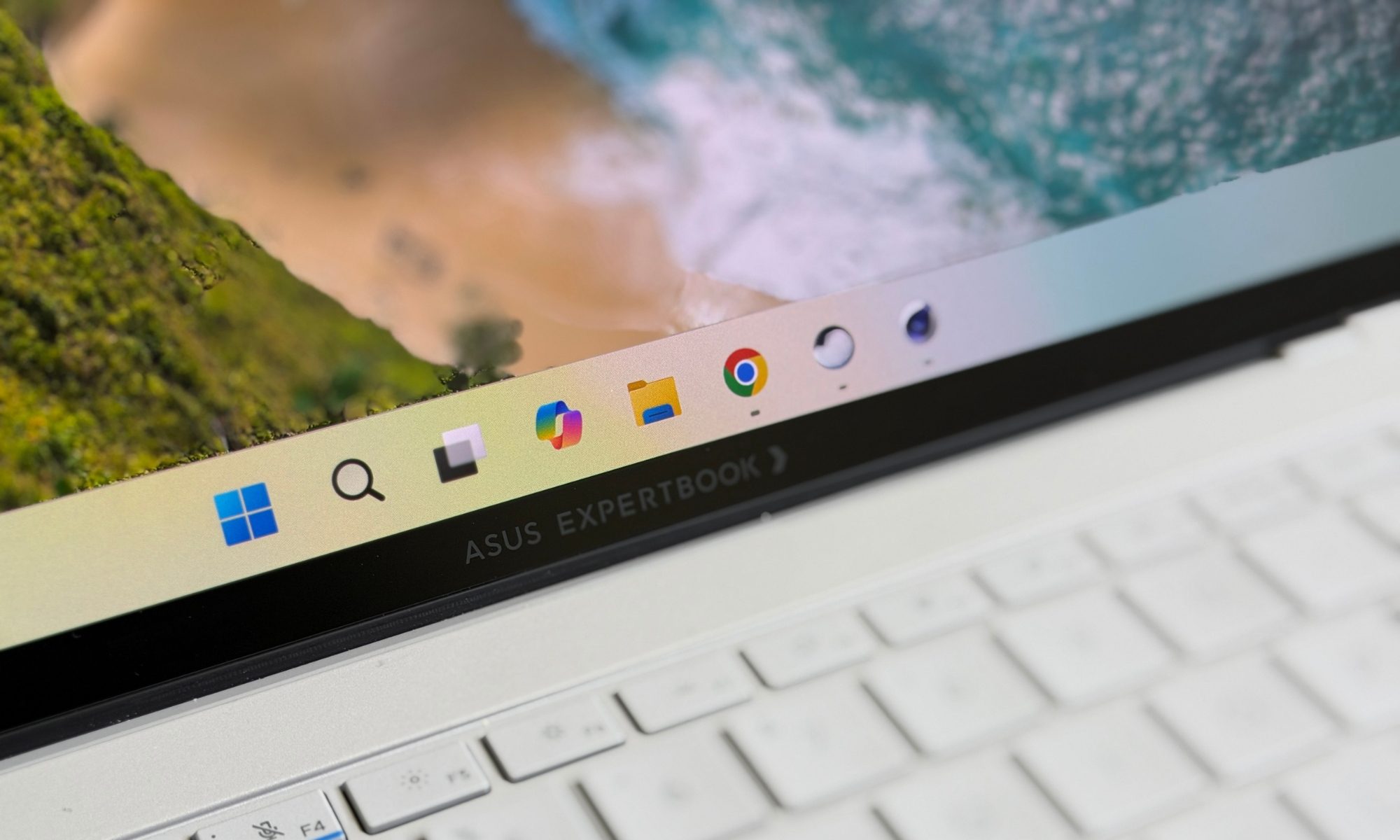
Asus ExpertBook Ultra laptop

The rollout is still gradual

Installing KB5120998 does not necessarily mean the new Search will appear immediately. Microsoft is using its Controlled Feature Rollout system, meaning the necessary components can already be installed while the feature itself remains disabled on some PCs.

Windows Latest says users who do not want to wait can force-enable it through ViVeTool, although everyone else can simply wait for Microsoft to activate the feature automatically.

Windows Search should never have needed a web request to help someone find Calculator, Settings, or a file sitting on their own PC. Microsoft has taken its time getting here, but the option to remove Bing finally makes Search behave much closer to what a desktop search tool should be.

Share. Facebook Twitter Pinterest LinkedIn Telegram Reddit Email
Previous ArticleSome Galaxy S26 Ultra owners are still facing the red tint issue after installing the recent fix
Next Article No Law Preview: So Much More Than A Cyberpunk FPS

Related Articles

Some Galaxy S26 Ultra owners are still facing the red tint issue after installing the recent fix

Some Galaxy S26 Ultra owners are still facing the red tint issue after installing the recent fix

31 August 2026
Huawei’s new Galaxy Z TriFold rival folds twice, packs 2TB, and looks stunning in purple

Huawei’s new Galaxy Z TriFold rival folds twice, packs 2TB, and looks stunning in purple

31 August 2026
UK health advocates warn AI transcription tools could put patients at risk

UK health advocates warn AI transcription tools could put patients at risk

31 August 2026
A solar ambulance has successfully tackled 500 miles of difficult terrain

A solar ambulance has successfully tackled 500 miles of difficult terrain

31 August 2026
The Internet Archive just made decades of vintage AI playable in your browser, and it’s fascinating

The Internet Archive just made decades of vintage AI playable in your browser, and it’s fascinating

31 August 2026
You worry about AI taking your job because you know too much about AI, research finds

You worry about AI taking your job because you know too much about AI, research finds

31 August 2026
Demo
Stay In Touch
  • Facebook
  • Twitter
  • Pinterest
  • Instagram
  • YouTube
  • Vimeo
Don't Miss
Windows 11 is finally rolling out the option to kick Bing out of Search

Windows 11 is finally rolling out the option to kick Bing out of Search

By News Room31 August 2026

Microsoft has spent the past few months testing a much cleaner version of Windows Search,…

Some Galaxy S26 Ultra owners are still facing the red tint issue after installing the recent fix

Some Galaxy S26 Ultra owners are still facing the red tint issue after installing the recent fix

31 August 2026
Huawei’s new Galaxy Z TriFold rival folds twice, packs 2TB, and looks stunning in purple

Huawei’s new Galaxy Z TriFold rival folds twice, packs 2TB, and looks stunning in purple

31 August 2026
UK health advocates warn AI transcription tools could put patients at risk

UK health advocates warn AI transcription tools could put patients at risk

31 August 2026
Tech Savvyed
Facebook X (Twitter) Instagram Pinterest
  • Privacy Policy
  • Terms of use
  • Advertise
  • Contact
© 2026 Tech Savvyed. All Rights Reserved.

Type above and press Enter to search. Press Esc to cancel.



