





Close Menu
Tech Savvyed
  • Home
  • News
  • Artificial Intelligence
  • Gadgets
  • Apps
  • Mobile
  • Gaming
  • Accessories
  • More
    • Web Stories
    • Spotlight
    • Press Release

Subscribe to Updates

Get the latest tech news and updates directly to your inbox.

What's On
LG agrees to kill McAfee pop-up on Windows PCs after Microsoft steps in

LG agrees to kill McAfee pop-up on Windows PCs after Microsoft steps in

24 July 2026
Latest Pixel 11 series leak offers the clearest look yet at Google’s next flagship

Latest Pixel 11 series leak offers the clearest look yet at Google’s next flagship

24 July 2026
Firefox just made work and personal browsing easier to separate

Firefox just made work and personal browsing easier to separate

24 July 2026
Facebook X (Twitter) Instagram
Tech Savvyed
SUBSCRIBE
  • Home
  • News
  • Artificial Intelligence
  • Gadgets
  • Apps
  • Mobile
  • Gaming
  • Accessories
  • More
    • Web Stories
    • Spotlight
    • Press Release
Tech Savvyed
Home»News»macOS clipboard app Maccy has a fake out there stealing passwords
News

macOS clipboard app Maccy has a fake out there stealing passwords

News RoomBy News Room4 July 20262 Mins Read
macOS clipboard app Maccy has a fake out there stealing passwords
Share
Facebook Twitter Reddit Telegram Pinterest Email

A fake version of Maccy, a popular clipboard manager for macOS, is being used to deliver a newly discovered Mac malware strain called PamStealer. Researchers at Jamf say the malware impersonates the real open-source app, but its actual purpose is to steal data and capture a victim’s login password.

PamStealer arrives as a disk image containing an AppleScript file that impersonates Maccy. Once the user opens that file, macOS launches it in Script Editor, where the on-screen instructions tell them to press Command-R. To someone expecting a normal app installer, that may look like an odd setup step. In reality, that action runs hidden malware code and starts the attack.

A fake installer starts the attack

The first part of the attack is designed to stay quiet. Instead of using common Mac command-line tools that security teams often watch for, the researchers say the malware uses Apple’s own automation features to download and launch the next stage.

The payload then hides inside app bundles that pretend to be real macOS components. Jamf found samples posing as Finder or Software Update. These fake components run in the background and use Apple’s Finder icon, which makes the attack more convincing.
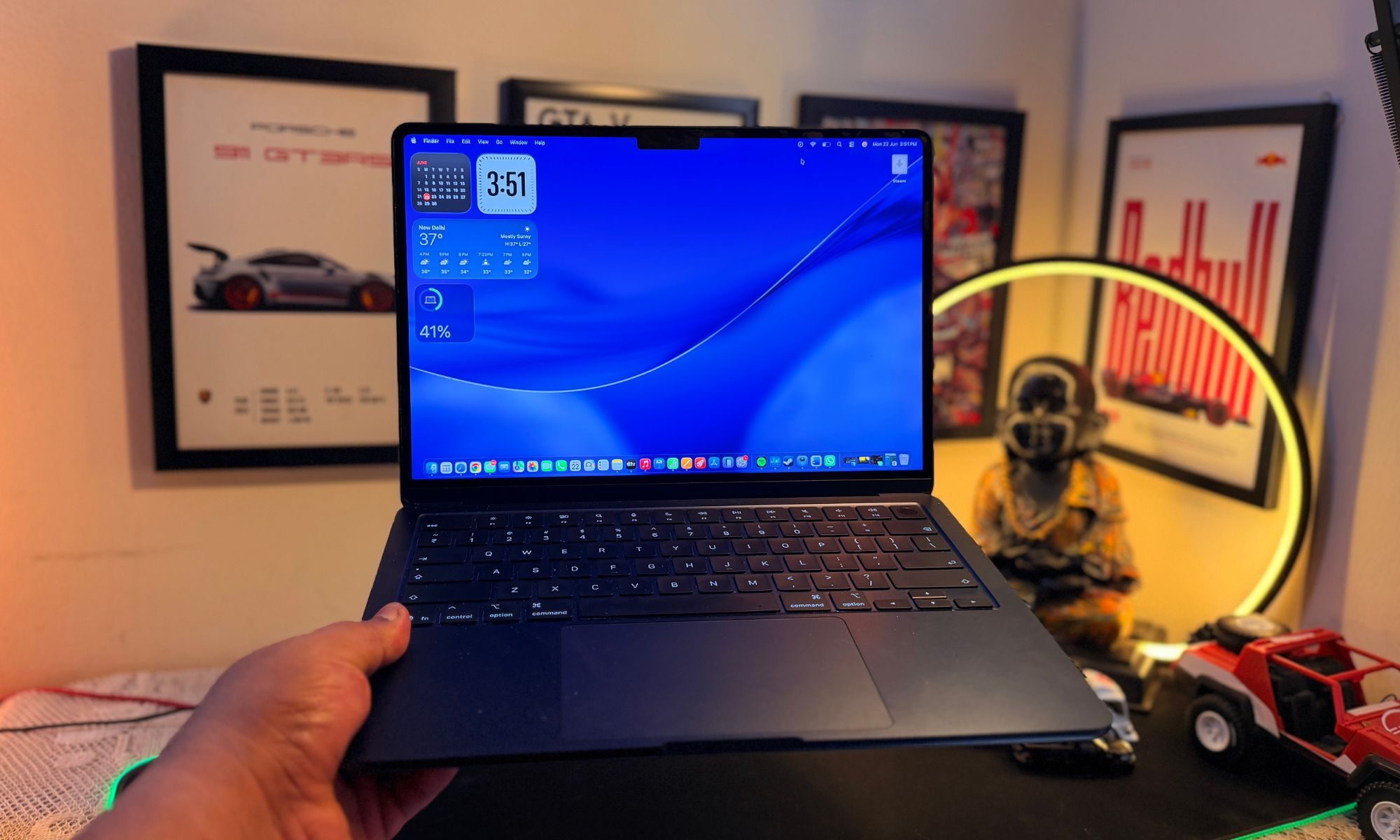
MacBook Air M5

The password prompt is the real danger

PamStealer’s most worrying trick is its password prompt. The malware shows a native-looking Mac dialog saying Maccy wants to make changes and asks the user to enter a password. The password is checked through macOS’s own login verification system. If it is wrong, the prompt appears again. Once the correct password is entered, the malware captures it and shows a fake message saying Maccy is damaged and cannot be opened.

Researchers also found that PamStealer can watch the clipboard, register itself to run again after login, and later ask for Full Disk Access. In testing, that prompt sometimes appeared up to 40 minutes later, making it harder to connect the request to the fake installer.

Maccy’s official channels are now warning users about fake websites, while pointing them to maccy.app as the only legitimate place to get the app.

Share. Facebook Twitter Pinterest LinkedIn Telegram Reddit Email
Previous ArticleErosion Creative Director Talks Adventure Time Influence And Creating A Reactive World That Changes Each Time You Die
Next Article Google Maps could soon order food for you using Gemini

Related Articles

LG agrees to kill McAfee pop-up on Windows PCs after Microsoft steps in

LG agrees to kill McAfee pop-up on Windows PCs after Microsoft steps in

24 July 2026
Latest Pixel 11 series leak offers the clearest look yet at Google’s next flagship

Latest Pixel 11 series leak offers the clearest look yet at Google’s next flagship

24 July 2026
Firefox just made work and personal browsing easier to separate

Firefox just made work and personal browsing easier to separate

24 July 2026
The Drill Press Finally Got Smart, and It’s Just the Beginning

The Drill Press Finally Got Smart, and It’s Just the Beginning

24 July 2026
ChatGPT can now connect to your Apple Health data to give more personalized health answers

ChatGPT can now connect to your Apple Health data to give more personalized health answers

24 July 2026
Galaxy Z Flip 8 vs. Motorola Razr Ultra (2026): Samsung’s flip phone is cheaper, but is it better?

Galaxy Z Flip 8 vs. Motorola Razr Ultra (2026): Samsung’s flip phone is cheaper, but is it better?

24 July 2026
Demo
Stay In Touch
  • Facebook
  • Twitter
  • Pinterest
  • Instagram
  • YouTube
  • Vimeo
Don't Miss
Latest Pixel 11 series leak offers the clearest look yet at Google’s next flagship

Latest Pixel 11 series leak offers the clearest look yet at Google’s next flagship

By News Room24 July 2026

Google’s Pixel launches have become increasingly difficult to keep under wraps, and the Pixel 11…

Firefox just made work and personal browsing easier to separate

Firefox just made work and personal browsing easier to separate

24 July 2026
The Drill Press Finally Got Smart, and It’s Just the Beginning

The Drill Press Finally Got Smart, and It’s Just the Beginning

24 July 2026
ChatGPT can now connect to your Apple Health data to give more personalized health answers

ChatGPT can now connect to your Apple Health data to give more personalized health answers

24 July 2026
Tech Savvyed
Facebook X (Twitter) Instagram Pinterest
  • Privacy Policy
  • Terms of use
  • Advertise
  • Contact
© 2026 Tech Savvyed. All Rights Reserved.

Type above and press Enter to search. Press Esc to cancel.



