


Close Menu
Tech Savvyed
  • Home
  • News
  • Artificial Intelligence
  • Gadgets
  • Apps
  • Mobile
  • Gaming
  • Accessories
  • More
    • Web Stories
    • Spotlight
    • Press Release

Subscribe to Updates

Get the latest tech news and updates directly to your inbox.

What's On
Phantom Blade Zero Review In Progress – Shaping Up To Be One Of The Best Action Games I’ve Ever Played

Phantom Blade Zero Review In Progress – Shaping Up To Be One Of The Best Action Games I’ve Ever Played

26 October 2026
Apple has built a device that can inspect an iPhone without opening its box

Apple has built a device that can inspect an iPhone without opening its box

25 October 2026
The next MacBook Air could arrive early next year, but OLED will have to wait

The next MacBook Air could arrive early next year, but OLED will have to wait

25 October 2026
Facebook X (Twitter) Instagram
Tech Savvyed
SUBSCRIBE
  • Home
  • News
  • Artificial Intelligence
  • Gadgets
  • Apps
  • Mobile
  • Gaming
  • Accessories
  • More
    • Web Stories
    • Spotlight
    • Press Release
Tech Savvyed
Home»News»Lutron just made it easier to control your smart home without touching your phone
News

Lutron just made it easier to control your smart home without touching your phone

News RoomBy News Room14 August 20262 Mins Read
Lutron just made it easier to control your smart home without touching your phone
Share
Facebook Twitter Reddit Telegram Pinterest Email

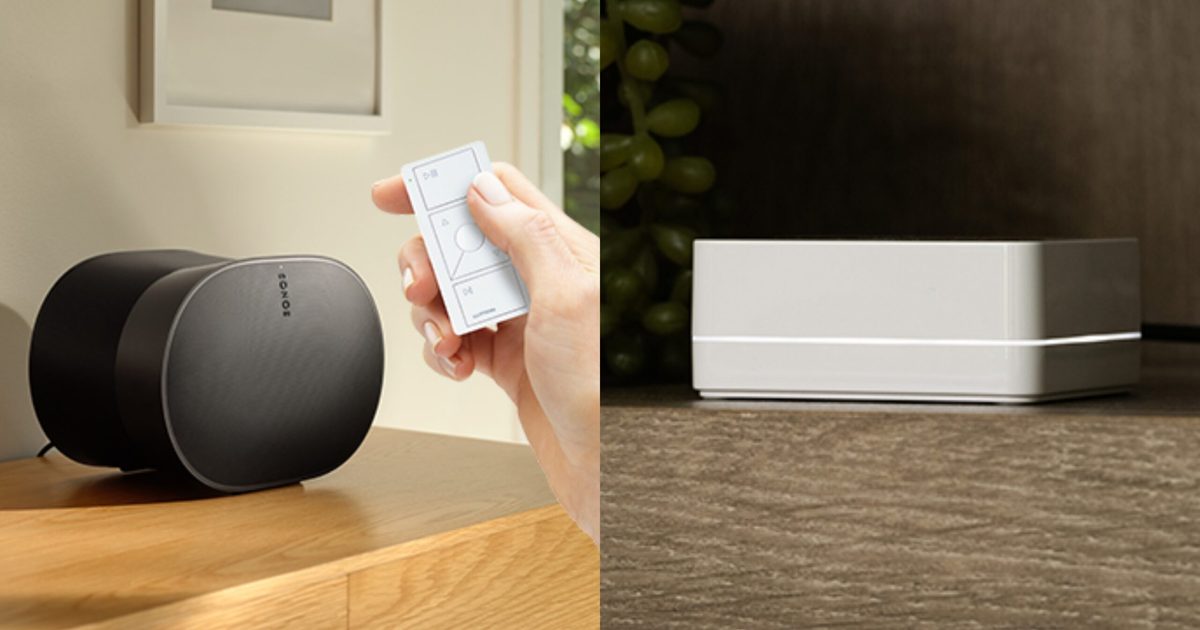
If you’ve lost count of how many remotes and apps you juggle between just to dim a light or skip a song, I have something for you. Lutron just gave its Caseta smart home lineup a new shortcut, letting you control lights, shades, and Sonos playback with your voice alone.

For anyone who is catching up, Caseta is Lutron’s do-it-yourself smart lighting system. It’s built around a small hub that basically talks to switches, dimmers, and plugs over a radio signal (instead of Wi-Fi), making it easier to manage the entire setup. While the company has worked alongside Sonos for a while, voice control was the one piece still missing from that partnership. That changes now.

So what does this update actually change?

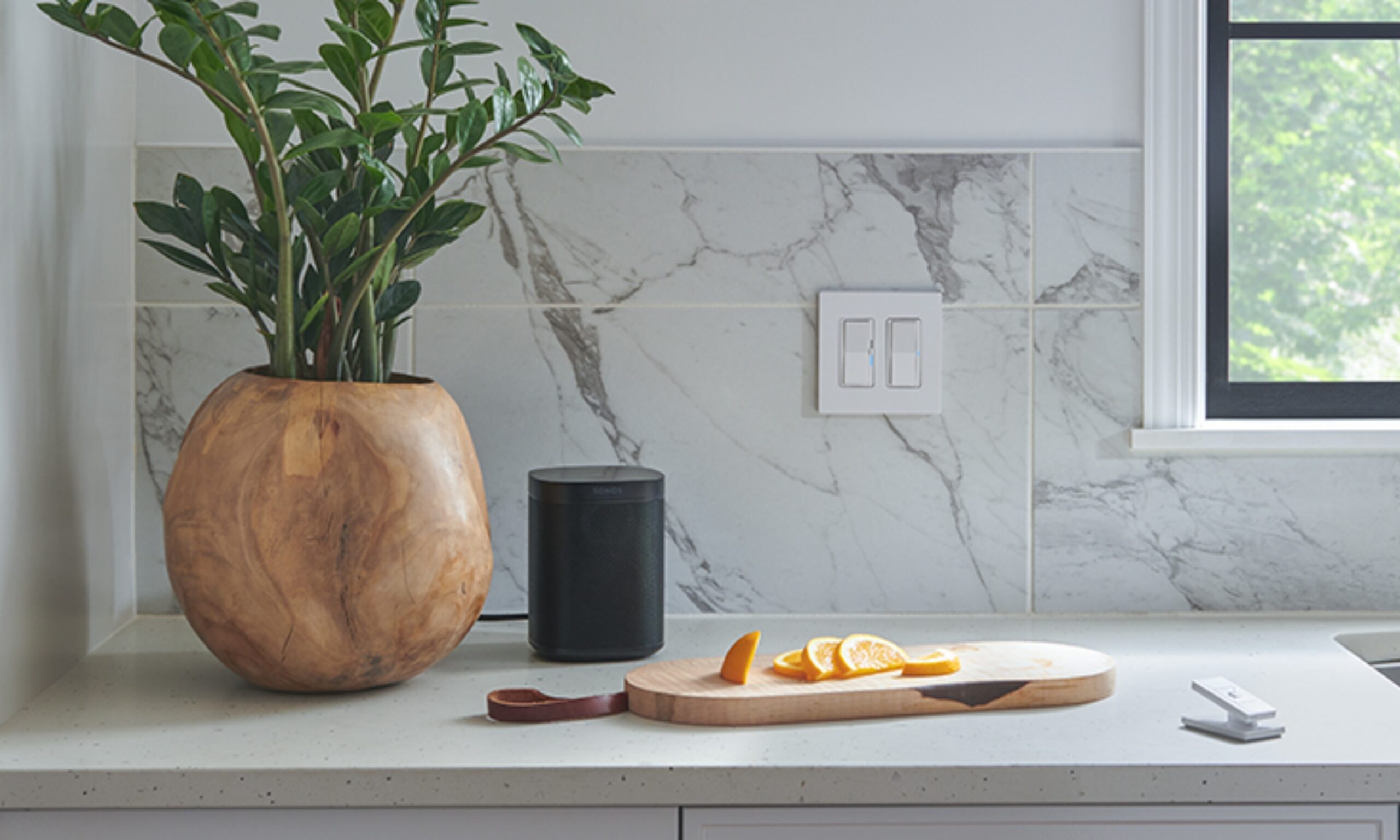
Say “Hey Sonos,” and everything from your Caseta lights and shades to your music responds; you don’t have to touch an app or reach for a switch. 

That closes an odd gap: the two systems have been networked together for years, yet voice was never part of the deal until now. Beyond simple commands, the partnership also lets you build combined presets for adjusting your lighting, window shades, and music simultaneously.

In fact, you can even automate your system to respond based on when you leave or arrive (from the smartphone app). To set it up, link all your devices in the Lutron app, navigate to the Integrations menu, and enable “Sonos Voice Control.” 
Electrical Device, Switch, Plant

Is there a catch?

The obvious catch here is that the voice commands only work through Sonos speakers with a built-in microphone. So, the older ones without a microphone miss out. Even so, every device in the Caseta lineup, including switches, dimmers, and plugs, supports voice. 

For anyone building a setup from scratch, Lutron’s starter kits stay affordable. The basic Smart Switch Kit runs $94.95, the Smart Dimmer and Lamp Dimming Plug kits both land at $99.95, and the paddle-style Diva Dimmer Kit tops out at $119.95. All of them bundle the Smart Hub that makes voice control work in the first place.

Share. Facebook Twitter Pinterest LinkedIn Telegram Reddit Email
Previous ArticleThe Video Games And More You Should Play This – Aug 14, 2026
Next Article Fire Emblem: Fortune’s Weave Is Massive

Related Articles

Apple has built a device that can inspect an iPhone without opening its box

Apple has built a device that can inspect an iPhone without opening its box

25 October 2026
The next MacBook Air could arrive early next year, but OLED will have to wait

The next MacBook Air could arrive early next year, but OLED will have to wait

25 October 2026
Apple wants touchscreens on Macs, but its MacBook lineup could get weird

Apple wants touchscreens on Macs, but its MacBook lineup could get weird

25 October 2026
YouTube’s next big upgrade could make videos use 30% less data

YouTube’s next big upgrade could make videos use 30% less data

25 October 2026
You can now watch Instagram Reels on Apple TV, because why not?

You can now watch Instagram Reels on Apple TV, because why not?

25 October 2026
Moonshot tells Kimi AI to code away, but leave the hacking alone

Moonshot tells Kimi AI to code away, but leave the hacking alone

25 October 2026
Demo
Stay In Touch
  • Facebook
  • Twitter
  • Pinterest
  • Instagram
  • YouTube
  • Vimeo
Don't Miss
Apple has built a device that can inspect an iPhone without opening its box

Apple has built a device that can inspect an iPhone without opening its box

By News Room25 October 2026

Apple is rolling out a new tool to help retail stores tackle iPhone return fraud…

The next MacBook Air could arrive early next year, but OLED will have to wait

The next MacBook Air could arrive early next year, but OLED will have to wait

25 October 2026
Apple wants touchscreens on Macs, but its MacBook lineup could get weird

Apple wants touchscreens on Macs, but its MacBook lineup could get weird

25 October 2026
YouTube’s next big upgrade could make videos use 30% less data

YouTube’s next big upgrade could make videos use 30% less data

25 October 2026
Tech Savvyed
Facebook X (Twitter) Instagram Pinterest
  • Privacy Policy
  • Terms of use
  • Advertise
  • Contact
© 2026 Tech Savvyed. All Rights Reserved.

Type above and press Enter to search. Press Esc to cancel.