


Close Menu
Tech Savvyed
  • Home
  • News
  • Artificial Intelligence
  • Gadgets
  • Apps
  • Mobile
  • Gaming
  • Accessories
  • More
    • Web Stories
    • Spotlight
    • Press Release

Subscribe to Updates

Get the latest tech news and updates directly to your inbox.

What's On
PlayStation’s disc-killing move may have blindsided the very partners keeping its games business alive

PlayStation’s disc-killing move may have blindsided the very partners keeping its games business alive

7 July 2026
Asus ExpertBook Ultra review: A dreamy ultra-thin machine that surprised me with raw power

Asus ExpertBook Ultra review: A dreamy ultra-thin machine that surprised me with raw power

7 July 2026
Apple Home AI features come with a hidden price tag

Apple Home AI features come with a hidden price tag

7 July 2026
Facebook X (Twitter) Instagram
Tech Savvyed
SUBSCRIBE
  • Home
  • News
  • Artificial Intelligence
  • Gadgets
  • Apps
  • Mobile
  • Gaming
  • Accessories
  • More
    • Web Stories
    • Spotlight
    • Press Release
Tech Savvyed
Home»News»iOS 27 beta 3 makes it easier to adjust your AirPods’ Adaptive Audio intensity
News

iOS 27 beta 3 makes it easier to adjust your AirPods’ Adaptive Audio intensity

News RoomBy News Room7 July 20262 Mins Read
iOS 27 beta 3 makes it easier to adjust your AirPods’ Adaptive Audio intensity
Share
Facebook Twitter Reddit Telegram Pinterest Email

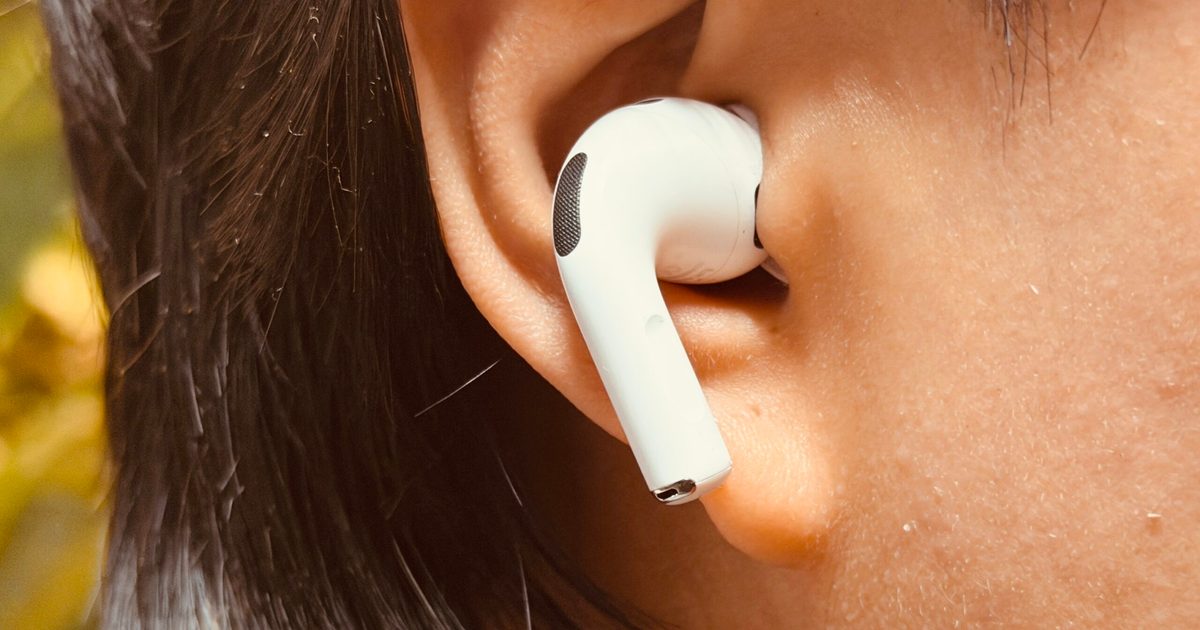
If you’ve ever fumbled through Bluetooth settings to fine-tune how much outside noise your AirPods let in, Apple may be about to save you a few taps. iOS 27 beta 3 adds a quicker way to adjust Adaptive Audio intensity, and it lives right where you’d expect it to.

A shortcut for adjusting Adaptive Audio

In the current stable iOS release, adjusting Adaptive Audio intensity means opening Settings, tapping Bluetooth, hitting the info button next to your AirPods, then dragging a slider under Audio. iOS 27 beta 3 changes that by surfacing the intensity option right in the main AirPods settings page.

According to a screenshot shared by Aaron Perris on X, a pair of small dots now sit beside the Adaptive option in the Listening Mode slider, giving you an easy way to adjust the intensity toward quieter surroundings or more awareness of them without leaving that screen. While this implementation offers a narrower range of adjustment than the existing Bluetooth settings slider, it puts the control in a place where users are more likely to find it.

Part of a bigger AirPods settings overhaul

According to a recent report from Bloomberg’s Mark Gurman, Apple is preparing a broad revamp of the AirPods settings interface. This Adaptive Audio shortcut appears to be one piece of that larger cleanup, rather than an isolated tweak. Whether it makes it to the stable release or gets pulled before it reaches users this fall remains to be seen.

If the shortcut ships, it will make Adaptive Audio easier to adjust on the fly. It may also help less tech-savvy users discover the setting exists in the first place, since it’ll sit somewhere they are more likely to stumble across it rather than buried within the Bluetooth settings.


Share. Facebook Twitter Pinterest LinkedIn Telegram Reddit Email
Previous ArticleCarely’s new wearable watches over aging parents so you don’t have to
Next Article Apple Home AI features come with a hidden price tag

Related Articles

PlayStation’s disc-killing move may have blindsided the very partners keeping its games business alive

PlayStation’s disc-killing move may have blindsided the very partners keeping its games business alive

7 July 2026
Asus ExpertBook Ultra review: A dreamy ultra-thin machine that surprised me with raw power

Asus ExpertBook Ultra review: A dreamy ultra-thin machine that surprised me with raw power

7 July 2026
Apple Home AI features come with a hidden price tag

Apple Home AI features come with a hidden price tag

7 July 2026
Carely’s new wearable watches over aging parents so you don’t have to

Carely’s new wearable watches over aging parents so you don’t have to

7 July 2026
X wants to keep your video edits in-house, and it’s starting with captions and custom backgrounds

X wants to keep your video edits in-house, and it’s starting with captions and custom backgrounds

7 July 2026
Reddit’s AI is hunting brands that dress marketing slop up as honest opinions

Reddit’s AI is hunting brands that dress marketing slop up as honest opinions

7 July 2026
Demo
Stay In Touch
  • Facebook
  • Twitter
  • Pinterest
  • Instagram
  • YouTube
  • Vimeo
Don't Miss
Asus ExpertBook Ultra review: A dreamy ultra-thin machine that surprised me with raw power

Asus ExpertBook Ultra review: A dreamy ultra-thin machine that surprised me with raw power

By News Room7 July 2026

Asus ExpertBook Ultra MSRP $3,599.99 “One of the finest business laptops out there.” Pros Terrific…

Apple Home AI features come with a hidden price tag

Apple Home AI features come with a hidden price tag

7 July 2026
iOS 27 beta 3 makes it easier to adjust your AirPods’ Adaptive Audio intensity

iOS 27 beta 3 makes it easier to adjust your AirPods’ Adaptive Audio intensity

7 July 2026
Carely’s new wearable watches over aging parents so you don’t have to

Carely’s new wearable watches over aging parents so you don’t have to

7 July 2026
Tech Savvyed
Facebook X (Twitter) Instagram Pinterest
  • Privacy Policy
  • Terms of use
  • Advertise
  • Contact
© 2026 Tech Savvyed. All Rights Reserved.

Type above and press Enter to search. Press Esc to cancel.