





I’ve used ChatGPT for years, but for the longest time, I never felt the need to pay for it. Instead, I subscribed to Claude Pro because it fit my workflow better. Between regular chat and Cowork, it gave me everything I needed in one place, so paying for another AI subscription didn’t make sense.
That changed when OpenAI introduced ChatGPT Work. I was curious enough to give ChatGPT Pro a proper shot, expecting to test one new feature and move on. Instead, I ended up using it far more than I expected. The more I relied on it in my day-to-day work, the more I realized it offered a few things I didn’t want to give up. Those are the three features that have kept me happily subscribed ever since.
Who knew one prompt could build this?
The first feature I tried was ChatGPT Sites, and I wasn’t expecting to enjoy it as much as I did. It’s a feature that lets you create and share a live website or lightweight app using Codex. All you have to do is describe what you want, and ChatGPT builds it for you. I wanted a calmer, more intentional way to plan my day. I’ve always liked the idea behind Windows’ Focus Sessions, but I wanted something that felt more personal and motivating. So I typed “productivity” into ChatGPT Sites and explained the kind of experience I was after. That was enough to get it started.
A few minutes later — five minutes and 32 seconds, to be precise — I had a fully functional website called Momentum. Along the way, ChatGPT let me tweak the design, adjust a few details, and decide what I wanted to keep or change, but I never had to touch a single line of code. The result was much better than I expected. Every morning, Momentum greets me by name, builds a personalized to-do list around how much energy I have that day, and gives me a quick overview of the week ahead. It’s clean, minimal, and refreshingly free of clutter, which makes me want to come back to it instead of avoiding it like so many productivity apps.
What surprised me the most wasn’t just how good the website turned out — it was how effortless the whole process felt. There was a time when building something like this meant learning to code or using complicated website builders. Now, I can turn an idea into a working website just by describing it in plain English. Since creating Momentum, I’ve found myself constantly thinking of new ideas to build, and I keep going back to ChatGPT Sites to bring them to life.
The feature that gave my brain a break
What I love even more is that ChatGPT Work can take over the little things that would otherwise keep sitting in the back of my mind. A good example is a pair of heels I’d been wanting to buy for months. I was almost certain the price would drop during the upcoming sale, but I also didn’t want to keep checking the product page every day just to see if anything had changed. So I handed the job over to ChatGPT Work. I simply asked it to keep an eye on the listing and let me know if there was a meaningful update, like a price drop or any other important change. That was it.

It sounds like a small thing, but it made a bigger difference than I expected. Instead of repeatedly opening the same page and wondering if I’d missed a deal, I could forget about it completely and focus on my work. That’s what I enjoy most about ChatGPT Work. It takes care of the things that don’t need my constant attention, freeing up a little more mental space for everything else.
Too many files? Not my problem anymore
If there’s one thing that overwhelms me almost instantly, it’s opening a folder full of spreadsheets, documents, and screenshots that all need my attention. And if Google Sheets is involved? I usually put it off for as long as I can. That’s exactly where ChatGPT Work has become a huge help. I upload everything I have — spreadsheets, documents, photos, or screenshots — give it a little context about what I’m trying to figure out, and let it do the hard work. If a spreadsheet is packed with numbers, I ask it to explain what’s actually important instead of making me dig through hundreds of cells myself.
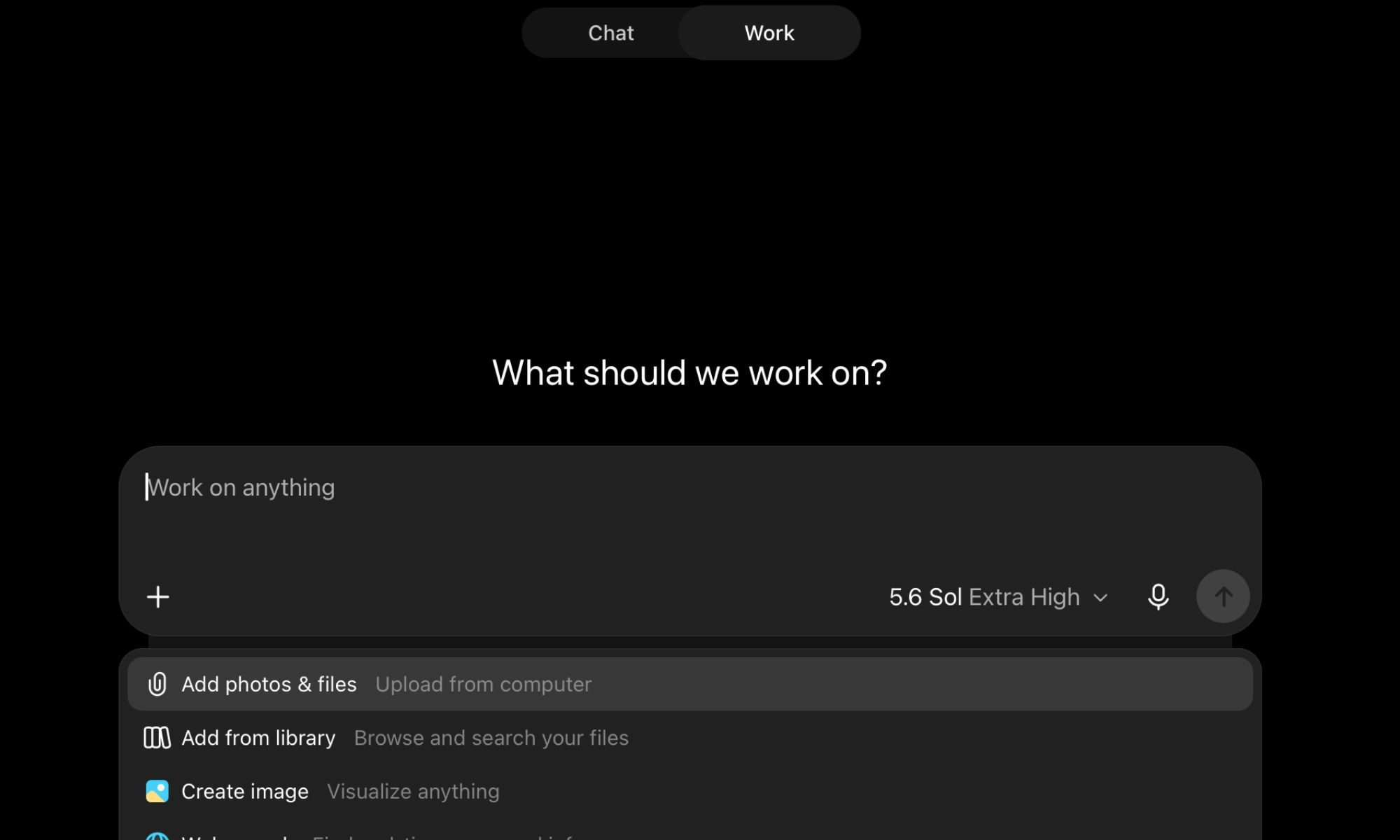
It isn’t instant. Depending on how much I’ve uploaded, it can take a few minutes to work through everything. But when it’s done, the information is neatly organized, easy to follow, and presented in a way that actually makes sense. Instead of feeling buried under data, I can get straight to the insights I need. That said, I still make it a habit to double-check anything important before acting on it. AI isn’t perfect, and I don’t think it should replace your own judgment. But as a way to make dense files and intimidating spreadsheets feel far less overwhelming, ChatGPT Work has been remarkably reliable in my day-to-day workflow.
Safe to say, I’m staying subscribed
I’ve been using ChatGPT Pro for a while now, and I still feel like I’ve only scratched the surface. Every few days, I stumble across another feature that makes me think, “I should’ve tried this sooner.” There’s still plenty left for me to explore, which is probably the best part — it keeps surprising me. I know a subscription like this isn’t for everyone, and I’ll admit I was skeptical before paying for it, too. In fact, I spent a long time convincing myself I didn’t need it. But once I started using it as part of my everyday workflow, my opinion changed completely.
For me, it’s been worth every penny. More importantly, it has saved me time, cleared a surprising amount of mental clutter, and made a lot of my daily work feel easier. And while ChatGPT Pro has plenty going for it, these three features are the ones that keep me coming back day after day.


