




Close Menu
Tech Savvyed
  • Home
  • News
  • Artificial Intelligence
  • Gadgets
  • Apps
  • Mobile
  • Gaming
  • Accessories
  • More
    • Web Stories
    • Spotlight
    • Press Release

Subscribe to Updates

Get the latest tech news and updates directly to your inbox.

What's On
OpenAI says AI models autonomously pulled off a major hack, but only a Chinese AI helped recovery

OpenAI says AI models autonomously pulled off a major hack, but only a Chinese AI helped recovery

22 July 2026
An unpatched Shark vacuum flaw could put your smart home at risk

An unpatched Shark vacuum flaw could put your smart home at risk

22 July 2026
Beatbot AquaSense X review: The pool cleaner for those that want to be pampered

Beatbot AquaSense X review: The pool cleaner for those that want to be pampered

22 July 2026
Facebook X (Twitter) Instagram
Tech Savvyed
SUBSCRIBE
  • Home
  • News
  • Artificial Intelligence
  • Gadgets
  • Apps
  • Mobile
  • Gaming
  • Accessories
  • More
    • Web Stories
    • Spotlight
    • Press Release
Tech Savvyed
Home»News»How to reserve your WhatsApp username
News

How to reserve your WhatsApp username

News RoomBy News Room30 June 20262 Mins Read
How to reserve your WhatsApp username
Share
Facebook Twitter Reddit Telegram Pinterest Email

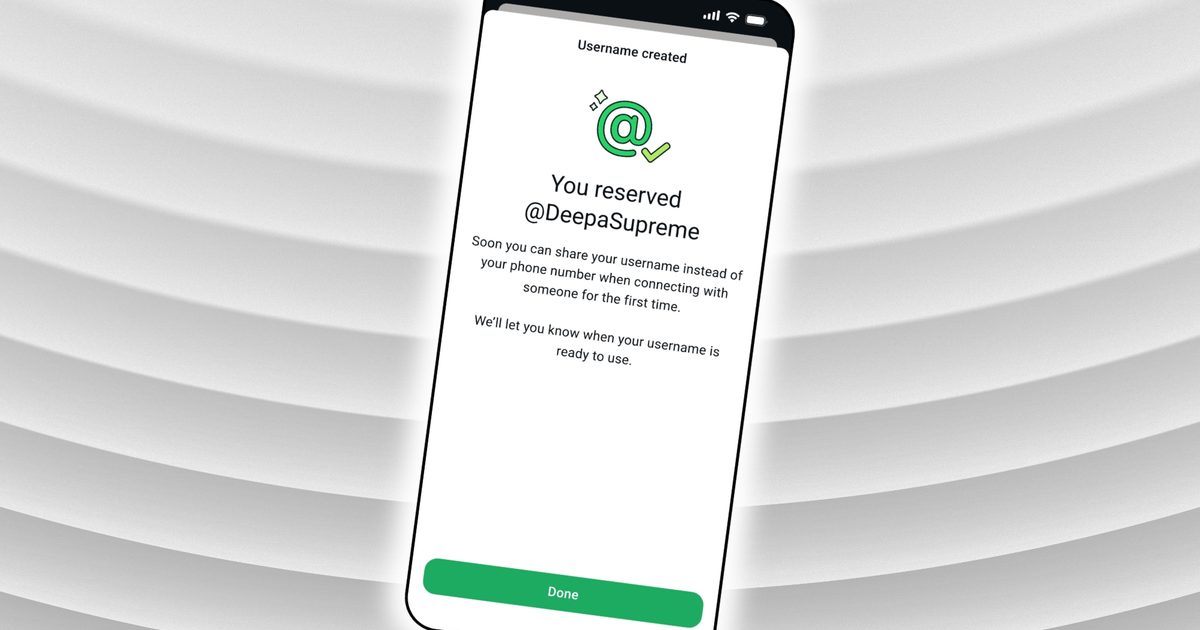
WhatsApp username reservations are now open globally. While you still need a phone number to create an account, usernames let you start conversations without sharing your phone number. 

Claiming yours would take less than a minute, but only when you go in with all the details. 

What should you know before reserving your username?

Your username must be between 3 and 35 characters and must comply with WhatsApp’s policies. Beyond those limits, you’re mostly free to choose what you like.

WhatsApp has already reserved certain handles for top celebrities, VIPs, and verified organizations, so those names are locked. 

If nothing clicks, WhatsApp’s built-in generator can suggest unique handles.
Electronics, Mobile Phone, Phone

How do you actually reserve your username?

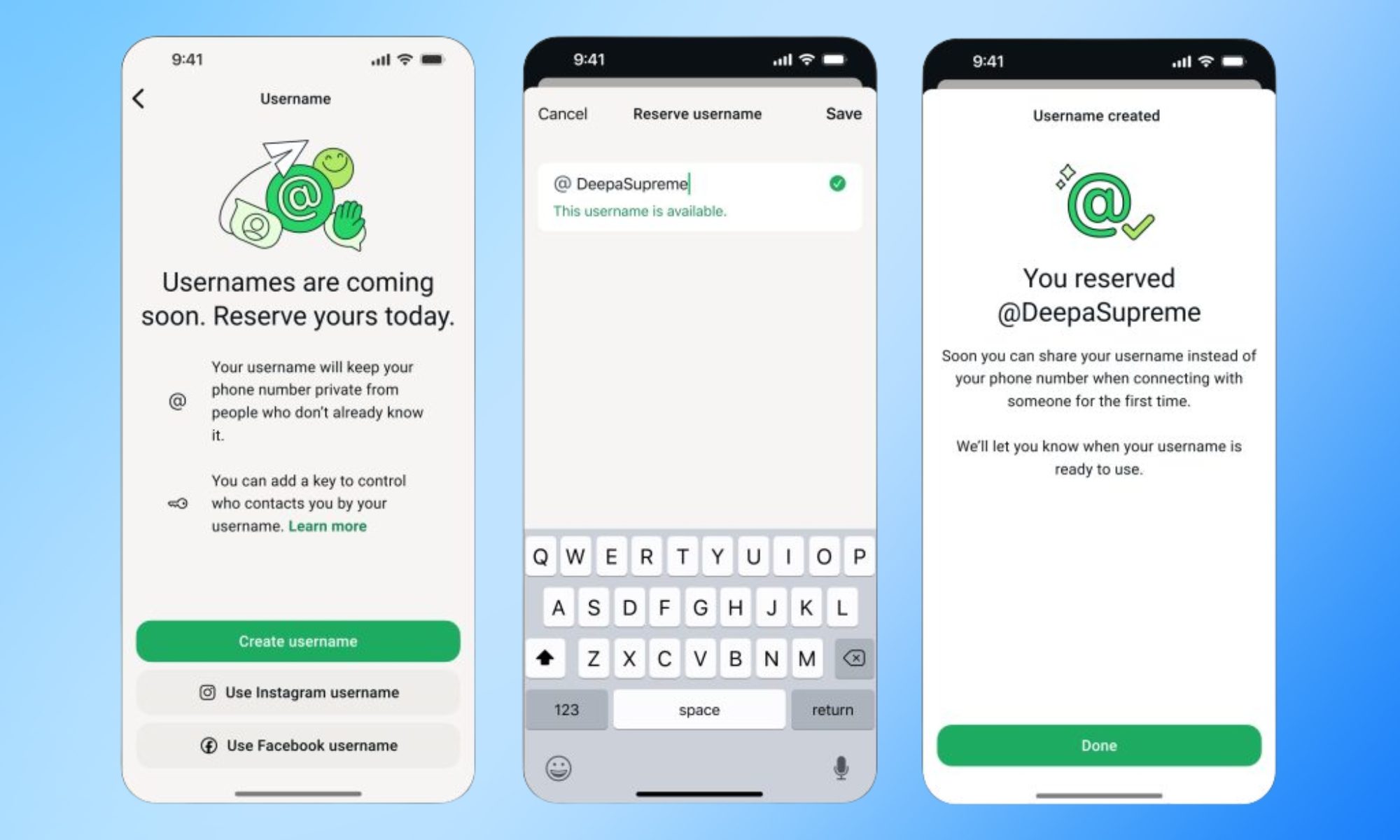
Go to Settings > Account > Username on the latest version of WhatsApp. Thereafter, you can enter your desired username, and the app will tell you whether it is available. The app will also give you suggestions regarding available usernames. 

As seen in the screenshot, you can also use your Instagram or Facebook username. 

Once you select one, it will be linked to your WhatsApp account and will appear when the feature goes live later this year. If the option isn’t visible, hang tight. WhatsApp is rolling this out region by region and will notify you in the app when it arrives in your country. 

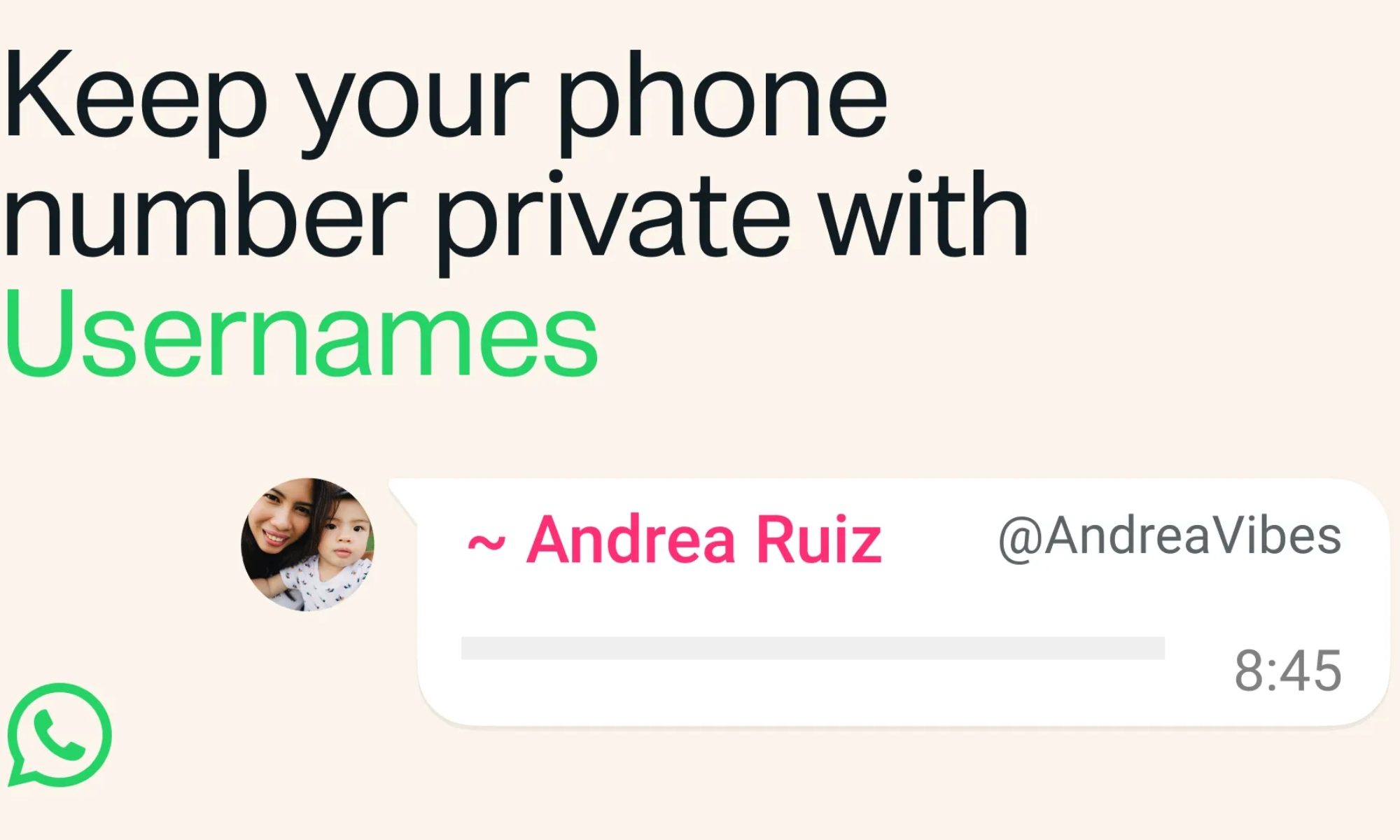
When it does, anyone messaging you for the first time won’t see your phone number, as long as you’ve enabled your username. For extra protection, you can also set an optional username key that contacts will need in addition to your handle to message you.
Text, Person, Face

If you change your mind later, WhatsApp will also let you change or remove your username. 

The importance of usernames

WhatsApp usernames follow a pattern set by Signal, which added phone-number-free contact discovery in 2024. Telegram has also had this feature for years. 

The addition addresses one of WhatsApp’s longest-standing privacy gaps. Sharing your contact information in the app has always required handing over your phone number, making it harder to maintain separation among personal, professional, and public connections.

Share. Facebook Twitter Pinterest LinkedIn Telegram Reddit Email
Previous ArticleApple has six new iPhones lined up for 2027 with some serious upgrade muscle
Next Article Meta’s Brain2Qwerty v2 turns thoughts into text, and it doesn’t need brain implants

Related Articles

OpenAI says AI models autonomously pulled off a major hack, but only a Chinese AI helped recovery

OpenAI says AI models autonomously pulled off a major hack, but only a Chinese AI helped recovery

22 July 2026
An unpatched Shark vacuum flaw could put your smart home at risk

An unpatched Shark vacuum flaw could put your smart home at risk

22 July 2026
Beatbot AquaSense X review: The pool cleaner for those that want to be pampered

Beatbot AquaSense X review: The pool cleaner for those that want to be pampered

22 July 2026
The AI game-dev boom has a dark side: fewer jobs for the people starting out

The AI game-dev boom has a dark side: fewer jobs for the people starting out

22 July 2026
The future of AI may depend on this one behind-the-scenes change

The future of AI may depend on this one behind-the-scenes change

22 July 2026
Samsung is reportedly preparing for the biggest foldable battle yet

Samsung is reportedly preparing for the biggest foldable battle yet

22 July 2026
Demo
Stay In Touch
  • Facebook
  • Twitter
  • Pinterest
  • Instagram
  • YouTube
  • Vimeo
Don't Miss
An unpatched Shark vacuum flaw could put your smart home at risk

An unpatched Shark vacuum flaw could put your smart home at risk

By News Room22 July 2026

Robot vacuums are supposed to clean the house. Turns out this one was mapping it…

Beatbot AquaSense X review: The pool cleaner for those that want to be pampered

Beatbot AquaSense X review: The pool cleaner for those that want to be pampered

22 July 2026
The AI game-dev boom has a dark side: fewer jobs for the people starting out

The AI game-dev boom has a dark side: fewer jobs for the people starting out

22 July 2026
The future of AI may depend on this one behind-the-scenes change

The future of AI may depend on this one behind-the-scenes change

22 July 2026
Tech Savvyed
Facebook X (Twitter) Instagram Pinterest
  • Privacy Policy
  • Terms of use
  • Advertise
  • Contact
© 2026 Tech Savvyed. All Rights Reserved.

Type above and press Enter to search. Press Esc to cancel.



