



Close Menu
Tech Savvyed
  • Home
  • News
  • Artificial Intelligence
  • Gadgets
  • Apps
  • Mobile
  • Gaming
  • Accessories
  • More
    • Web Stories
    • Spotlight
    • Press Release

Subscribe to Updates

Get the latest tech news and updates directly to your inbox.

What's On
3 underrated movies on Hulu you should watch this weekend (August 7-9)

3 underrated movies on Hulu you should watch this weekend (August 7-9)

8 August 2026
Dell’s iconic XPS lineup may be heading into Google’s Googlebook ecosystem

Dell’s iconic XPS lineup may be heading into Google’s Googlebook ecosystem

8 August 2026
Big Walk + Beast Of Reincarnation Reviews w/ Jesse – Aug 7, 2026

Big Walk + Beast Of Reincarnation Reviews w/ Jesse – Aug 7, 2026

8 August 2026
Facebook X (Twitter) Instagram
Tech Savvyed
SUBSCRIBE
  • Home
  • News
  • Artificial Intelligence
  • Gadgets
  • Apps
  • Mobile
  • Gaming
  • Accessories
  • More
    • Web Stories
    • Spotlight
    • Press Release
Tech Savvyed
Home»News»Google is putting pocket money inside Wallet, and parents control every tap
News

Google is putting pocket money inside Wallet, and parents control every tap

News RoomBy News Room6 August 20262 Mins Read
Google is putting pocket money inside Wallet, and parents control every tap
Share
Facebook Twitter Reddit Telegram Pinterest Email

Handing a child their first bit of spending freedom usually involves hard cash or a credit/debit card. But Google wants to make that process a little more convenient with a digital method. Google Wallet is introducing a new payment option, complete with a parental kill switch.

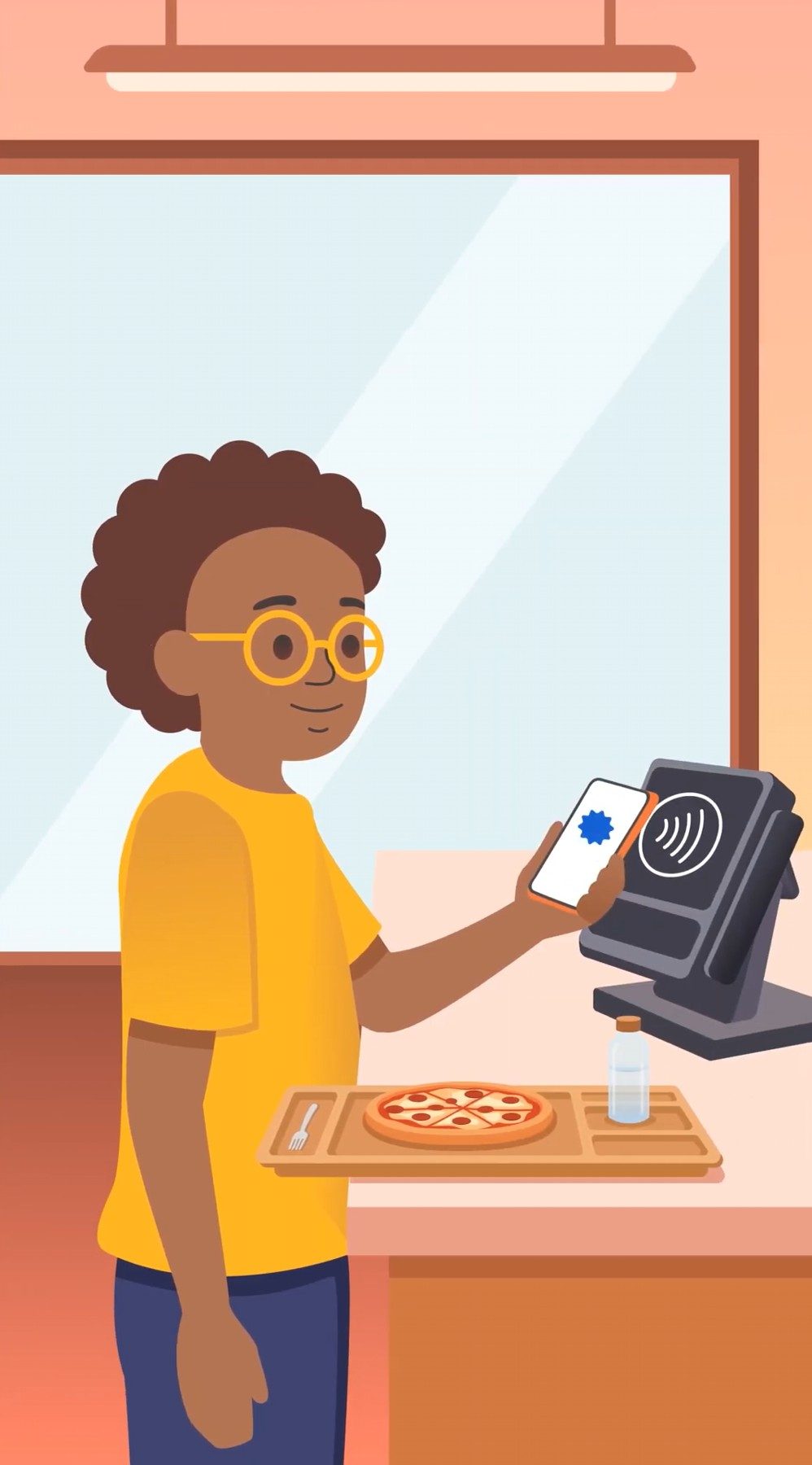
Parents in the US can now establish a dedicated Wallet balance for supervised children and teenagers under 18. Money added to that balance can be spent through an eligible Android phone or Wear OS smartwatch anywhere contactless Visa payments are accepted, without requiring the child to have a conventional bank account.

Parents decide how far the allowance goes

The balance is managed through Google Family Link or the Google Wallet website. It lets parents add funds and even establish other ground rules like a daily spending limit. Other controls include a temporary lock or unlock balance option along with recent purchase transaction history.

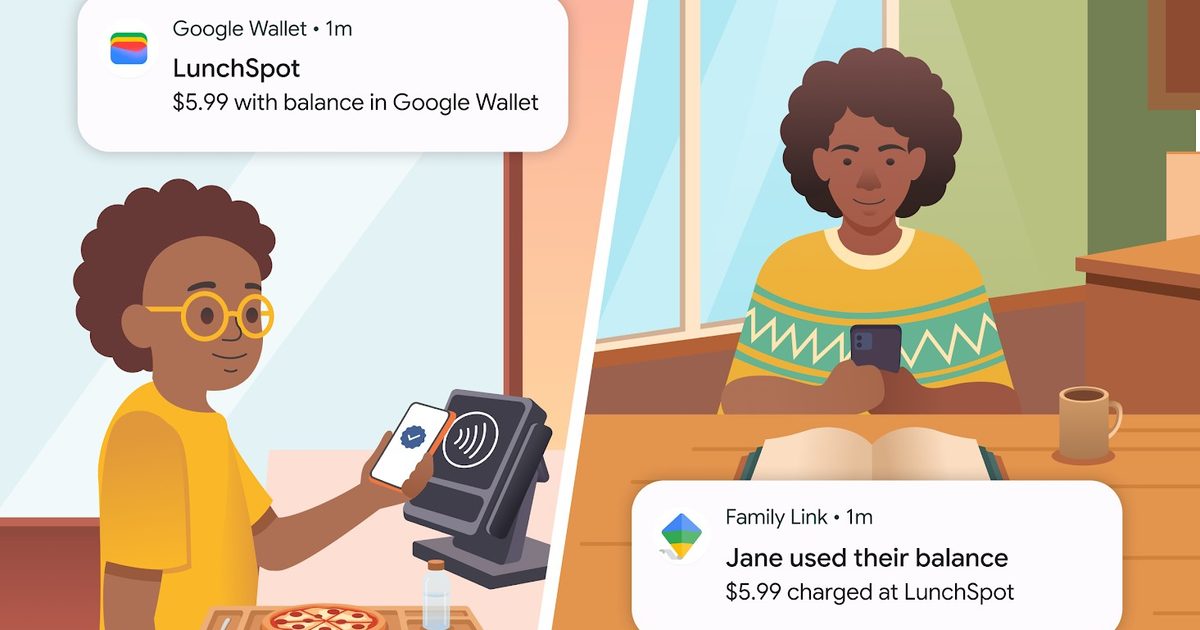
Once a child reaches the limit, further transactions are declined until the following day unless a parent changes or removes it. Parents can also receive updates when their child makes a purchase and inspect transaction history through Family Link. If a phone or smartwatch goes missing, the balance can be locked or removed from that specific device without closing the account completely.

Google caps the balance at $4,000, while parents can add up to $2,000 during any seven days. Transfers made into the balance cannot be individually reversed. Recovering excess money requires the family manager to close the balance and receive a refund of the remaining funds.

This is more controlled than adding your own card
Google Wallet for Kids

Google Wallet already allowed parents to place a supported payment card inside a supervised child’s Wallet. But with Family Link, they can monitor transactions and remove the card without providing native spending limits. Those controls depended on the card issuer.

The new balance gives Google direct control over how much can be spent each day. It also keeps children away from the parent’s main bank balance. This can be useful against impulsive purchases, especially on digital stores (like in-game transactions). Parents also cannot require approval for each individual transaction before it happens.

In practice, this gives children a little more independence to choose what they wish to spend on. Meanwhile, parents still retain enough control to declare an immediate spending timeout when the purchases get out of hand.

Share. Facebook Twitter Pinterest LinkedIn Telegram Reddit Email
Previous ArticleNew players are shaking up the memory industry, but even Apple can’t strong-arm the RAM crisis for your wallet
Next Article Live-Action Legend Of Zelda Movie Taps Uli Latukefu For

Related Articles

3 underrated movies on Hulu you should watch this weekend (August 7-9)

3 underrated movies on Hulu you should watch this weekend (August 7-9)

8 August 2026
Dell’s iconic XPS lineup may be heading into Google’s Googlebook ecosystem

Dell’s iconic XPS lineup may be heading into Google’s Googlebook ecosystem

8 August 2026
Cloudflare’s new browser Kitesurf is designed for AI agents to browse the internet

Cloudflare’s new browser Kitesurf is designed for AI agents to browse the internet

8 August 2026
Help, I’m talking to my computer. It’s remarkably convenient and utterly embarrassing.

Help, I’m talking to my computer. It’s remarkably convenient and utterly embarrassing.

8 August 2026
ChatGPT could soon become your next WhatsApp sticker maker

ChatGPT could soon become your next WhatsApp sticker maker

7 August 2026
Microsoft Edge is about to lock out older ad blockers, just like Chrome did

Microsoft Edge is about to lock out older ad blockers, just like Chrome did

7 August 2026
Demo
Stay In Touch
  • Facebook
  • Twitter
  • Pinterest
  • Instagram
  • YouTube
  • Vimeo
Don't Miss
Dell’s iconic XPS lineup may be heading into Google’s Googlebook ecosystem

Dell’s iconic XPS lineup may be heading into Google’s Googlebook ecosystem

By News Room8 August 2026

A fresh benchmark leak suggests Dell is quietly building its first Googlebook under the XPS…

Big Walk + Beast Of Reincarnation Reviews w/ Jesse – Aug 7, 2026

Big Walk + Beast Of Reincarnation Reviews w/ Jesse – Aug 7, 2026

8 August 2026
Cloudflare’s new browser Kitesurf is designed for AI agents to browse the internet

Cloudflare’s new browser Kitesurf is designed for AI agents to browse the internet

8 August 2026
Help, I’m talking to my computer. It’s remarkably convenient and utterly embarrassing.

Help, I’m talking to my computer. It’s remarkably convenient and utterly embarrassing.

8 August 2026
Tech Savvyed
Facebook X (Twitter) Instagram Pinterest
  • Privacy Policy
  • Terms of use
  • Advertise
  • Contact
© 2026 Tech Savvyed. All Rights Reserved.

Type above and press Enter to search. Press Esc to cancel.



