





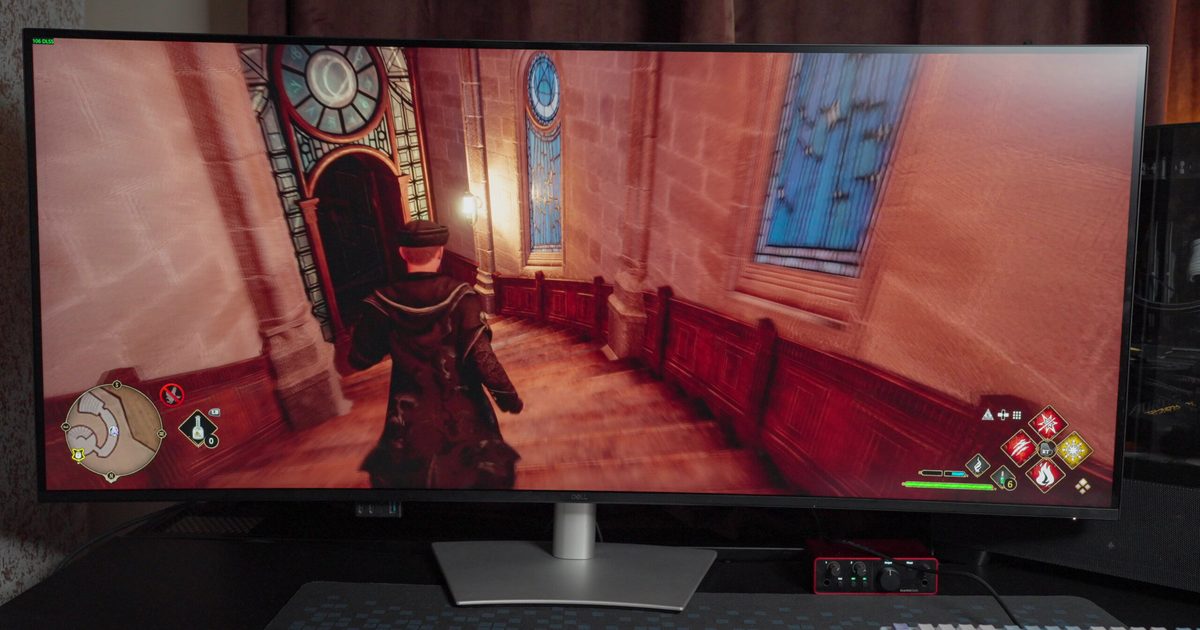
Dell UltraSharp 52 Thunderbolt Hub Monitor
MSRP $2,999.99
“A 52-inch monitor built to replace your entire desk setup”
Pros
- Huge 52-inch display replaces multiple monitors
- Excellent Thunderbolt hub and port selection
- Built-in KVM works seamlessly
- Great IPS Black image quality
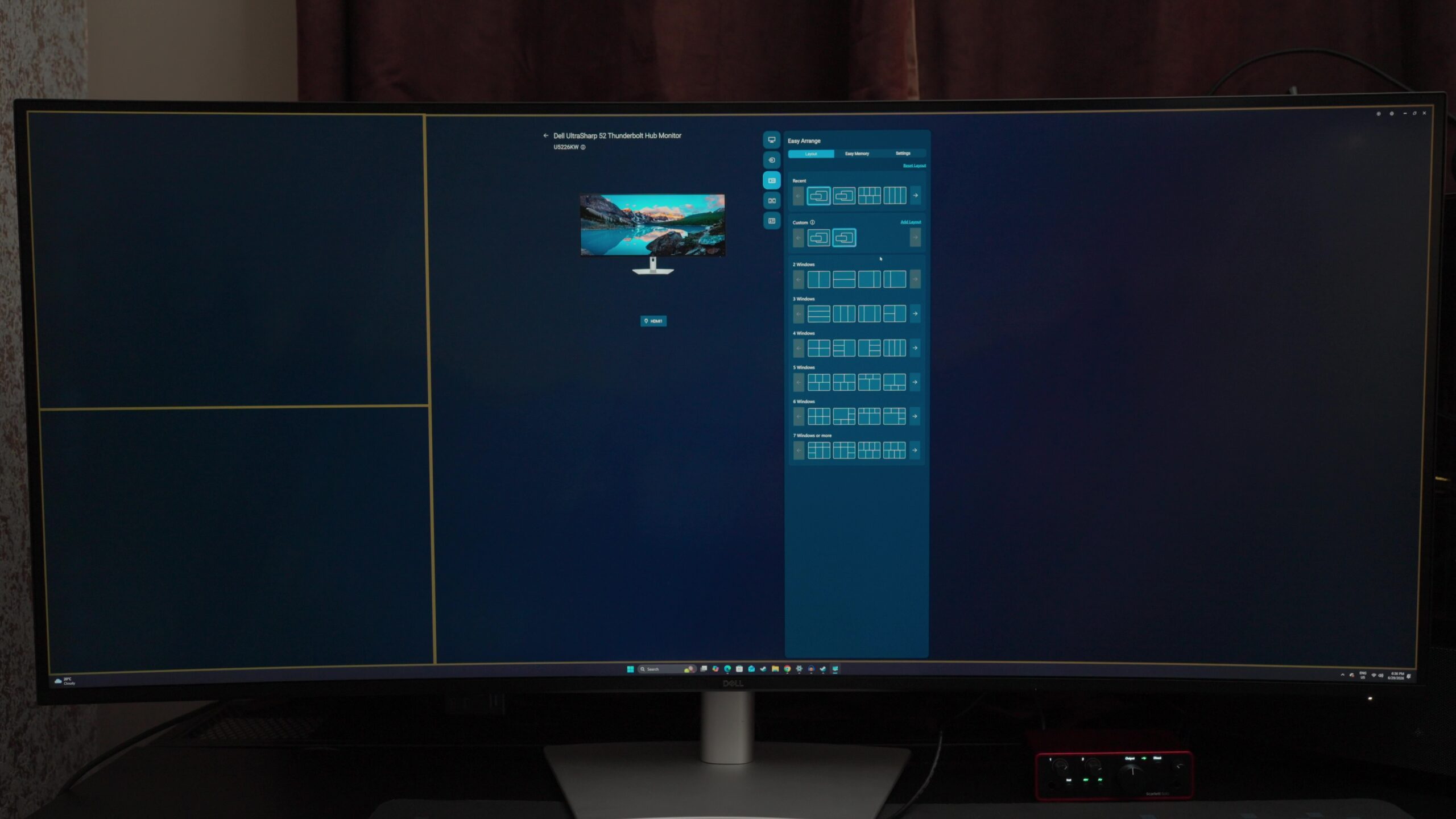
- Excellent multitasking software
- Surprisingly good built-in speakers
- Clean, cable-free desk setup
- 120Hz refresh rate makes everyday work feel smoother
Cons
- Extremely expensive
- Requires a very large desk
- No HDR support
- No built-in webcam or microphone
- Takes time to configure properly
- IPS panel can’t match OLED contrast
Quick Recap
The Dell UltraSharp 52 is the biggest monitor I’ve ever reviewed, but after about a week, the size stopped being the story. Browser tabs settled into one side of the screen, Slack and Teams stayed open without disappearing beneath other windows, and Photoshop, spreadsheets, and documents all remained visible throughout the day. I wasn’t constantly rearranging windows or reaching for Alt+Tab because everything simply stayed where I left it. Dell isn’t selling a monitor purely on the promise of more screen space.
But mere space shouldn’t be the justification for spending nearly three thousand dollars on a monitor, right? Well, the UltraSharp 52 is designed to replace the collection of hardware many professionals have accumulated over the years, combining a massive display with a Thunderbolt dock, KVM switch and enough connectivity to simplify an entire desktop setup. It sounds like an ambitious idea, particularly at this price, but after several weeks of using it, I came away thinking Dell understands modern productivity better than most labels out there.
Dell UltraSharp 52 Thunderbolt Hub Monitor specs
| Price | $2,999.99 |
| Diagonal / Viewable Size | 52″ (51.5″ viewable) |
| Screen Type | Curved (4200R curvature) |
| Panel Technology | IPS Black Technology |
| Maximum Resolution | 6144 x 2560 (6K Ultrawide) at 120 Hz |
| Aspect Ratio | 21:9 |
| Pixel Density | 129 PPI |
| Pixel Pitch | 0.19644 mm x 0.19644 mm |
| Brightness | 400 cd/m² |
| Native Contrast Ratio | 2,000:1 |
| Color Support & Gamut | 1.07 Billion colors; 99% DCI-P3, 100% sRGB, 100% BT.709, 99% Display P3 |
| Color Calibration | Delta E < 1.5 |
| Response Time | 5 ms GTG (Fast), 8 ms GTG (Normal) |
| Viewing Angles | 178° Horizontal / 178° Vertical |
| Surface Treatment | Anti-glare, Low Reflectance (3H Hardness) |
| Eye Comfort Tech | Flicker-free, Low Blue Light, Ambient Light Sensor (5 Star Rating) |
| Speakers | Integrated 2 x 9 W |
| Built-in Devices | USB Hub, KVM Switch |
| Connectivity Ports | • 1x Thunderbolt 4 40Gbps Upstream (DP 1.4 Alt Mode, PD up to 140W EPR)
• 2x HDMI 2.1 (supports up to 6144×2560 @ 120Hz, VRR) • 2x DisplayPort 1.4 • 3x USB-C 10Gbps Upstream • 2x USB-C 10Gbps Downstream (PD up to 27W) • 4x USB Type-A 10Gbps Downstream • 1x USB Type-A 10Gbps Downstream (BC 1.2) • 1x RJ45 Ethernet (2.5GbE) |
| Stand Adjustability | Height (up to 3.54″), Tilt (-5° to 10°), Swivel (-20° to 20°), Slant (-2° to 2°) |
| VESA Mounting | 100 x 100 mm, 200 x 100 mm, 200 x 200 mm |
| Dimensions (with Stand) | 48.16″ (W) x 10.04″ (D) x 22.71″–26.25″ (H) |
| Weight | 28.57 lb (panel only) / 40.19 lb (with stand) |
| Power Consumption | 63.60 W (operating standard) / 430 W (maximum) / 0.5 W (standby) |
| Warranty | 3-Year Advanced Exchange Service & Premium Panel Exchange |
Living with a 52-inch monitor
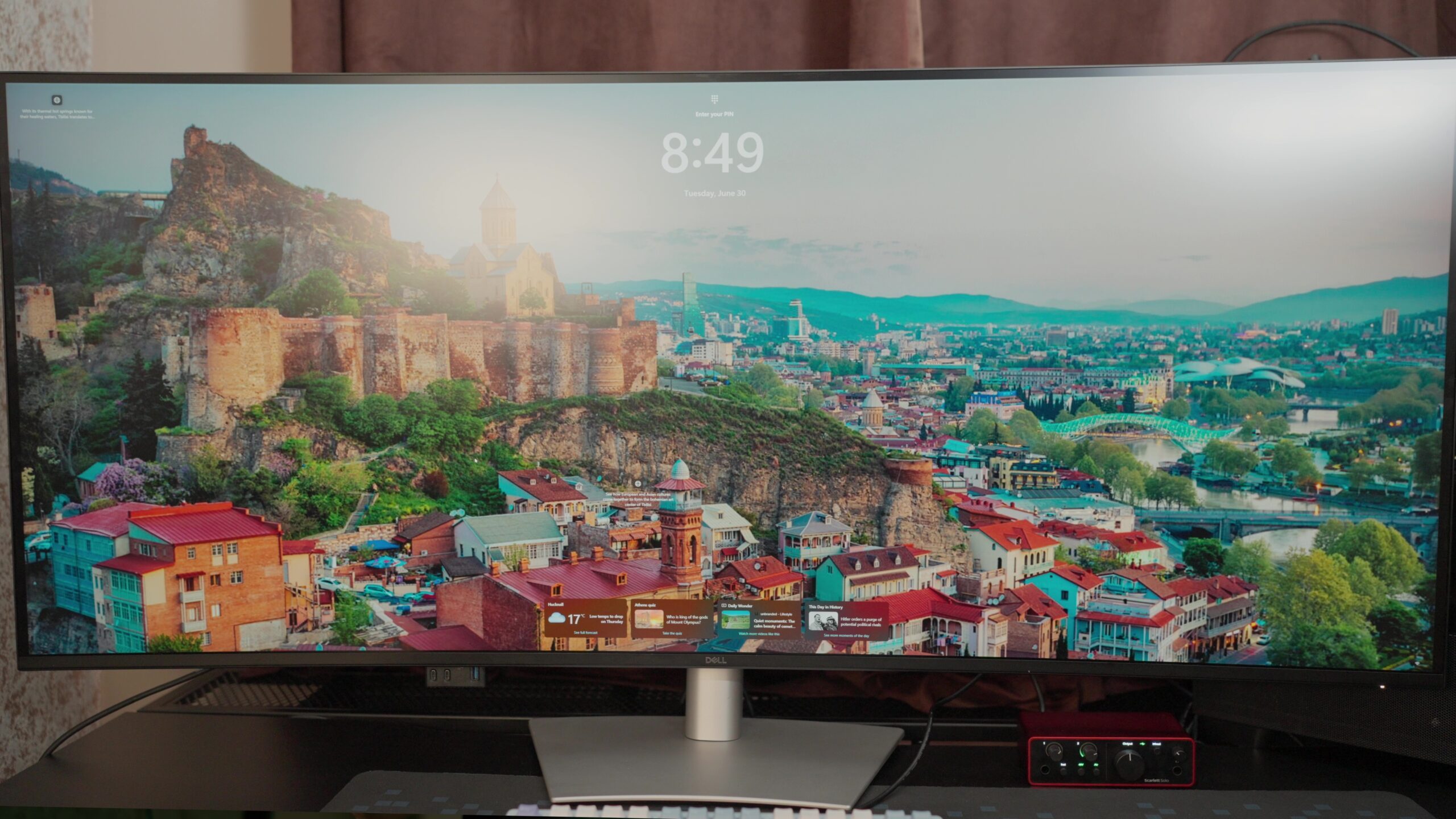
The adjustment wasn’t immediate. A display stretching well over a metre across a desk naturally raises questions about practicality, and my first instinct was to wonder whether Dell had simply built a monitor for the sake of building a bigger monitor. Living with it changed that perspective. Once the novelty wore off, I stopped noticing the physical size altogether and started appreciating something far more important: how little time I spent managing my workspace.
Replacing a dual-monitor setup with a single display isn’t a new idea, but the UltraSharp 52 makes a stronger case for it than most products I’ve used. Every application had a permanent home, making it easy to compare documents, keep communication apps visible, and move between projects without constantly reorganizing my desktop. The uninterrupted panel also eliminated the bezels that normally split my workspace in two, making everything feel more cohesive rather than spread across separate screens.
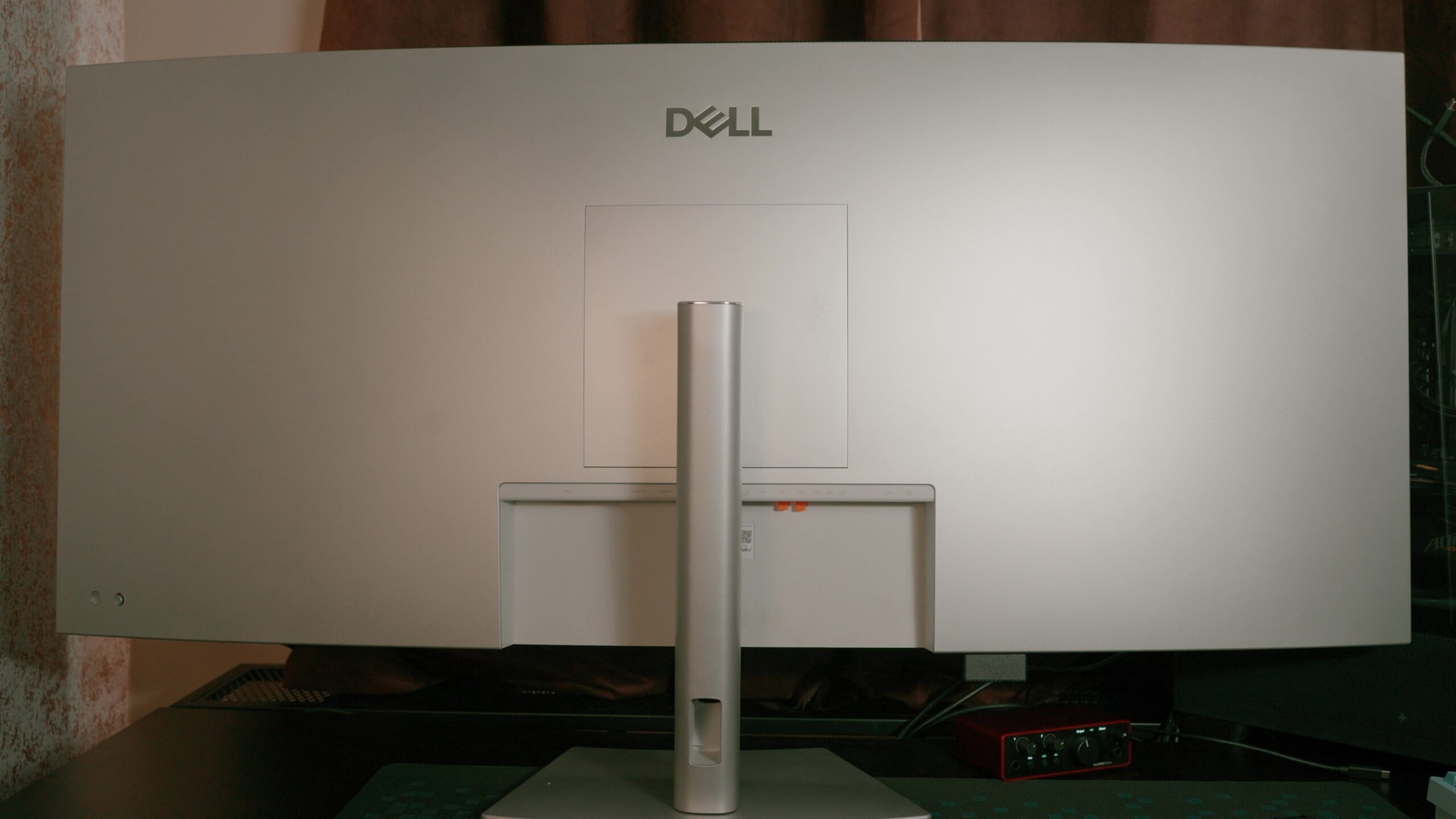
Working this way didn’t necessarily make me faster overnight, but it made the workday feel noticeably smoother. Instead of deciding which application belonged on which monitor, I simply got on with what I was doing. It’s a subtle difference, yet one that became surprisingly difficult to give up once the review period ended. Returning to my regular dual-monitor setup felt more restrictive than I expected, not because it lacked screen space, but because it reintroduced the small interruptions I’d gradually stopped noticing.
More than just a monitor
The UltraSharp 52 earns its place on a desk because Dell has thought beyond the display itself. Most productivity setups eventually grow into a collection of accessories: a Thunderbolt dock, a USB hub, extra power adapters and enough cables to make moving a laptop feel like disconnecting life support. Dell’s approach is refreshingly simple. Build those features into the monitor and let it become the centre of the workspace instead.
Using it that way quickly became second nature. My laptop connected over a single Thunderbolt cable, handling video, charging and data without needing anything else on the desk. A desktop PC remained connected through DisplayPort, while the integrated KVM switch made it easy to share the same keyboard, mouse and peripherals between both systems. Swapping from one machine to the other took seconds and, more importantly, didn’t interrupt my workflow.
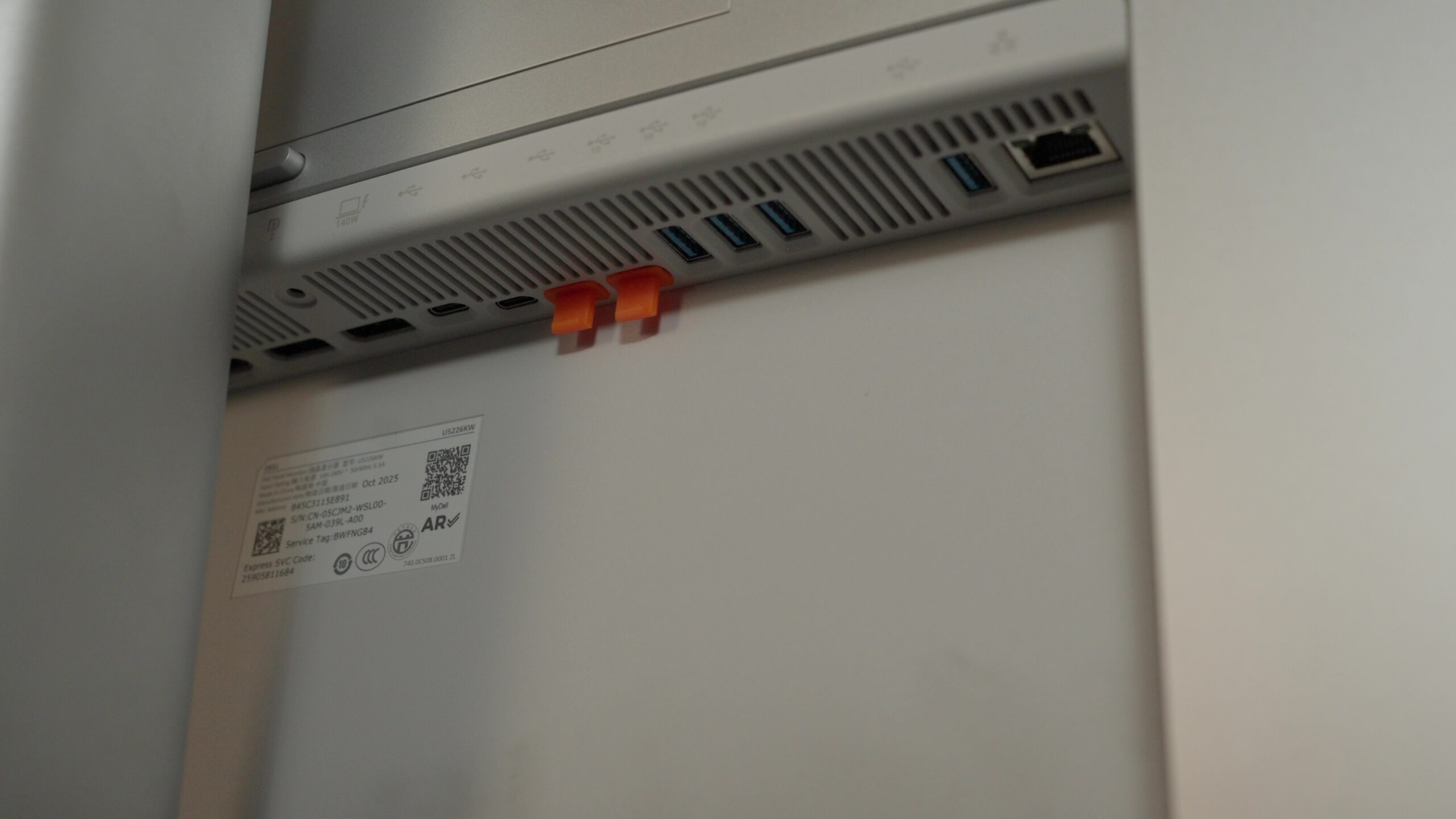
The generous port selection reinforces that philosophy. USB-C, USB-A, Thunderbolt, HDMI, DisplayPort and Ethernet cover almost every scenario I could think of, while the front-facing USB ports proved surprisingly useful for temporary devices like flash drives and portable SSDs. They aren’t headline features, but they’re the kind of everyday conveniences that become difficult to live without once they’re there.
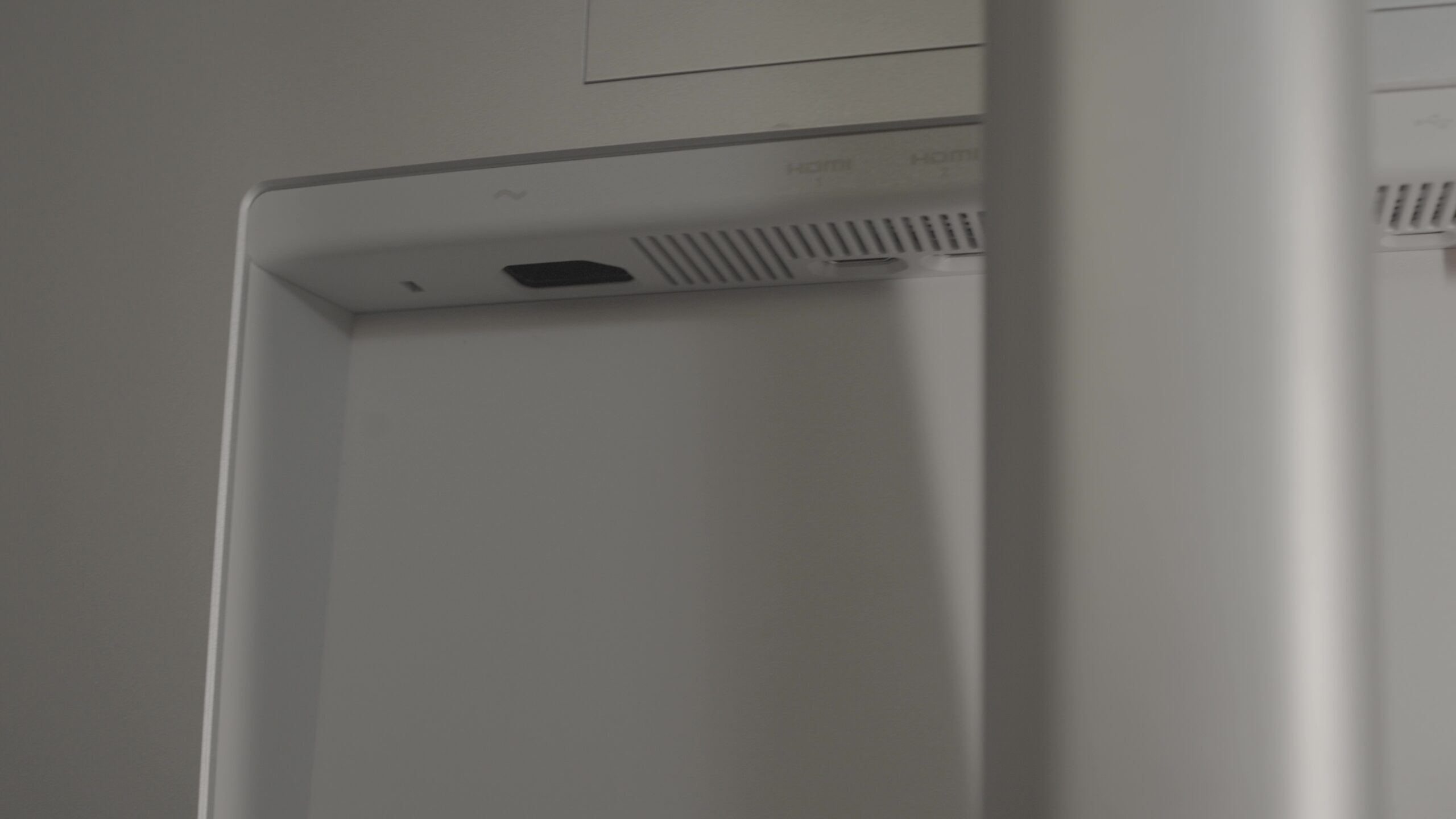
By the end of the review period, the monitor had quietly replaced the separate dock sitting beneath my desk. Cable clutter was reduced, my workspace looked cleaner, and connecting a laptop before work became as simple as plugging in a single cable. Dell isn’t asking buyers to spend more just for a larger screen. Much of the value comes from replacing several pieces of hardware with one thoughtfully integrated device.
A display built for productivity
Dell hasn’t chased the trends dominating premium monitors over the last few years, and that’s probably the right decision. There’s no OLED panel promising perfect blacks or a 240Hz refresh rate aimed at competitive gamers. Instead, the UltraSharp 52 uses a 5K2K IPS Black panel that’s clearly tuned for the people most likely to buy it: professionals spending eight or more hours a day in front of a screen.
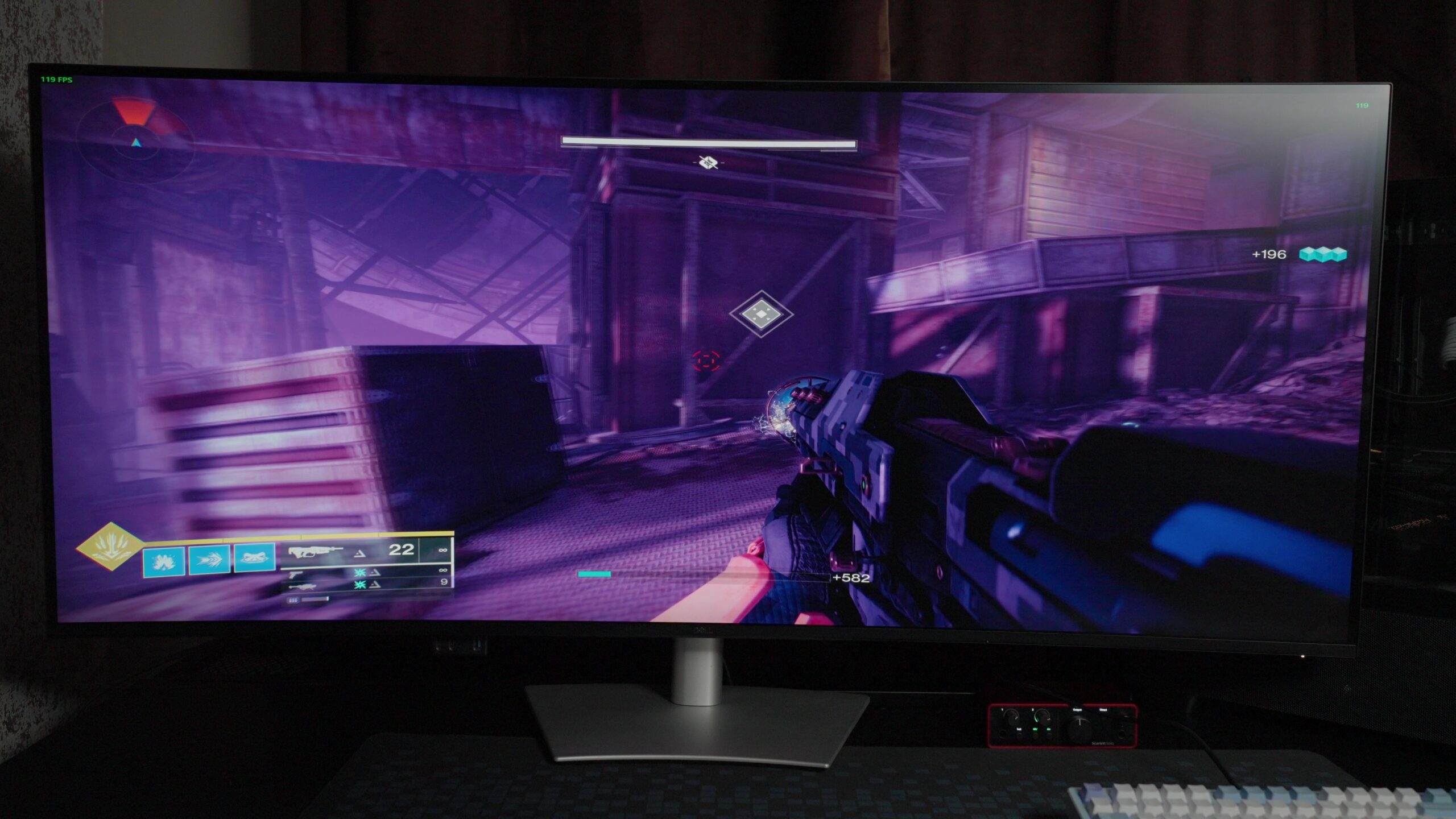
The 5120 x 2160 resolution delivers excellent sharpness across such a large display, making text crisp enough that reading documents for hours never became tiring. Colour reproduction is equally impressive, feeling trustworthy straight out of the box. Photo editing, graphic design and video work all benefited from the panel’s colour accuracy, while the improved contrast offered by IPS Black technology gives darker scenes more depth than a conventional IPS display without sacrificing viewing angles.
Brightness is more than adequate for a typical office, and the matte coating does a good job of keeping reflections under control even in brighter rooms. HDR support, however, is largely included to tick a specification box. It works, but anyone expecting the punch and contrast of a modern OLED television or Mini-LED monitor will inevitably come away disappointed. Dell has made the sensible decision to optimise the panel for consistency rather than spectacle, and after several weeks of using it, I think that’s exactly the right balance for a monitor designed primarily for work.
Should you buy?
The Dell UltraSharp 52 won’t convince everyone that a monitor needs to be this large, and it probably doesn’t need to. Spending a few weeks with it completely changed how I thought about working on a single display. The extra screen space is certainly part of the appeal, but what stayed with me most was how naturally everything came together. Managing windows became less of a chore, the integrated dock simplified my desk, and the monitor quietly faded into the background while I focused on getting work done.
Dell has built this display for a very specific audience, and it shows. Anyone looking for a gaming monitor or an entertainment display should be looking elsewhere. Professionals who spend their days juggling multiple applications, documents and creative tools are far more likely to appreciate what the UltraSharp 52 offers.
It’s rare for a product to change the way I work after the review period ends, but this one did. Going back to my usual setup felt more restrictive than I expected, not because I suddenly needed a bigger screen, but because I’d grown accustomed to a workspace that simply felt easier to use.
How we tested
The Dell UltraSharp 52 Thunderbolt Hub Monitor sat on my desk as the primary display for several weeks. In that spell, it replaced my multi-monitor setup. For day-to-day usage, I kept it hooked to my PC over a DisplayPort lane, and also connected to my laptop using a Thunderbolt 4 cable that also pulled off double duty for power delivery. I regularly relied on the integrated KVM switch to swap controls between both computing hubs.
As for my testing scenario, it involved plenty of browser-based work, mesaging apps, spreadsheets, and creative software from Adobe for photo and video editing. To test color accuracy and other display quality aspects, I did heavy photo editing, graphics design work, and video editing in a bright workspace to check the efficacy of the low reflectance panel.
Frequently Asked Questions (FAQs)
Does it come with built-in speakers?
Yes, the Dell monitor offers integrated dual 9W speakers.
Is it VESA compatible?
Yes, it supports standard VESA mounting interfaces.
Does it support power delivery?
Yes, the built-in Thunderbolt 4 port provides up to 140W power delivery.
Does it offer any vision protection tech?
Yes, the Dell monitor comes with TÜV 5-star certified low blue light technology.





