

Close Menu
Tech Savvyed
  • Home
  • News
  • Artificial Intelligence
  • Gadgets
  • Apps
  • Mobile
  • Gaming
  • Accessories
  • More
    • Web Stories
    • Spotlight
    • Press Release

Subscribe to Updates

Get the latest tech news and updates directly to your inbox.

What's On
The Galaxy Watch 8 at 8 is the Prime Day smartwatch deal I’d recommend to most people

The Galaxy Watch 8 at $218 is the Prime Day smartwatch deal I’d recommend to most people

24 June 2026
Prime Day: Save Up to 31% on ESR Productivity Accessories This Prime Day

Prime Day: Save Up to 31% on ESR Productivity Accessories This Prime Day

24 June 2026
I found the Prime Day TV deals that are picture-perfect, and skipped the blurry bargains

I found the Prime Day TV deals that are picture-perfect, and skipped the blurry bargains

24 June 2026
Facebook X (Twitter) Instagram
Tech Savvyed
SUBSCRIBE
  • Home
  • News
  • Artificial Intelligence
  • Gadgets
  • Apps
  • Mobile
  • Gaming
  • Accessories
  • More
    • Web Stories
    • Spotlight
    • Press Release
Tech Savvyed
Home»News»Copilot is getting a sidebar treatment for Windows 11, just like Gemini in Chrome
News

Copilot is getting a sidebar treatment for Windows 11, just like Gemini in Chrome

News RoomBy News Room26 May 20262 Mins Read
Copilot is getting a sidebar treatment for Windows 11, just like Gemini in Chrome
Share
Facebook Twitter Reddit Telegram Pinterest Email

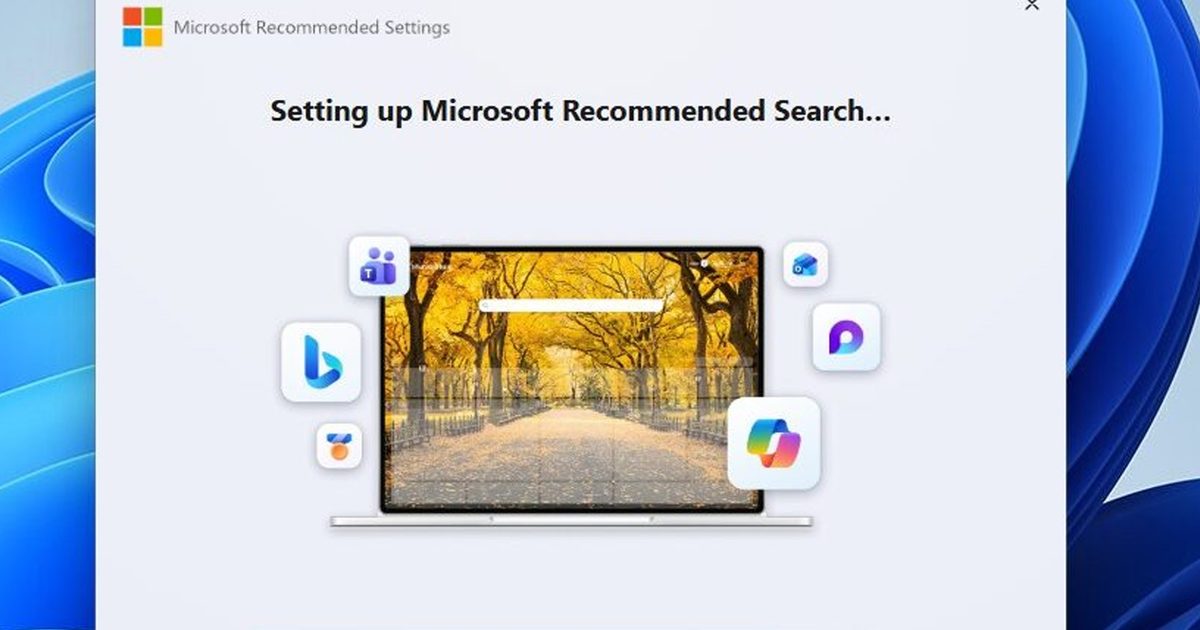
Microsoft has redesigned Copilot for Windows 11 more than a couple of times. Its latest idea, however, is based on one that it already tried and abandoned: docking the AI assistant to the side of your screen so that it remains accessible even when you’re using other apps. 

By default, Microsoft’s AI assistant still opens as a standalone app (in a separate window). But hovering over a new dropdown menu in the title bar now offers dedicated window snapping options that let you dock it to either the left or right edge of the screen (via Windows Latest).

What is the new Copilot sidebar, exactly?

It might look like the snapping interface is similar to Windows 11’s native Snap Layouts, but that’s not the case. Copilot gets dedicated layout options, independent of the standard window snapping experience on the operating system. 

It’s a persistent sidebar that stays pinned while you work, and not a floating window that you have to constantly manage. A picture-in-picture mode is also available for users who want the AI assistant visible but less intrusive.

Once you dock Copilot, the operating system automatically resizes everything else around it. For instance, Windows 11 repositions the active apps to fill the remaining screen space, while the desktop watermark shifts to the other side. 

Microsoft Copilot Banner Featured

Hasn’t Microsoft tried this already?

Yes, and that’s where things get more interesting. Copilot originally shipped on Windows 11 as a sidebar that sat alongside your apps, so you could ask it questions about the on-screen content.

Later, Microsoft scrapped the design in favor of a standalone app, which was later converted into an Edge-based web wrapper. According to the Windows Latest report, which spotted the new docking behavior, the original sidebar implementation failed because it was built entirely on web technologies. 

The new version, however, gives users meaningful control over placement, something that the initial version never offered. Although it’s not immediately clear whether Copilot Vision will trigger automatic docking when activated, the new docking behavior is rolling out gradually. 
Share. Facebook Twitter Pinterest LinkedIn Telegram Reddit Email
Previous ArticleSamsung’s next budget flagship just leaked, and here’s what it looks like
Next Article HP’s new ZBook workstations are bringing AI chips, Blackwell GPUs, and eye-watering prices

Related Articles

The Galaxy Watch 8 at 8 is the Prime Day smartwatch deal I’d recommend to most people

The Galaxy Watch 8 at $218 is the Prime Day smartwatch deal I’d recommend to most people

24 June 2026
Prime Day: Save Up to 31% on ESR Productivity Accessories This Prime Day

Prime Day: Save Up to 31% on ESR Productivity Accessories This Prime Day

24 June 2026
I found the Prime Day TV deals that are picture-perfect, and skipped the blurry bargains

I found the Prime Day TV deals that are picture-perfect, and skipped the blurry bargains

24 June 2026
You can save big with these gaming monitor deals on Prime Day right now

You can save big with these gaming monitor deals on Prime Day right now

24 June 2026
I use portable chargers all year, and these are the 5 Prime Day power bank deals worth buying

I use portable chargers all year, and these are the 5 Prime Day power bank deals worth buying

24 June 2026
I wouldn’t buy most Prime Day smart glasses, but these 4 are worth shortlisting

I wouldn’t buy most Prime Day smart glasses, but these 4 are worth shortlisting

24 June 2026
Demo
Stay In Touch
  • Facebook
  • Twitter
  • Pinterest
  • Instagram
  • YouTube
  • Vimeo
Don't Miss
Prime Day: Save Up to 31% on ESR Productivity Accessories This Prime Day

Prime Day: Save Up to 31% on ESR Productivity Accessories This Prime Day

By News Room24 June 2026

This Prime Day, ESR is spotlighting four award-winning accessories designed specifically for mobile and hybrid…

I found the Prime Day TV deals that are picture-perfect, and skipped the blurry bargains

I found the Prime Day TV deals that are picture-perfect, and skipped the blurry bargains

24 June 2026
You can save big with these gaming monitor deals on Prime Day right now

You can save big with these gaming monitor deals on Prime Day right now

24 June 2026
I use portable chargers all year, and these are the 5 Prime Day power bank deals worth buying

I use portable chargers all year, and these are the 5 Prime Day power bank deals worth buying

24 June 2026
Tech Savvyed
Facebook X (Twitter) Instagram Pinterest
  • Privacy Policy
  • Terms of use
  • Advertise
  • Contact
© 2026 Tech Savvyed. All Rights Reserved.

Type above and press Enter to search. Press Esc to cancel.