

Close Menu
Tech Savvyed
  • Home
  • News
  • Artificial Intelligence
  • Gadgets
  • Apps
  • Mobile
  • Gaming
  • Accessories
  • More
    • Web Stories
    • Spotlight
    • Press Release

Subscribe to Updates

Get the latest tech news and updates directly to your inbox.

What's On
NHL 27 Review – Two Minutes For Holding

NHL 27 Review – Two Minutes For Holding

10 September 2026
Marvel’s Wolverine Review: Relentless Momentum

Marvel’s Wolverine Review: Relentless Momentum

10 September 2026
Level-5’s Futuristic Detective RPG Decapolice Will Now Launch In 2027

Level-5’s Futuristic Detective RPG Decapolice Will Now Launch In 2027

10 September 2026
Facebook X (Twitter) Instagram
Tech Savvyed
SUBSCRIBE
  • Home
  • News
  • Artificial Intelligence
  • Gadgets
  • Apps
  • Mobile
  • Gaming
  • Accessories
  • More
    • Web Stories
    • Spotlight
    • Press Release
Tech Savvyed
Home»News»ChatGPT can now read your Apple Messages chats on Mac
News

ChatGPT can now read your Apple Messages chats on Mac

News RoomBy News Room21 August 20262 Mins Read
ChatGPT can now read your Apple Messages chats on Mac
Share
Facebook Twitter Reddit Telegram Pinterest Email

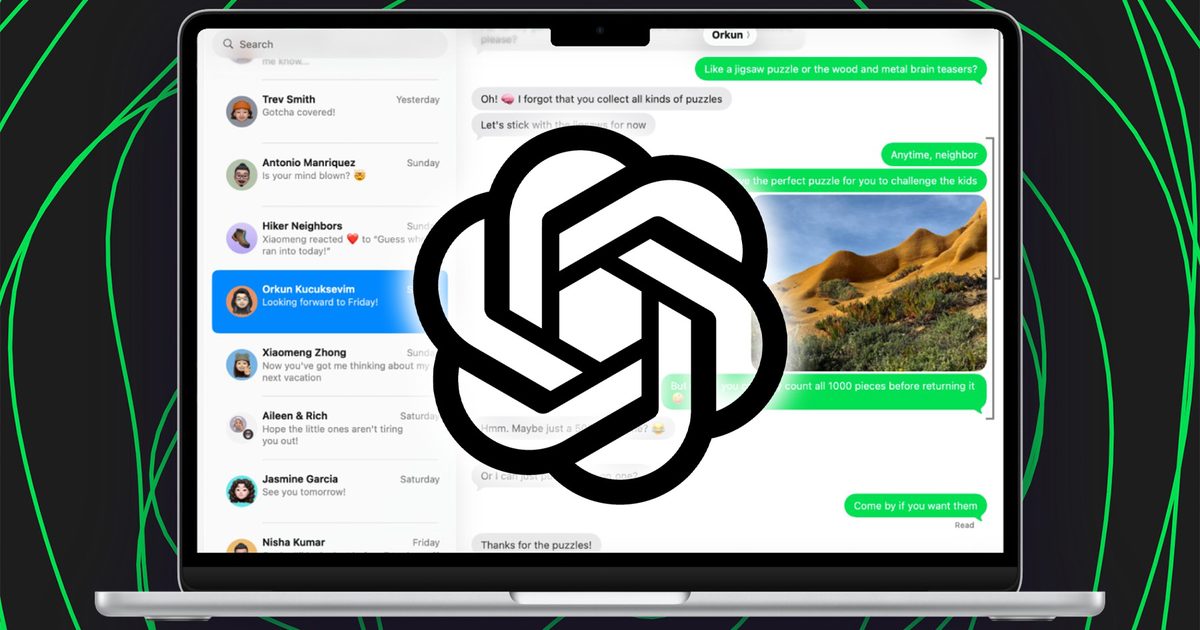
ChatGPT is getting a little more comfortable inside the Mac, with its latest update adding an Apple Messages integration. The feature lets users bring conversations from Apple’s Messages app into ChatGPT, giving the assistant another source of context without requiring users to manually copy and paste entire conversations.

Another app joins ChatGPT’s growing ecosystem

The integration is part of a broader push to make ChatGPT more useful as a desktop assistant rather than simply a chatbot sitting in its own window. OpenAI has been expanding the Mac app’s ability to work with other applications and information, including its Computer History feature, which can reference selected activity from supported apps and websites.

Everyday conversations just got easier with the new Apple Messages plugin.

Search messages, catch up on conversations, draft and send replies—all with ChatGPT on your Mac.

Now available in ChatGPT Work and Codex on desktop. pic.twitter.com/nicfZMuxZc

— ChatGPT (@ChatGPT) August 20, 2026

Messages is an especially interesting addition because conversations often contain information that users may want to act on later. Instead of digging through a long thread, users can bring that context into ChatGPT and ask it to summarize a conversation, pull out important details, or help work with information contained within it.

OpenAI’s broader desktop strategy is clearly heading in this direction. Its current Mac app combines ChatGPT with Work and Codex, while connected apps and plugins are designed to let the assistant work with external tools and information rather than keeping everything inside a standalone chat.

But this is where things get personal

Giving ChatGPT access to Messages is considerably more sensitive than connecting something like Google Drive. Messages can contain private conversations, personal details, addresses, financial information, and other information that users probably don’t expect an AI assistant to see. That’s why the permissions and privacy controls matter here. Apple’s existing ChatGPT integration already makes clear that users control when information is sent to ChatGPT, with Siri asking permission before sending files.

The Messages integration therefore feels like a small feature with much bigger implications. ChatGPT is slowly moving from an assistant users talk to into one that can understand more of what they’re already doing on their devices. That’s undeniably useful, but the more of a user’s digital life it can access, the more important it becomes to know exactly what ChatGPT can see, when it can see it, and where that information goes.

Share. Facebook Twitter Pinterest LinkedIn Telegram Reddit Email
Previous ArticleGTA 6 may have a second leaker with access to internal files
Next Article I upgraded from the M1 to the M5 MacBook Air, and the speakers got worse

Related Articles

Soundcore Space 2 Pro headphones promise crystal-clear calls with Anker’s new AI chip

Soundcore Space 2 Pro headphones promise crystal-clear calls with Anker’s new AI chip

3 September 2026
Xbox Cloud Gaming is about to become a lot more appealing to casual gamers with a new pay-as-you-go option

Xbox Cloud Gaming is about to become a lot more appealing to casual gamers with a new pay-as-you-go option

3 September 2026
Lenovo reveals iMac rival that upstages Apple with more goodies at a lower price

Lenovo reveals iMac rival that upstages Apple with more goodies at a lower price

3 September 2026
Motorola’s new Edge 70 Plus packs a 200MP camera and a massive battery

Motorola’s new Edge 70 Plus packs a 200MP camera and a massive battery

3 September 2026
We got GTA VI limited-edition DualSense controllers before GTA VI

We got GTA VI limited-edition DualSense controllers before GTA VI

3 September 2026
Anker unveils smarter chargers and power banks built to fight heat and battery degradation

Anker unveils smarter chargers and power banks built to fight heat and battery degradation

3 September 2026
Demo
Stay In Touch
  • Facebook
  • Twitter
  • Pinterest
  • Instagram
  • YouTube
  • Vimeo
Don't Miss
Marvel’s Wolverine Review: Relentless Momentum

Marvel’s Wolverine Review: Relentless Momentum

By News Room10 September 2026

Wolverine memorably and repeatedly quips in the comics about being the best there is at…

Level-5’s Futuristic Detective RPG Decapolice Will Now Launch In 2027

Level-5’s Futuristic Detective RPG Decapolice Will Now Launch In 2027

10 September 2026
Xbox Will Now Publish Hideo Kojima’s Action – Sep 10, 2026

Xbox Will Now Publish Hideo Kojima’s Action – Sep 10, 2026

10 September 2026
Final Fantasy VII Preview: Excitement For The

Final Fantasy VII Preview: Excitement For The

10 September 2026
Tech Savvyed
Facebook X (Twitter) Instagram Pinterest
  • Privacy Policy
  • Terms of use
  • Advertise
  • Contact
© 2026 Tech Savvyed. All Rights Reserved.

Type above and press Enter to search. Press Esc to cancel.