


Close Menu
Tech Savvyed
  • Home
  • News
  • Artificial Intelligence
  • Gadgets
  • Apps
  • Mobile
  • Gaming
  • Accessories
  • More
    • Web Stories
    • Spotlight
    • Press Release

Subscribe to Updates

Get the latest tech news and updates directly to your inbox.

What's On
House House Discloses AI Use For ‘Under 0.1%’ Of Big Walk’s Code Following IGF Voting Controversy

House House Discloses AI Use For ‘Under 0.1%’ Of Big Walk’s Code Following IGF Voting Controversy

10 November 2026
Google’s Pixel Tag is finally here, and it has one clever trick Apple’s AirTag doesn’t

Google’s Pixel Tag is finally here, and it has one clever trick Apple’s AirTag doesn’t

10 November 2026
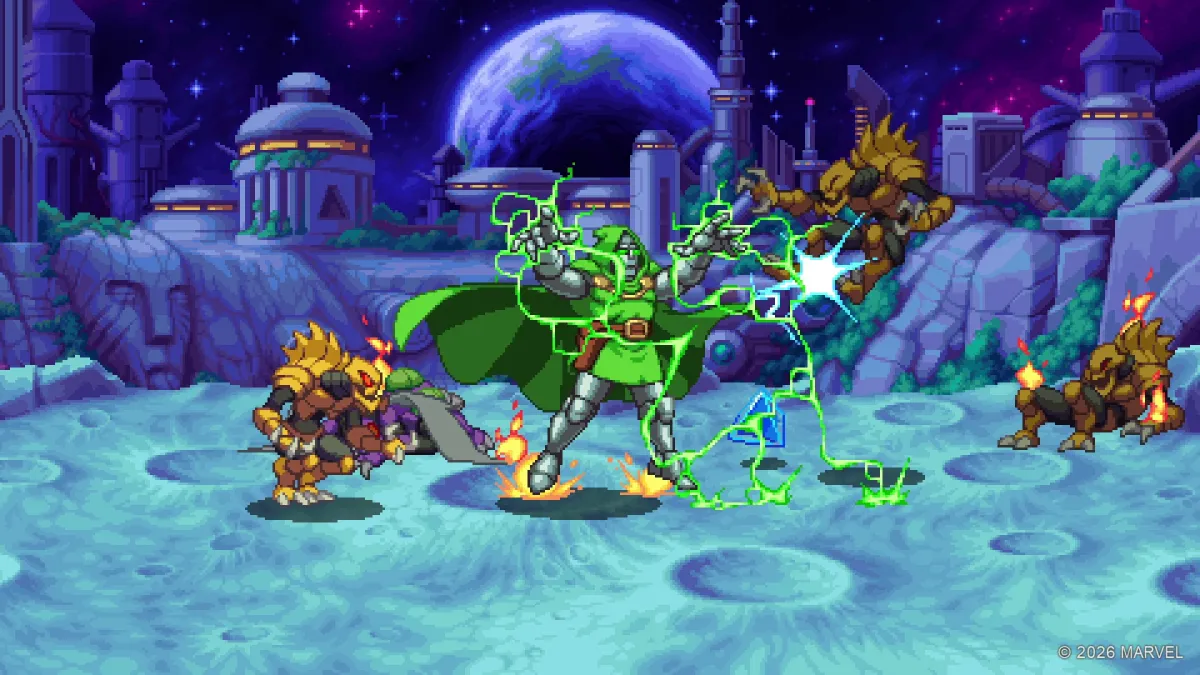
Marvel Cosmic Invasion’s Doctor Doom-Themed DLC Gives It The Post-Game Tail It Was Missing

Marvel Cosmic Invasion’s Doctor Doom-Themed DLC Gives It The Post-Game Tail It Was Missing

10 November 2026
Facebook X (Twitter) Instagram
Tech Savvyed
SUBSCRIBE
  • Home
  • News
  • Artificial Intelligence
  • Gadgets
  • Apps
  • Mobile
  • Gaming
  • Accessories
  • More
    • Web Stories
    • Spotlight
    • Press Release
Tech Savvyed
Home»News»Apple has finally made it easier to find your lost TV remote, and it’s about time
News

Apple has finally made it easier to find your lost TV remote, and it’s about time

News RoomBy News Room30 October 20262 Mins Read
Apple has finally made it easier to find your lost TV remote, and it’s about time
Share
Facebook Twitter Reddit Telegram Pinterest Email

I’ve always found it odd that my iPhone can track my AirPods and my Mac. But for some odd reason, I can’t use it to find my Apple TV remote, which is probably the most easily lost thing in the entire house. Fortunately, that has changed.

iOS 27.2 now lets the Find My app track Apple TV 4K remotes, officially called the Siri Remote. Finally, you can hunt down a lost one like a missing iPhone.

How do you find a lost Siri Remote in Find My?

On iOS 27.2, head to the Devices section in the Find My app, and any Siri Remote from the 2nd generation onward appears in the list, ready to be tracked down (via Apple). 

Before this, the only route was buried in Control Center (introduced with iOS 17). You had to tap the Apple TV remote icon, pick your Apple TV, hit Find, and watch a white dot grow as you got closer.

I’d bet most households never knew that older route existed, which basically defeats the purpose of a rescue feature. Moving it into the app you already open for lost AirPods, Apple Watch, or MacBook is a welcome fix. More importantly, it works with remotes you may already own, no purchase required.

Apple-TV-4K

Why does the timing matter, and who gets the best version?

The upcoming Siri Remote (4th generation) is built for this job. It supports Precision Finding, which points you toward the remote as you walk around. It also has a built-in speaker, so your iPhone can make it beep. 

It comes with the new Apple TV 4K, costs $59 on its own, and works with all Apple TV 4K and Apple TV HD models. My read is that Apple timed this update to set the stage.

Here’s the catch: Precision Finding needs an iPhone 17 or newer, so older phones get basic Find My tracking without that guided search. 

RELATED COVERAGE:

Share. Facebook Twitter Pinterest LinkedIn Telegram Reddit Email
Previous ArticleEA Reportedly Closed BioWare To Invest In Developing Star Wars Battlefront III Instead Of The Next Mass Effect
Next Article Subvocal’s glasses promise to let you talk to your computer in complete silence

Related Articles

Google’s Pixel Tag is finally here, and it has one clever trick Apple’s AirTag doesn’t

Google’s Pixel Tag is finally here, and it has one clever trick Apple’s AirTag doesn’t

10 November 2026
Google Pixel Watch gets step-by-step workout guidance with the November Pixel Drop

Google Pixel Watch gets step-by-step workout guidance with the November Pixel Drop

10 November 2026
Google Pixel phones are getting custom AI widgets, new icons, and a useful HiLight upgrade

Google Pixel phones are getting custom AI widgets, new icons, and a useful HiLight upgrade

10 November 2026
Google’s Gemini 4 Carbon is now available, and it’s built for your toughest tasks

Google’s Gemini 4 Carbon is now available, and it’s built for your toughest tasks

10 November 2026
iVANKY’s Black Friday Sale Targets Mac Users Who Need More Connectivity

iVANKY’s Black Friday Sale Targets Mac Users Who Need More Connectivity

10 November 2026
GTA 6 will be playable on Xbox One, and lands support for Xbox Cloud gaming

GTA 6 will be playable on Xbox One, and lands support for Xbox Cloud gaming

10 November 2026
Demo
Stay In Touch
  • Facebook
  • Twitter
  • Pinterest
  • Instagram
  • YouTube
  • Vimeo
Don't Miss
Google’s Pixel Tag is finally here, and it has one clever trick Apple’s AirTag doesn’t

Google’s Pixel Tag is finally here, and it has one clever trick Apple’s AirTag doesn’t

By News Room10 November 2026

I’ve lost count of the mornings I’ve spent patting down my pockets. As part of…

Marvel Cosmic Invasion’s Doctor Doom-Themed DLC Gives It The Post-Game Tail It Was Missing

Marvel Cosmic Invasion’s Doctor Doom-Themed DLC Gives It The Post-Game Tail It Was Missing

10 November 2026
Google Pixel Watch gets step-by-step workout guidance with the November Pixel Drop

Google Pixel Watch gets step-by-step workout guidance with the November Pixel Drop

10 November 2026
Australia Did It Review: Delivering Where It

Australia Did It Review: Delivering Where It

10 November 2026
Tech Savvyed
Facebook X (Twitter) Instagram Pinterest
  • Privacy Policy
  • Terms of use
  • Advertise
  • Contact
© 2026 Tech Savvyed. All Rights Reserved.

Type above and press Enter to search. Press Esc to cancel.