

Close Menu
Tech Savvyed
  • Home
  • News
  • Artificial Intelligence
  • Gadgets
  • Apps
  • Mobile
  • Gaming
  • Accessories
  • More
    • Web Stories
    • Spotlight
    • Press Release

Subscribe to Updates

Get the latest tech news and updates directly to your inbox.

What's On
Kingdom Hearts Comes To Fortnite This Week

Kingdom Hearts Comes To Fortnite This Week

15 September 2026
Here’s How To Get A Steam Frame – Sep 14, 2026

Here’s How To Get A Steam Frame – Sep 14, 2026

14 September 2026
Heroes Of The Storm Gets First New Character In – Sep 12, 2026

Heroes Of The Storm Gets First New Character In – Sep 12, 2026

13 September 2026
Facebook X (Twitter) Instagram
Tech Savvyed
SUBSCRIBE
  • Home
  • News
  • Artificial Intelligence
  • Gadgets
  • Apps
  • Mobile
  • Gaming
  • Accessories
  • More
    • Web Stories
    • Spotlight
    • Press Release
Tech Savvyed
Home»News»Amazon’s new Fire Sticks are turning sideloading into a thing of the past
News

Amazon’s new Fire Sticks are turning sideloading into a thing of the past

News RoomBy News Room1 July 20263 Mins Read
Amazon’s new Fire Sticks are turning sideloading into a thing of the past
Share
Facebook Twitter Reddit Telegram Pinterest Email

Amazon’s new Fire Sticks are starting to close off one of the device’s biggest unofficial perks, installing apps from outside Amazon’s Appstore.

The change comes with Vega OS, Amazon’s newer Linux-based Fire TV software. Amazon introduced the Fire TV Stick 4K Select as the first Fire TV Stick to run Vega OS, and its developer site says future Fire TV Sticks will use the platform. Older Fire Sticks ran Fire OS, an Android-based system that gave users more room for outside apps and tinkering.

Vega OS doesn’t treat sideloading the same way Fire OS did. Amazon’s developer docs still allow it, but as a testing workflow tied to Developer Mode, an Amazon developer account, and device registration. That’s a different setup from the consumer-friendly workaround Fire Stick owners have used for years.

For buyers, the tradeoff lands in daily use. A newer streaming stick may be easier to manage, but it won’t leave much room to customize the experience.

Why did Amazon cut sideloading

In a Cord Busters interview, Amazon’s Fire TV chief linked sideloaded piracy apps to malware risk and unwanted code. He described security and privacy as priorities, but he didn’t provide a specific case where sideloading harmed a Fire Stick owner.

The concern isn’t baseless. Amazon previously blocked several video apps after reports tied them to riskware or virus scanner warnings. An older Android botnet also appeared on some Fire Sticks, giving Amazon a security argument that extends beyond platform control.

What does Vega OS change

Vega OS cuts off regular sideloading and blocks custom launchers, closing two common routes people used to reshape Fire TV devices.
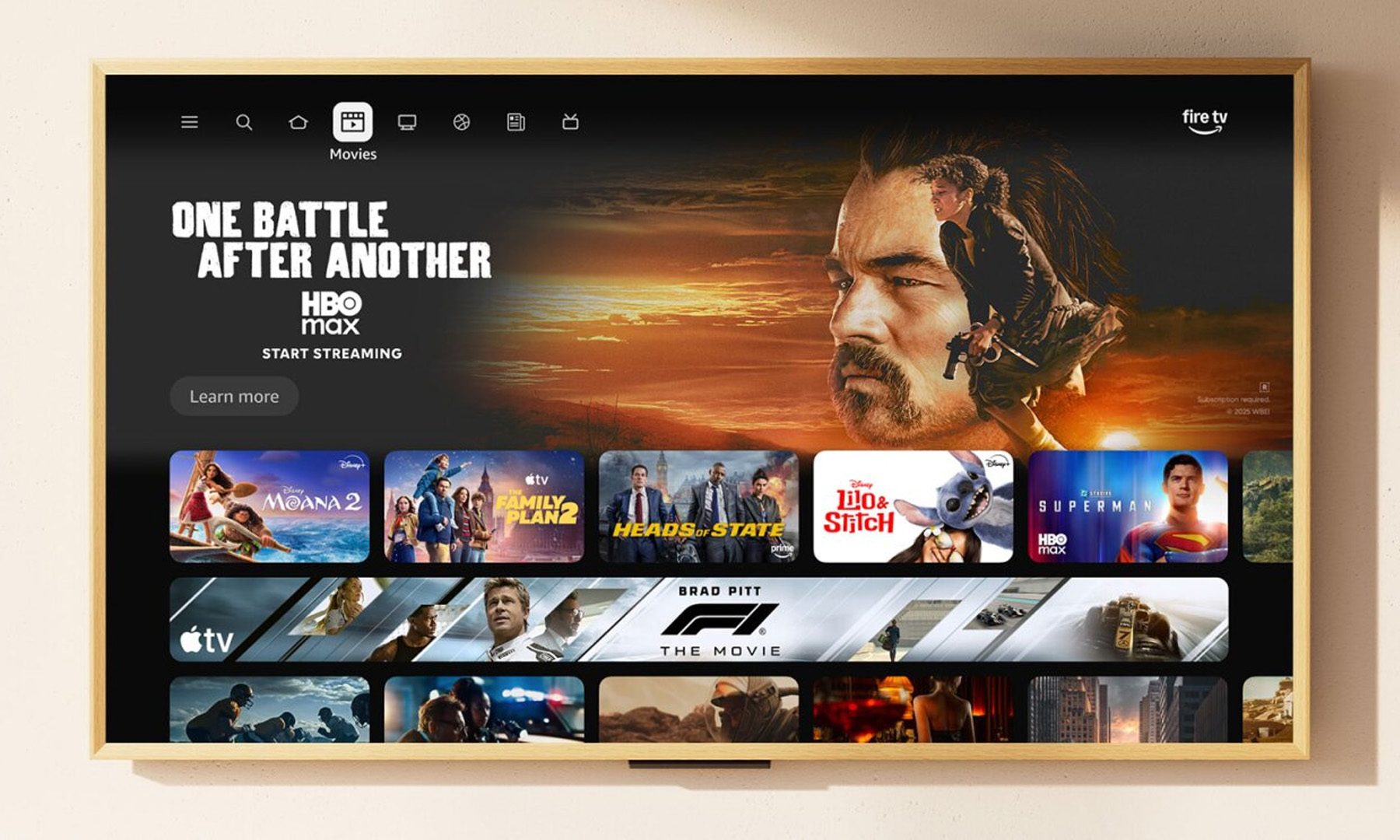
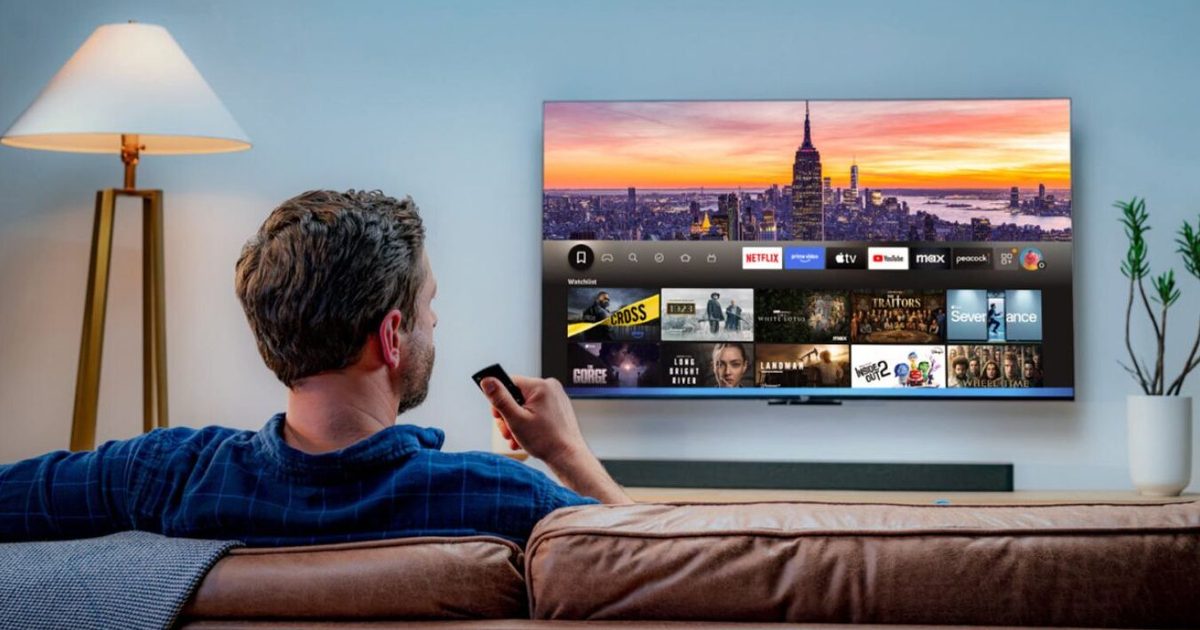
Amazon Fire TV interface New other

The home screen is part of the larger shift. Amazon has increasingly used Fire TV devices for ads and recommendations, and fewer workarounds give users less control over what appears first when the device turns on.

App support is the other limitation. UK Vega OS Fire Sticks support about 3,000 apps, while Fire OS models support about 40,000. That gap won’t bother everyone, but it becomes obvious when a favorite app, storage feature, or video standard isn’t supported.

Who should skip Vega OS

A Vega OS Fire Stick can still make sense for basic streaming. Amazon says the platform covers most of the content people want, and many buyers don’t install anything beyond major streaming services.

Power users should slow down before upgrading. Check the app list, storage support, video features, and customization limits before buying. Anyone who bought a Fire Stick for sideloading should treat Vega OS as a different product, not a routine upgrade.

Share. Facebook Twitter Pinterest LinkedIn Telegram Reddit Email
Previous ArticleFAA clears the runway for Mach flights that could cut travel times nearly in half
Next Article Acer’s 1,000Hz gaming monitor is real, expensive, and stuck waiting on a launch date

Related Articles

Soundcore Space 2 Pro headphones promise crystal-clear calls with Anker’s new AI chip

Soundcore Space 2 Pro headphones promise crystal-clear calls with Anker’s new AI chip

3 September 2026
Xbox Cloud Gaming is about to become a lot more appealing to casual gamers with a new pay-as-you-go option

Xbox Cloud Gaming is about to become a lot more appealing to casual gamers with a new pay-as-you-go option

3 September 2026
Lenovo reveals iMac rival that upstages Apple with more goodies at a lower price

Lenovo reveals iMac rival that upstages Apple with more goodies at a lower price

3 September 2026
Motorola’s new Edge 70 Plus packs a 200MP camera and a massive battery

Motorola’s new Edge 70 Plus packs a 200MP camera and a massive battery

3 September 2026
We got GTA VI limited-edition DualSense controllers before GTA VI

We got GTA VI limited-edition DualSense controllers before GTA VI

3 September 2026
Anker unveils smarter chargers and power banks built to fight heat and battery degradation

Anker unveils smarter chargers and power banks built to fight heat and battery degradation

3 September 2026
Demo
Stay In Touch
  • Facebook
  • Twitter
  • Pinterest
  • Instagram
  • YouTube
  • Vimeo
Don't Miss
Here’s How To Get A Steam Frame – Sep 14, 2026

Here’s How To Get A Steam Frame – Sep 14, 2026

By News Room14 September 2026

Valve’s new VR headset, the Steam Frame, is dropping very soon, and today is the…

Heroes Of The Storm Gets First New Character In – Sep 12, 2026

Heroes Of The Storm Gets First New Character In – Sep 12, 2026

13 September 2026
Blizzard Announces Diablo V, Arriving Spring 2029

Blizzard Announces Diablo V, Arriving Spring 2029

12 September 2026
Forever – Sep 12, 2026

Forever – Sep 12, 2026

12 September 2026
Tech Savvyed
Facebook X (Twitter) Instagram Pinterest
  • Privacy Policy
  • Terms of use
  • Advertise
  • Contact
© 2026 Tech Savvyed. All Rights Reserved.

Type above and press Enter to search. Press Esc to cancel.



