






The year 2026 has marked a huge course correction for Microsoft after years of frustrating users with plenty of confusing processes, unoptimized UI elements, and just the generous bloatware that can bring any Windows system to a crawl. Microsoft has finally shifted into a new phase. From fixing the right-click behavior to speeding up the Search system, the company has fixed plenty of papercuts.
The next major milestone is making Windows 11 run smoothly on Windows PCs with just 8GB of RAM. That directly means entry-level and budget laptops will at least get the basics right, even if that means sacrificing the on-device AI bells and whistles. Let’s face it. The increasingly AI-first approach to computing on a Windows 11 machine is a little too taxing on the hardware at hand.
At last
Running the full OS experience without any jitters on a desktop or laptop PC with just 8 GB of RAM is proving to be increasingly challenging. The situation is not too different for Apple’s famously well-optimized macOS. Running the latest AI-heavy wheels of macOS Golden Gate or macOS Sequoia on older MacBooks with 8 GB of RAM, or even the new MacBook Pro, is an exercise in frustration until you decide to switch off the AI processes completely.
Pavan Davuluri, EVP of the Windows and Devices portfolio at Microsoft, says the company’s next target is memory optimization for devices with 8GB of RAM. “Reducing Windows memory footprint to deliver a fast and responsive Windows experience across the PCs customers use every day,” he wrote in a blog post. Additionally, the out-of-the-box set-up experience will also get smoother, and parental controls will also be fixed.
The situation in the PC and laptop segment is pretty grim, thanks to AI, and the pricing storm it has stirred in the memory and storage supply chain. The cost of RAM has more than quadrupled in a year, and it’s only forecasted to go up. Just a day ago, Samsung, one of the biggest players in the memory supply, said the situation won’t ease up until 2028, at the earliest.
As a result, the average selling price of laptops has kept climbing, and even the likes of Apple had to raise prices a few weeks ago. Analyst predictions are pretty disheartening, too. “The sub-$500 entry-level PC segment will disappear by 2028,” Ranjit Atwal, Senior Director Analyst at Gartner, said in a research note. “PC memory costs are expected to peak at 23% of the total bill-of-materials (BOM) up from 16% in 2025,” the report adds.
A huge step forward
This is where the situation gets tricky. The makers of operating systems are increasingly pushing AI into the workflow, whether it’s a desktop on your table or on a phone in your palm. Microsoft is no different, and over the past couple of years, it has tried to push the Copilot AI experience into every corner of the Windows experience and the apps that it ships.
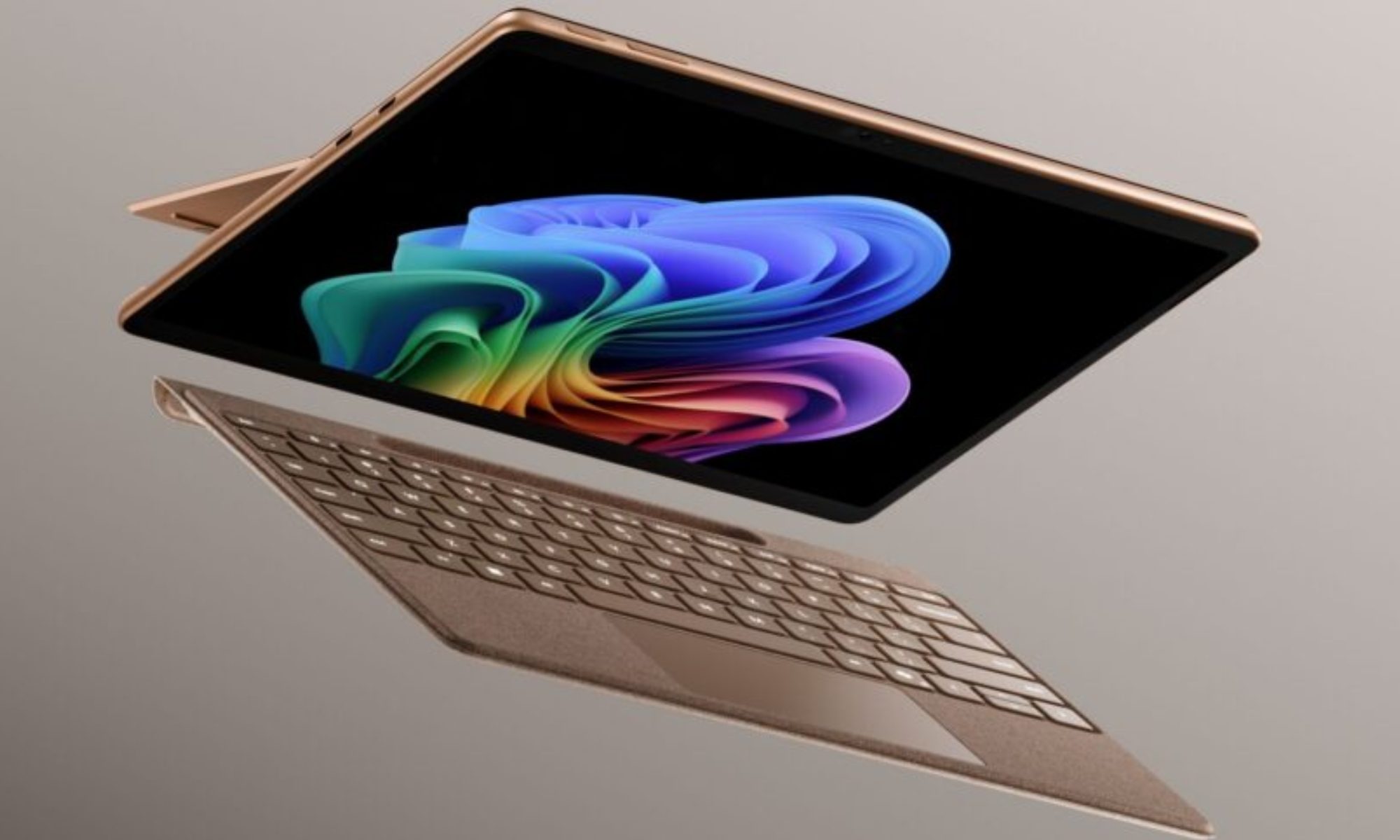
The company even had to create a baseline hardware requirement (an NPU that goes over 40TOPS and 16GB of RAM) for a PC to qualify as a Copilot+ machine. But the company soon realized its mistake as well. Owing to the higher asking price of its latest Surface hardware and how increasingly inaccessible they are becoming, the company launched a watered-down version of its latest Surface laptops, packing just 8 GB of RAM and lacking the Copilot+ AI branding, because it’s just not feasible to serve all those on-device AI features on a laptop with just 8 gigs of memory.
But Copilot is not the only hurdle that makes budget laptops a testing experience on a foundation with just 8 GB of RAM. There are a whole bunch of background processes and redundancies that keep Windows running slower on the same amount of RAM, whereas macOS does a much better job. I have used Apple’s MacBook Air and Neo laptops with the same RAM allowance, and they perform far more reliably than a budget Windows laptop with a similar memory allowance.
I’m glad that Microsoft is finally realizing the mistake and trimming the bloatware that could allow laptops and PCs with 8GB of RAM to perform smoothly. Given the current state of the market, laptops with 8GB of RAM — and a more affordable price tag — are desperately needed. Intel is chasing that dream with Project Dragonwing. Let’s hope Microsoft can pull off some magic. I’m not too confident, but I am certainly hopeful!





