



Google Photos on Android is finally getting the cleaner bottom navigation bar iPhone users have had since February. That’s a strange thing to say about a Google app on Google’s own mobile platform, but here we are.
The update replaces the old docked bar with a floating pill that sits above the bottom edge of the screen. It no longer covers the photos underneath, and it puts Gemini-powered Ask Photos beside the main navigation.
For Android users, Google Photos should feel a little less cramped. For Google, the delay makes a small design improvement look more awkward than it needed to be.
Why did Android get it last
The redesign is mostly about reclaiming screen space. Since the navigation bar now floats instead of sticking to the bottom edge, photos are no longer buried behind the interface while browsing.
Google also added a floating date pill that appears while scrolling through the Photos tab. Users who prefer dates inside the grid can still turn on “Show dates in grid” from the Photos view menu.
The timing is the eyebrow-raiser. Google shipped this interface to the iPhone version of Google Photos back in February, leaving Android users waiting nearly five months for the same cleaner layout.
What the new bar actually does
The new layout keeps Photos, Collections, and Create in the floating navigation area. Ask Photos gets its own circular Gemini button on the right.
That gives Google’s AI photo search a more obvious place in the app. Ask Photos can search a library using natural language and find images based on descriptions. Create also keeps Google’s AI editing tools close to the main navigation.
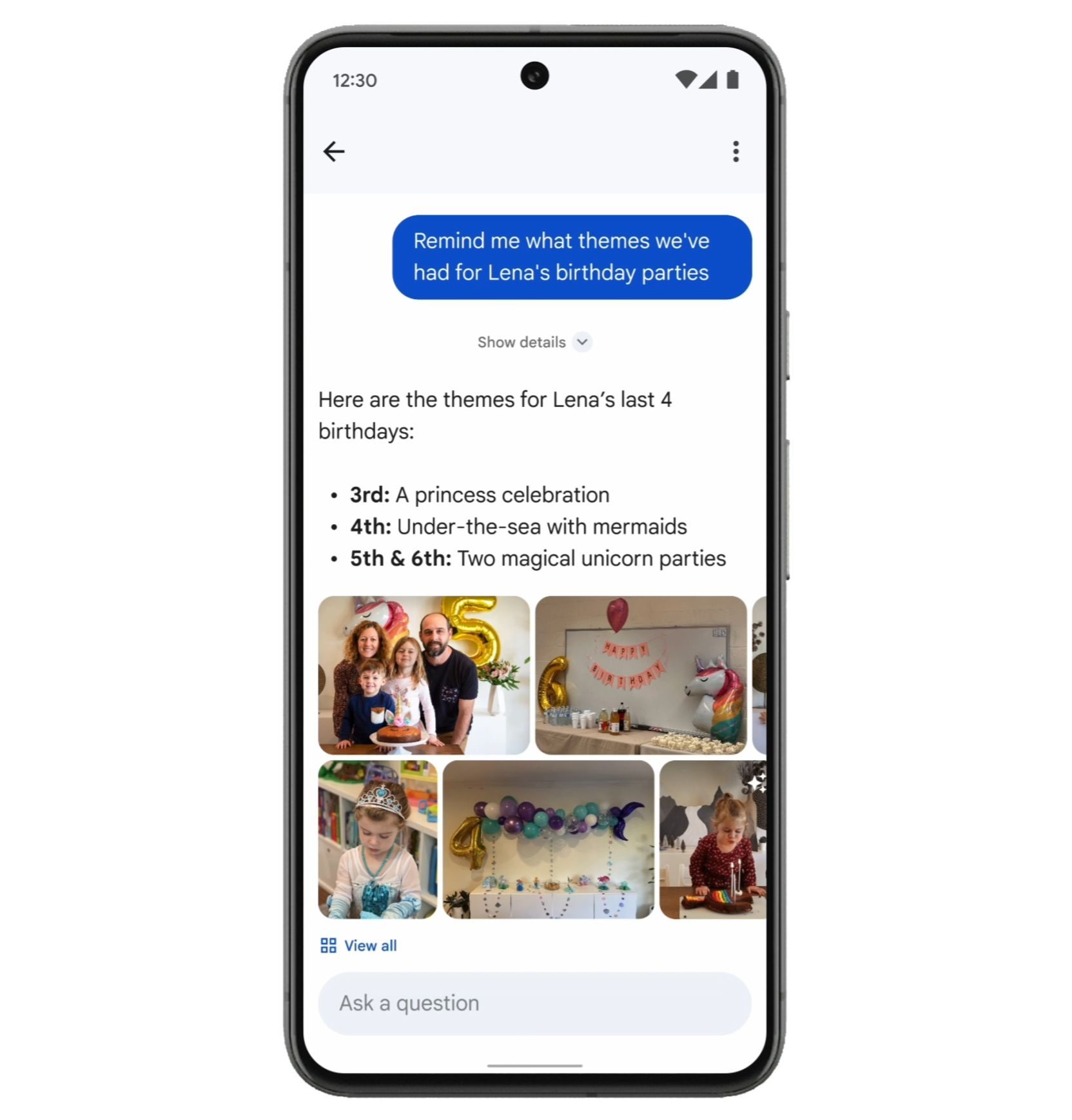
The cleaner interface helps, but the biggest button in the new layout nudges users toward Gemini. Google Photos looks less crowded now, while also feeling more openly built around Google’s AI push.
How to check for it
Android users should look for Google Photos version 7.82, though the redesign appears to be arriving through a server-side update. Having the right app version may not make the floating bar appear immediately.
The quickest check is to open Android’s app info page for Google Photos and scroll to the bottom to see the installed version. If version 7.82 is already installed but the redesign is missing, force stopping the app and reopening it later may trigger the new look.
This is still a small update, not a full rethink of Google Photos. But when the iPhone version of a Google app already has the cleaner interface, Android users have every reason to check whether their app has finally caught up.