

Close Menu
Tech Savvyed
  • Home
  • News
  • Artificial Intelligence
  • Gadgets
  • Apps
  • Mobile
  • Gaming
  • Accessories
  • More
    • Web Stories
    • Spotlight
    • Press Release

Subscribe to Updates

Get the latest tech news and updates directly to your inbox.

What's On
Dual Override Gameplay Trailer Reveals – Aug 25, 2026

Dual Override Gameplay Trailer Reveals – Aug 25, 2026

26 August 2026
Lenovo’s first Android gaming handheld has a clever answer to your terrible Wi-Fi

Lenovo’s first Android gaming handheld has a clever answer to your terrible Wi-Fi

26 August 2026
The Most Dope Games We’ve Played At Gamescom 2026

The Most Dope Games We’ve Played At Gamescom 2026

26 August 2026
Facebook X (Twitter) Instagram
Tech Savvyed
SUBSCRIBE
  • Home
  • News
  • Artificial Intelligence
  • Gadgets
  • Apps
  • Mobile
  • Gaming
  • Accessories
  • More
    • Web Stories
    • Spotlight
    • Press Release
Tech Savvyed
Home»News»Windows 11 is getting a new Screen Tint mode, and your eyes might thank Microsoft
News

Windows 11 is getting a new Screen Tint mode, and your eyes might thank Microsoft

News RoomBy News Room27 June 20262 Mins Read
Windows 11 is getting a new Screen Tint mode, and your eyes might thank Microsoft
Share
Facebook Twitter Reddit Telegram Pinterest Email

Microsoft is testing a new accessibility feature for Windows 11 called Screen Tint, and it could be one of those small additions that make a surprisingly big difference. Instead of changing your display’s color temperature like Night Light, Screen Tint applies a customizable color overlay across the entire screen, making bright displays easier on the eyes during long work or gaming sessions.

A softer screen for tired eyes

Available in the latest Windows Insider preview build v29617.1000, Screen Tint lets users choose from six preset colors or create their own custom tint while adjusting its intensity with a dedicated slider. The feature lives under Settings > Accessibility > Vision, making it easy to enable whenever screen fatigue starts kicking in.

Microsoft says Screen Tint is designed for people who experience eye strain or light sensitivity from bright, saturated displays. Unlike Night Light, which primarily reduces blue light for evening use, Screen Tint simply softens the overall intensity of the screen and can even be used alongside Night Light. One thing to note is that enabling Screen Tint disables Windows’ existing Color Filters, so users who rely on those accessibility features will need to choose between the two.

Small feature, surprisingly useful

Interestingly, this feels like one of those features that many people won’t think about until they try it. Whether it’s working on a bright white document all day, editing photos late into the evening, or simply reducing visual fatigue during marathon gaming sessions, having a customizable screen overlay could make Windows a little more comfortable to use.

Person sitting and using a Windows Surface computer with Windows 11.

The latest Insider build also introduces a handful of other improvements, including better Bluetooth device recovery, refinements to the Recall experience, and several under-the-hood fixes. But for anyone who spends hours staring at a monitor every day, Screen Tint might end up being the real highlight of the update.
Share. Facebook Twitter Pinterest LinkedIn Telegram Reddit Email
Previous ArticleOpenAI’s poaching from Apple hints at ChatGPT-powered wearables coming for your face
Next Article Finding Android apps on the Google Play Store just got a lot easier thanks to Gemini

Related Articles

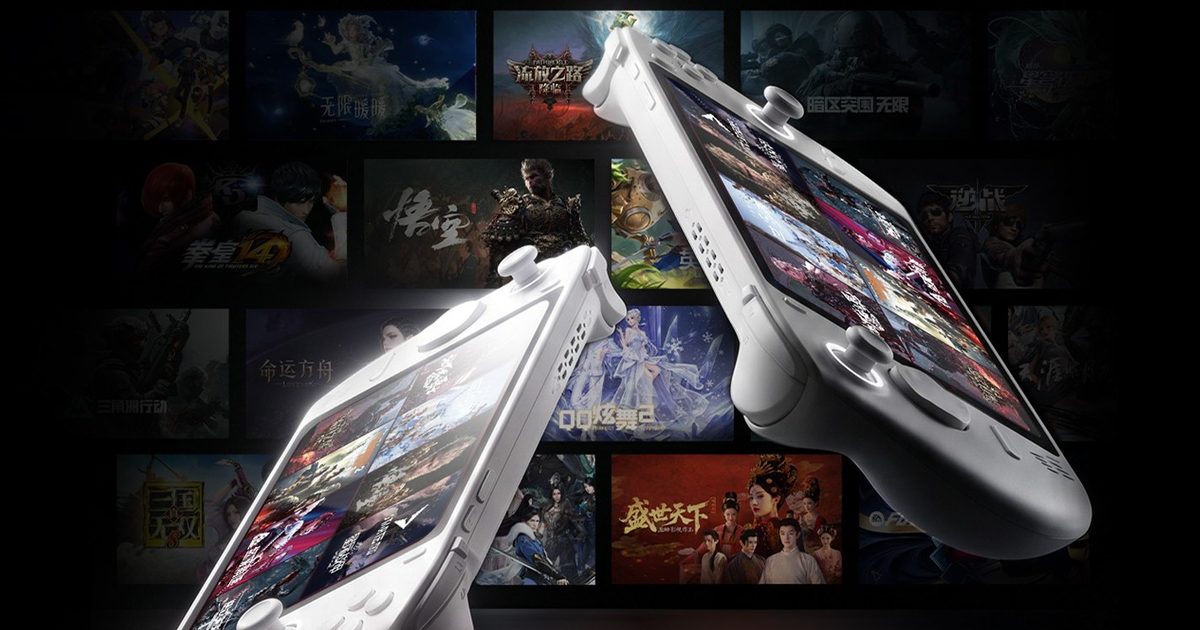
Lenovo’s first Android gaming handheld has a clever answer to your terrible Wi-Fi

Lenovo’s first Android gaming handheld has a clever answer to your terrible Wi-Fi

26 August 2026
Jimi Hendrix’s Purple Haze takes over Marshall’s collection of speakers, headphones, and amp

Jimi Hendrix’s Purple Haze takes over Marshall’s collection of speakers, headphones, and amp

26 August 2026
Parents can now watch their teen’s Uber ride in real time

Parents can now watch their teen’s Uber ride in real time

26 August 2026
WhatsApp is making a big change to how you secure your account

WhatsApp is making a big change to how you secure your account

26 August 2026
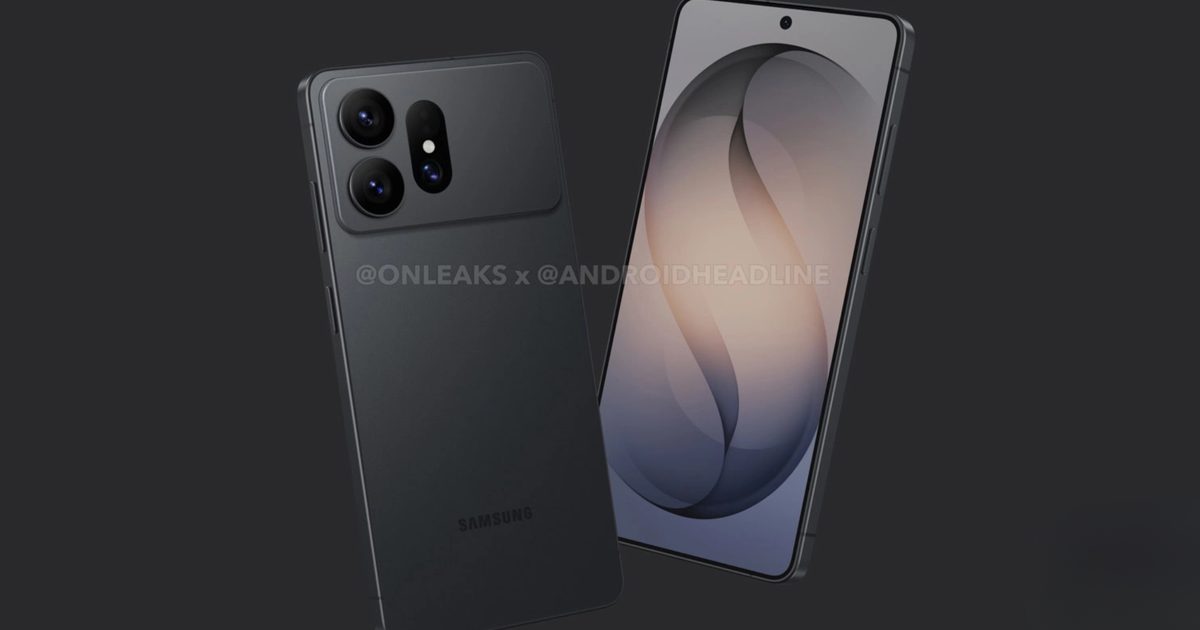
Samsung’s Galaxy S27 Ultra may be getting a makeover, starting with its enormous camera bump

Samsung’s Galaxy S27 Ultra may be getting a makeover, starting with its enormous camera bump

26 August 2026
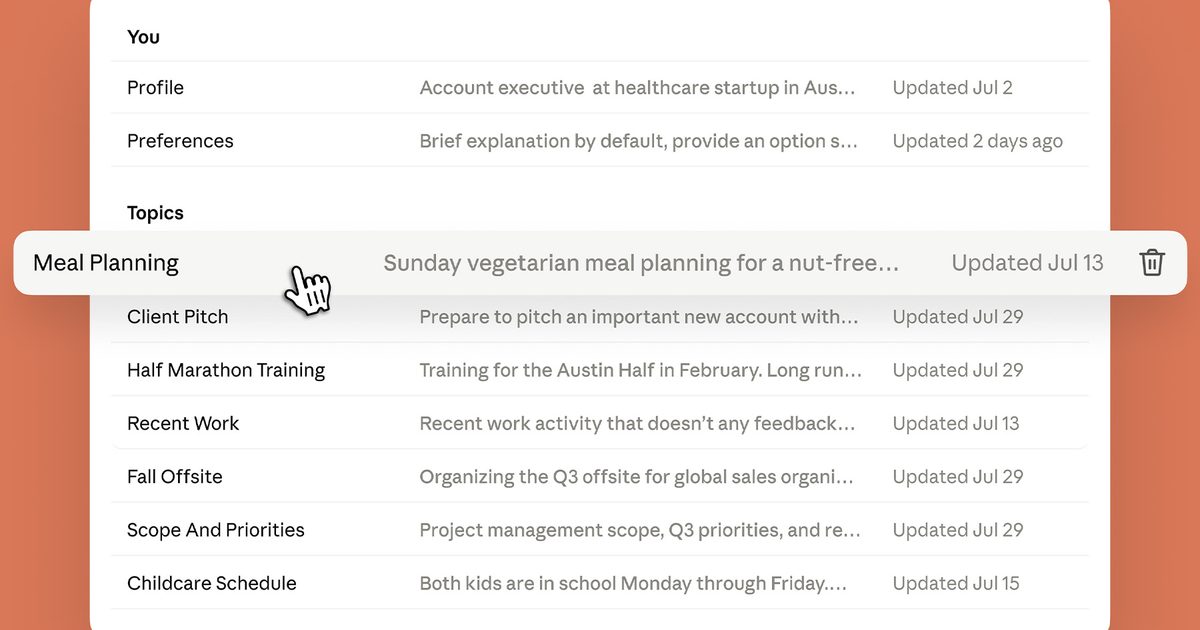
Claude now remembers what you told it, wherever you use it

Claude now remembers what you told it, wherever you use it

26 August 2026
Demo
Stay In Touch
  • Facebook
  • Twitter
  • Pinterest
  • Instagram
  • YouTube
  • Vimeo
Don't Miss
Lenovo’s first Android gaming handheld has a clever answer to your terrible Wi-Fi

Lenovo’s first Android gaming handheld has a clever answer to your terrible Wi-Fi

By News Room26 August 2026

I’m glad that gaming handhelds are making a return. But when I first saw the…

The Most Dope Games We’ve Played At Gamescom 2026

The Most Dope Games We’ve Played At Gamescom 2026

26 August 2026
Jimi Hendrix’s Purple Haze takes over Marshall’s collection of speakers, headphones, and amp

Jimi Hendrix’s Purple Haze takes over Marshall’s collection of speakers, headphones, and amp

26 August 2026
Control Resonant Continues To Look Weird And Strange

Control Resonant Continues To Look Weird And Strange

26 August 2026
Tech Savvyed
Facebook X (Twitter) Instagram Pinterest
  • Privacy Policy
  • Terms of use
  • Advertise
  • Contact
© 2026 Tech Savvyed. All Rights Reserved.

Type above and press Enter to search. Press Esc to cancel.