






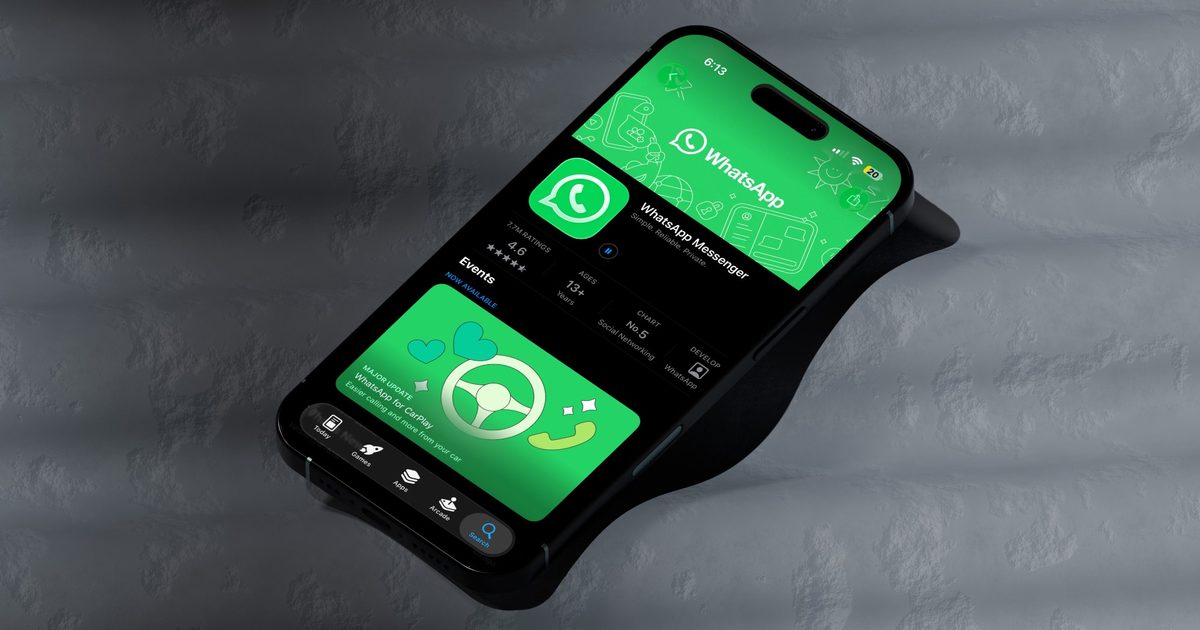
Searching for an old message in a busy WhatsApp chat has always felt like more work than it should be, especially on an iPhone. WhatsApp is finally fixing that with a new button that lets you jump into search mode without ever leaving the conversation.
How do you search for a message on WhatsApp right now?
On iPhone, finding a message inside a chat means digging through menus first. You have to tap the contact or group name at the top to open the chat info screen, then tap the search button from there, which sends you back into the chat with search mode turned on.
While this works, it adds an unnecessary step and hides the search feature, which might not be convenient for everyone to discover. Thankfully, if what WaBetaInfo discovered comes to fruition, users will have a much easier time searching inside a chat conversation.
What is WhatsApp changing about in-chat search?
According to the WhatsApp beta for iOS 26.31.10.70 on TestFlight, the app is building a dedicated search button that lives directly on the chat screen. Instead of hopping over to chat info first, you can tap this button to start searching right away.
The button won’t sit on your screen permanently, though. It only shows up when you scroll up through older messages, working a lot like the jump to latest message button already does. Scroll up, and it appears at the bottom-right of the screen. Scroll back down to the latest messages, and it disappears again.

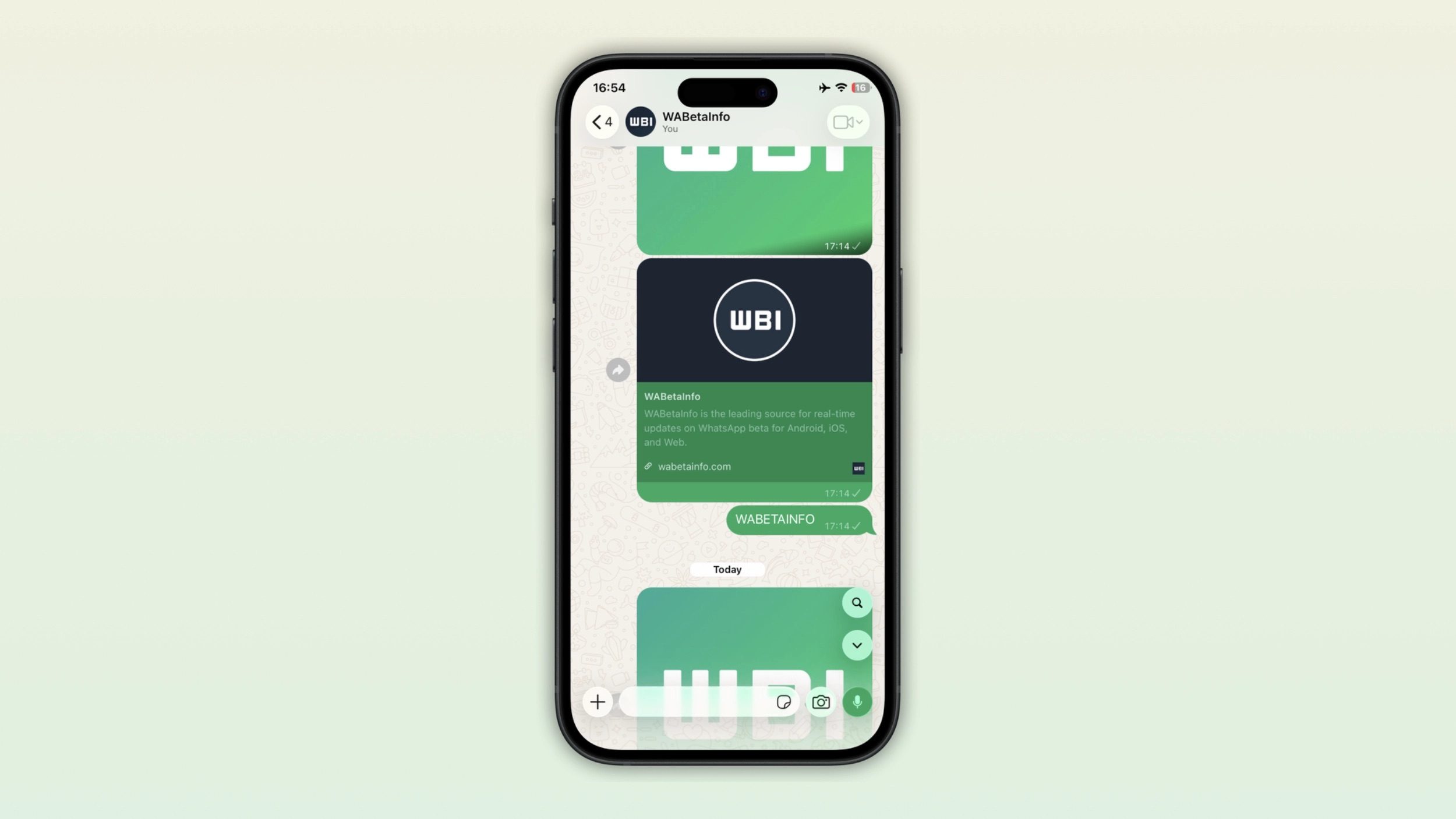
This might sound like a small tweak, but it removes a genuinely annoying detour. Right now, searching means leaving the chat, tapping through a menu, and landing back where you started. The new button cuts all of that down to a single tap.
WhatsApp hasn’t confirmed a release date yet, and the feature is still under development, but it’s a solid sign that faster, in-context search is finally coming for iPhone users.
