






Every major Android update doesn’t always bring a major overhaul in terms of visuals or features. So even after a massive download, you’re likely not noticing a big change in the way you use your phone. But on a good release, the update can help fix dozens of little frustrations, and Motorola’s Android 17 update looks very much like that kind of release.
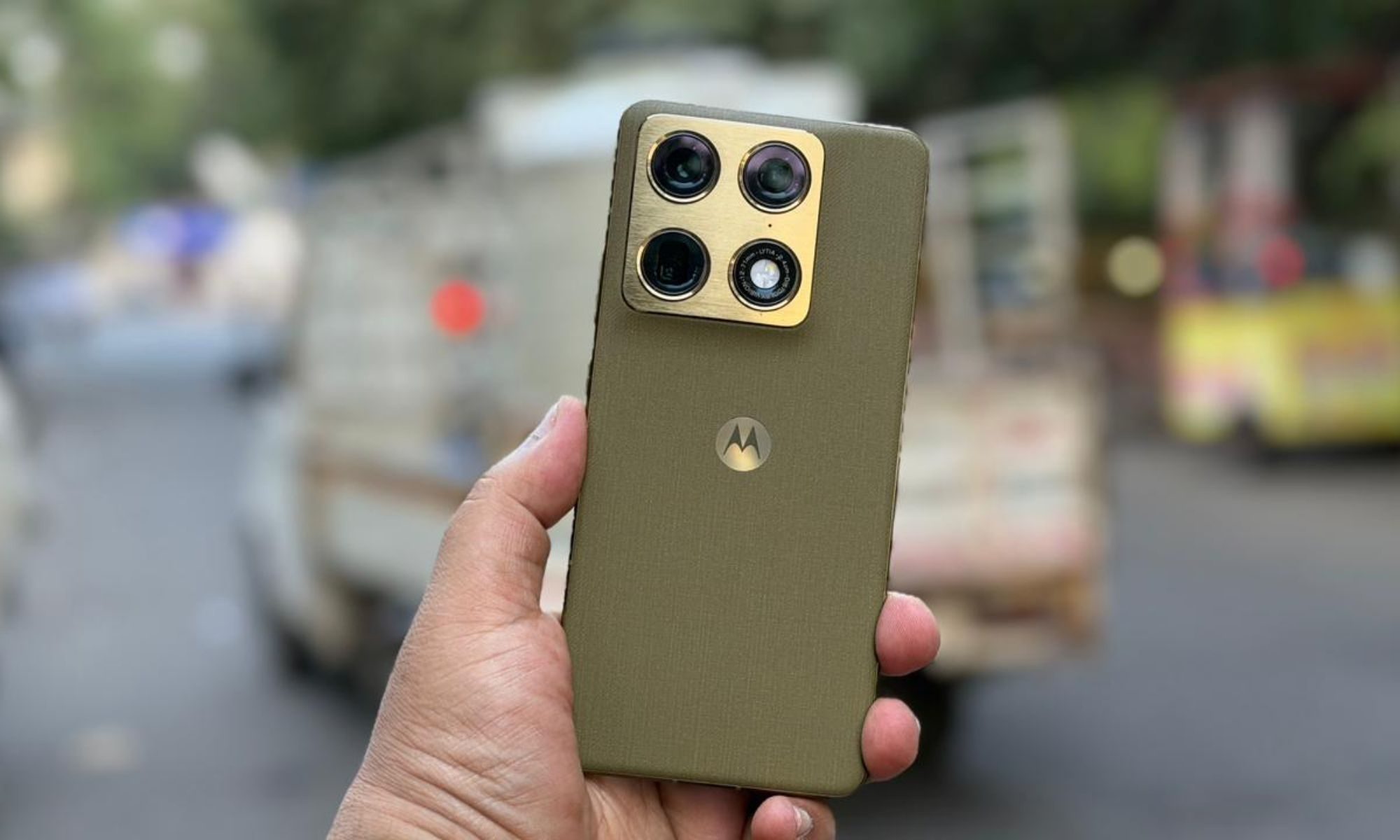
The company has started a phased rollout in India beginning with the Motorola Signature, with other eligible phones, like the Razr Fold, following in batches. The update combines Android 17’s broader improvements with changes to Motorola’s own interface. This includes a redesigned Quick Settings panel, smarter notifications, useful personalization options and stronger scam protection.
Your Motorola is getting a visual refresh
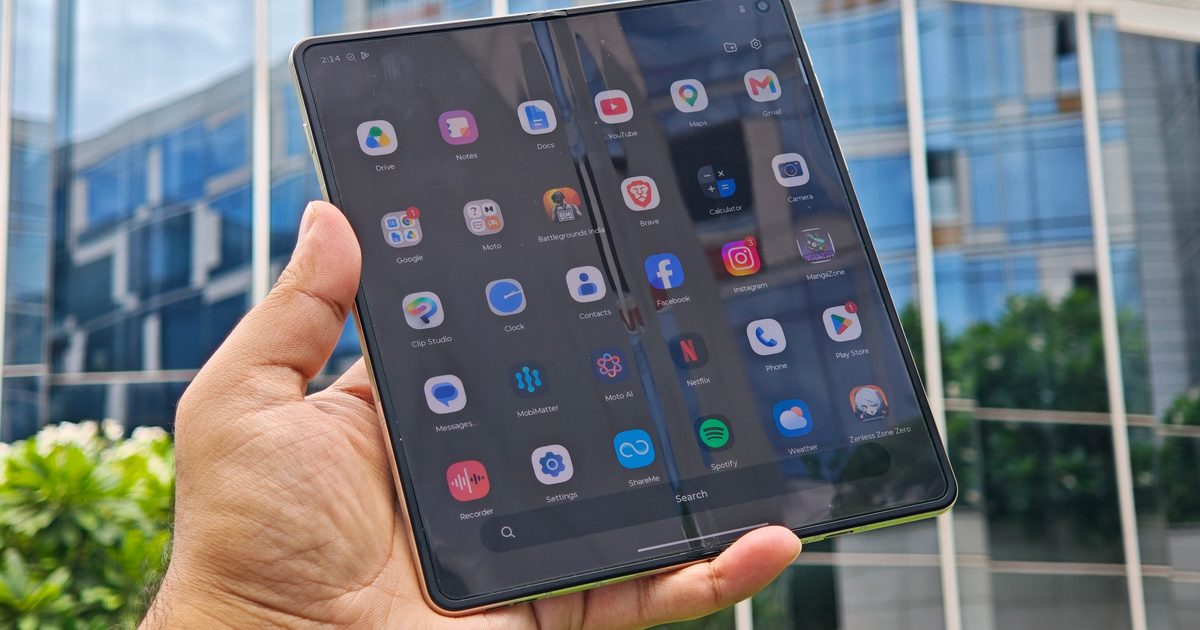
The first changes you’ll probably notice are on the home screen and inside Quick Settings. Motorola is redesigning parts of the system interface with larger touch targets and streamlined menus, while Quick Settings gets its own refresh. If you prefer Motorola’s Classic Quick Settings layout, Android 17 also lets you hide the text labels beneath individual tiles, which should free up some space.
The home screen gains stackable widgets, letting you put weather, music, calendar, battery, and other widgets in the same space and swipe between them instead of filling several rows. Motorola also adds themed icons and snap-scrolling for interactive widgets. Aside from this, brightness settings are also getting some minor tweaks. Android phones can currently blast the display brightness when showing HDR photos and videos. Android 17 adds an Enhanced HDR brightness control, allowing you to reduce the intensity or disable the extra brightness entirely.
Notifications are getting much smarter
Android 17 is all about making the interactions more seamless and intuitive, and Live Updates is a part of this push. It allows supported apps to continuously update information inside one notification rather than repeatedly sending new alerts. Think deliveries, rides, navigation, or other information that changes in real time. Expanding on this, Motorola phones can generate one-sentence summaries of long messaging threads, while machine learning separates personal messages from lower-priority automated alerts and bundles the latter into quieter sections.
Motorola’s rollout notes also mention improved notification grouping and contextual sharing suggestions for newly captured media. So you can avoid getting bombarded with dozens of notifications that are all placed randomly after being away from your phone for a couple of hours.
Sharing gets much less Android-only

Motorola is also expanding how its phones communicate with devices outside the Android ecosystem. Quick Share QR codes can let someone on another platform, including iOS, access shared files through a web interface. This gives you an option when the person standing beside you doesn’t happen to own another Android phone. Android 17 also brings Instant Hotspot for easier tethering and Nearby Audio Streams for broadcasting audio to compatible devices nearby.
Motorola’s own support page additionally lists Tap to Share, where compatible phones can be placed together to transfer something, and Quick Drop, which lets you create reusable groups for sharing photos and files with several people simultaneously.
Android 17 gets tougher on scams
Nobody likes spam messages, and some of these are genuinely harmful to a person. Motorola’s rollout includes automated scam detection for SMS, MMS, and RCS messages, designed to warn you when an incoming message looks like a phishing attempt. You also get Failed Authentication Lock, stronger PIN protections, and tighter controls over sensitive information appearing in lock-screen notifications.

Circle to Search is being expanded with real-time on-screen translation, giving compatible Motorola phones another way to translate whatever is currently being displayed without jumping between apps. These aren’t particularly major features, but the addition of these could make it a lot more viable.
Which Motorola phones are getting Android 17?
Motorola’s currently published list covers more than 50 device names, namely:
- Motorola Signature
- Razr family: Razr 70 Ultra / Razr Ultra 2026, Razr 70 Plus / Razr+ 2026, Razr 70 / Razr 2026, Razr Fold 2026, Razr Fold 2025, Razr 60 Ultra / Razr Ultra 2025, Razr 60s, Razr 60d, Razr 60 / Razr 2025, and Razr 50 Ultra / Razr+ 2024
- Edge family: Edge 2026, Edge 70 Pro+, Edge 70 Pro, Edge 70 Max, Edge 70 Neo, Edge 70 Plus, Edge 70 Fusion+, Edge 70 Fusion, Edge 70, Edge 2025, Edge 60 Stylus, Edge 60 Pro, Edge 60 Fusion, Edge 60, and Edge 50 Ultra.
- Moto G family: Moto G Stylus 2026, Moto G Power 2026, Moto G Play 2026, Moto G 2026, Moto G 2025, Moto G Power 2025, Moto G Stylus 2025, Moto G Max, Moto G87, Moto G86, Moto G86 Power, Moto G77, Moto G77 Power, Moto G67, Moto G57, Moto G57 Power, Moto G47, Moto G37, and Moto G37 Power.
Android 17 could address my biggest Razr Fold complaint


Motorola didn’t get foldable software wrong on the Razr Fold. Still, the criticism was deserved. Hello UI remains relatively light on bloatware and free from the iOS influence. But on a $1,899 foldable, the Razr Fold feels under-equipped rather than refreshingly simple. The Quick Settings redesign and refreshed system menus should immediately make the interface look different, and the updated home screen with the interactive snap-scrolling widgets adds more room for personalization.
I’m particularly interested in seeing how the home-screen and widget changes translate to the Razr Fold’s enormous inner display. A book-style foldable gives Motorola far more screen real estate to work with than a conventional phone, and software that makes better use of that space is exactly what I wanted during my review.



