






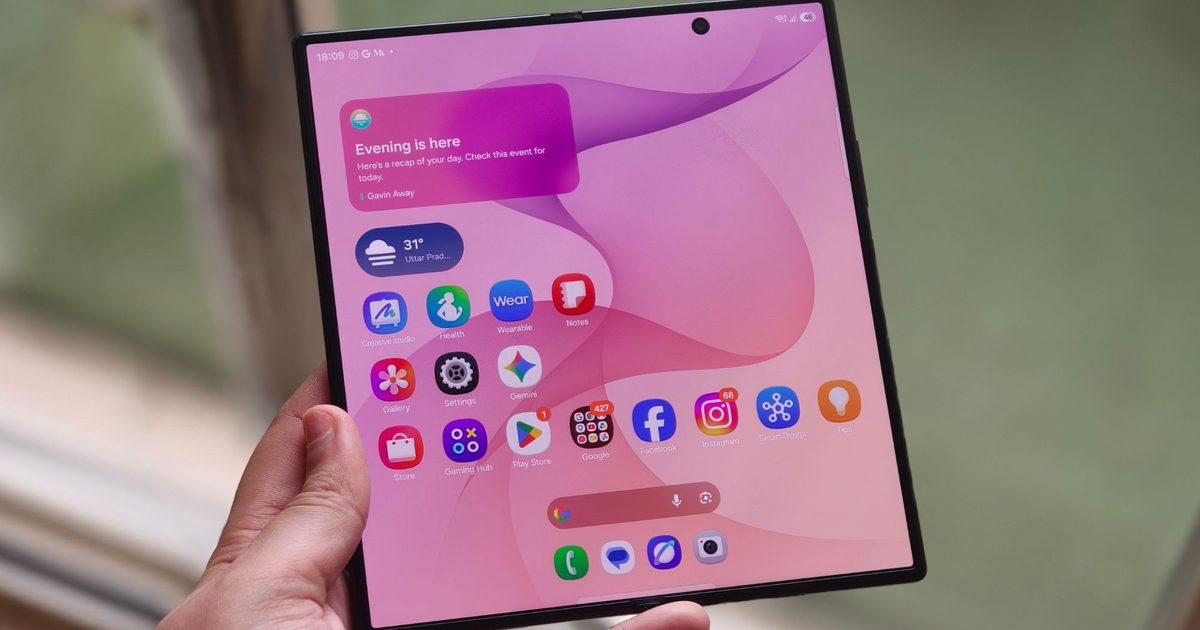
Cracking your foldable’s screen has always been an expensive mistake, but Samsung just put an actual price on it this year, and believe me, it’s more expensive than I initially thought it would be.
The company confirmed official repair pricing for the entire Galaxy Z Fold 8 lineup, and fixing the inner display alone can cost more than some budget phones do new. Given that more people are buying into the category, making these revised repair costs all the more important to know before you take the plunge.
So how much does it actually cost to fix the screens?
If you’re buying or already own a Galaxy Z Fold 8 Ultra, use it carefully, as the inner screen replacement could set you back as much as $639, $50 more than what the service costs for the Fold 7.
The slightly smaller but wider inner screen on the Fold 8 costs $579 to replace. Meanwhile, a broken Galaxy Z Flip 8 screen would set you back by $359 (up from $329 for the Flip 7). Getting a new outer screen for the phones stings far less.
Cracking the cover display would cost you $149 on the Fold 8 Ultra, $139 on the regular Fold 8, and $129 on the Flip 8 (though I don’t like the progression, especially since the Flip 8 has the smallest cover screen of them all). The replacement cost is roughly a quarter of what the inner panel costs.

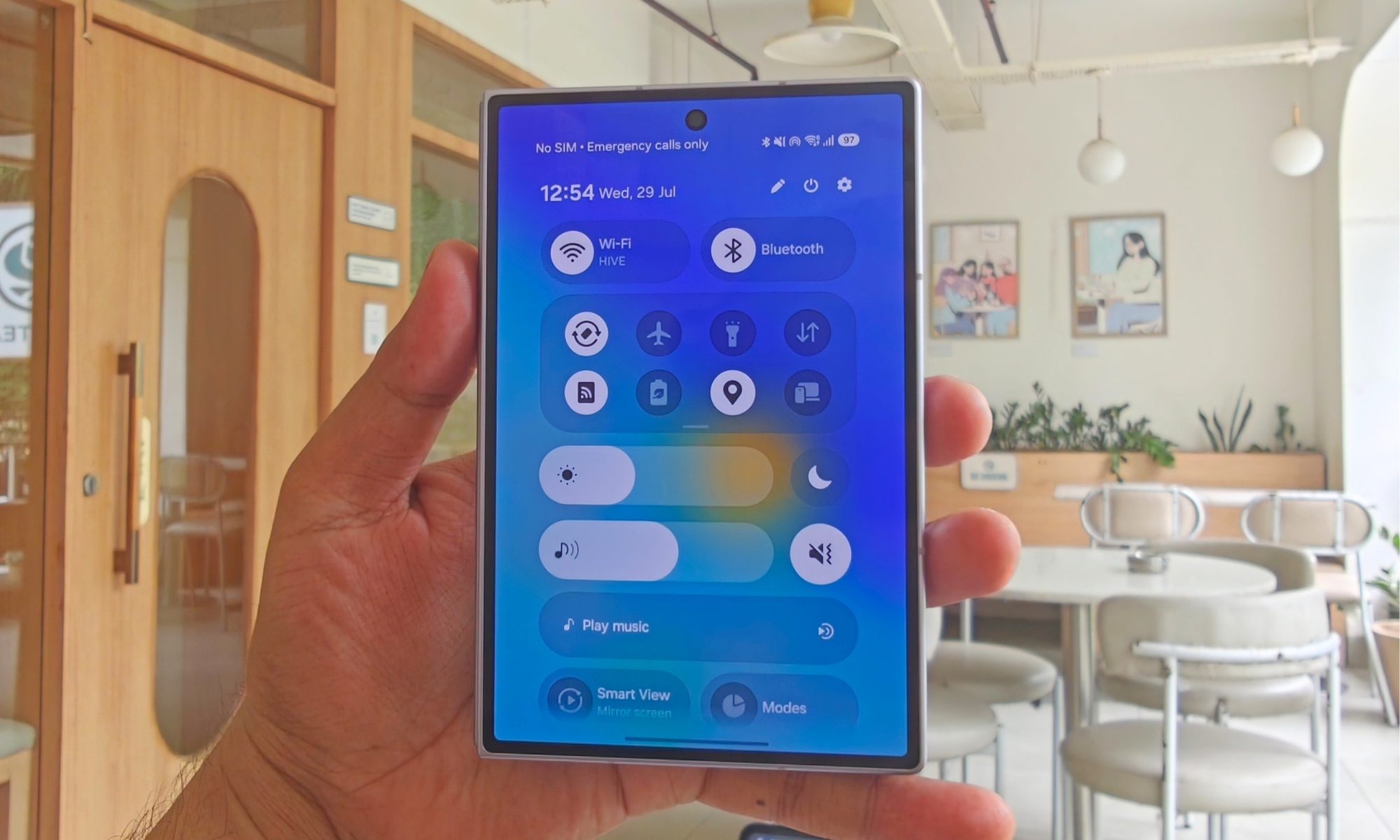
Should you buy Samsung Care+ instead?
These are standard out-of-warranty screen repair prices for all foldables. However, even the standard warranty (one year from the date of purchase) doesn’t cover accidental damage from drops, excessive pressure, or liquid spills; these void the standard warranty immediately.
So, if you’ve had a troubled history with smartphone screens, I strongly recommend getting a Samsung Care+ plan for your foldable. Once you do, your out-of-pocket cost for repairs is significantly lower: a one-time claim fee of around $29 for screen repairs.
If you have a Flip 8, you might be good without the insurance plan. However, Fold 8 and Fold 8 Ultra owners should either use the foldable very carefully, with a firm grip, or consider investing in the monthly or yearly Samsung Care+ plans. It’s better to have it and not want it than to want it and not have it.
