






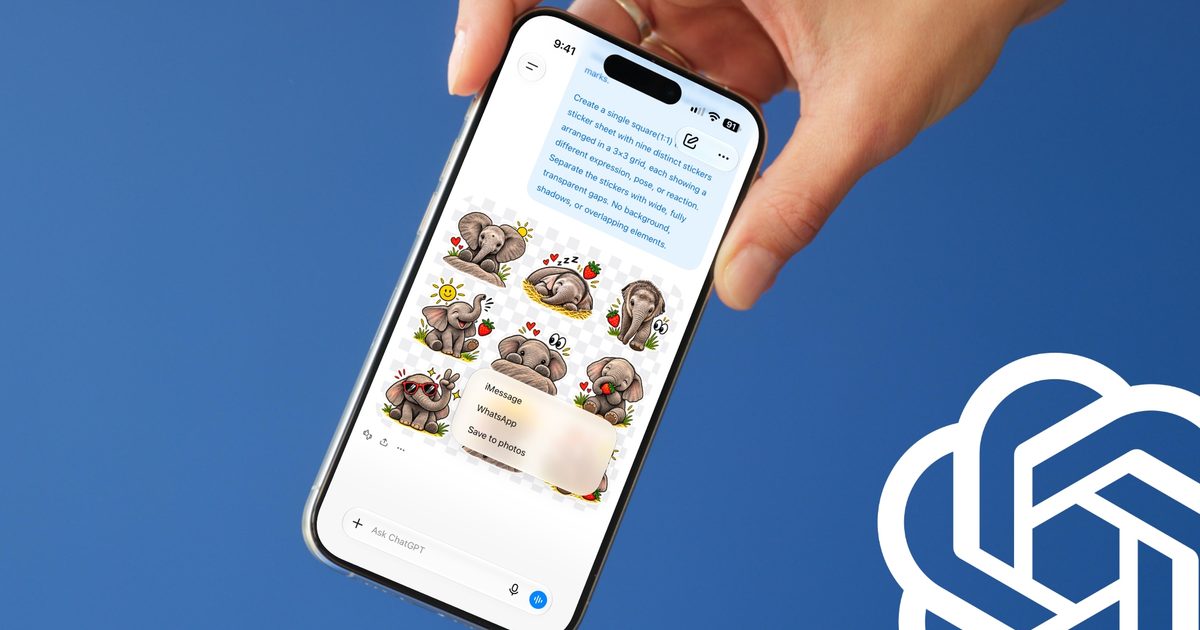
OpenAI has quietly added one of the more fun updates to ChatGPT lately, and it’s all about stickers. You can now take any photo sitting in your library and turn it into a custom sticker, complete with a proper transparent background.
How do you make stickers using ChatGPT?
Getting started is easy. Open the Images section in the sidebar, tap Stickers, and upload a photo or multiple photos at once. You can choose from different sticker styles, including 3D, hand-drawn, holographic, comic book, anime, and more.
From here, you can ask ChatGPT to convert your images into stickers one by one, or remix several to create an entire pack. You can also add or remove elements from the image before it becomes a sticker.
If you already love the look of a specific image, you can borrow its style and apply it to your new sticker. If you don’t have a reference image handy, you can just type out the style you’re imagining, and ChatGPT will take it from there.
Where can you send your stickers?
Once you’re happy with the result, tap the Add to Chat Apps button to export it. You currently get three options:

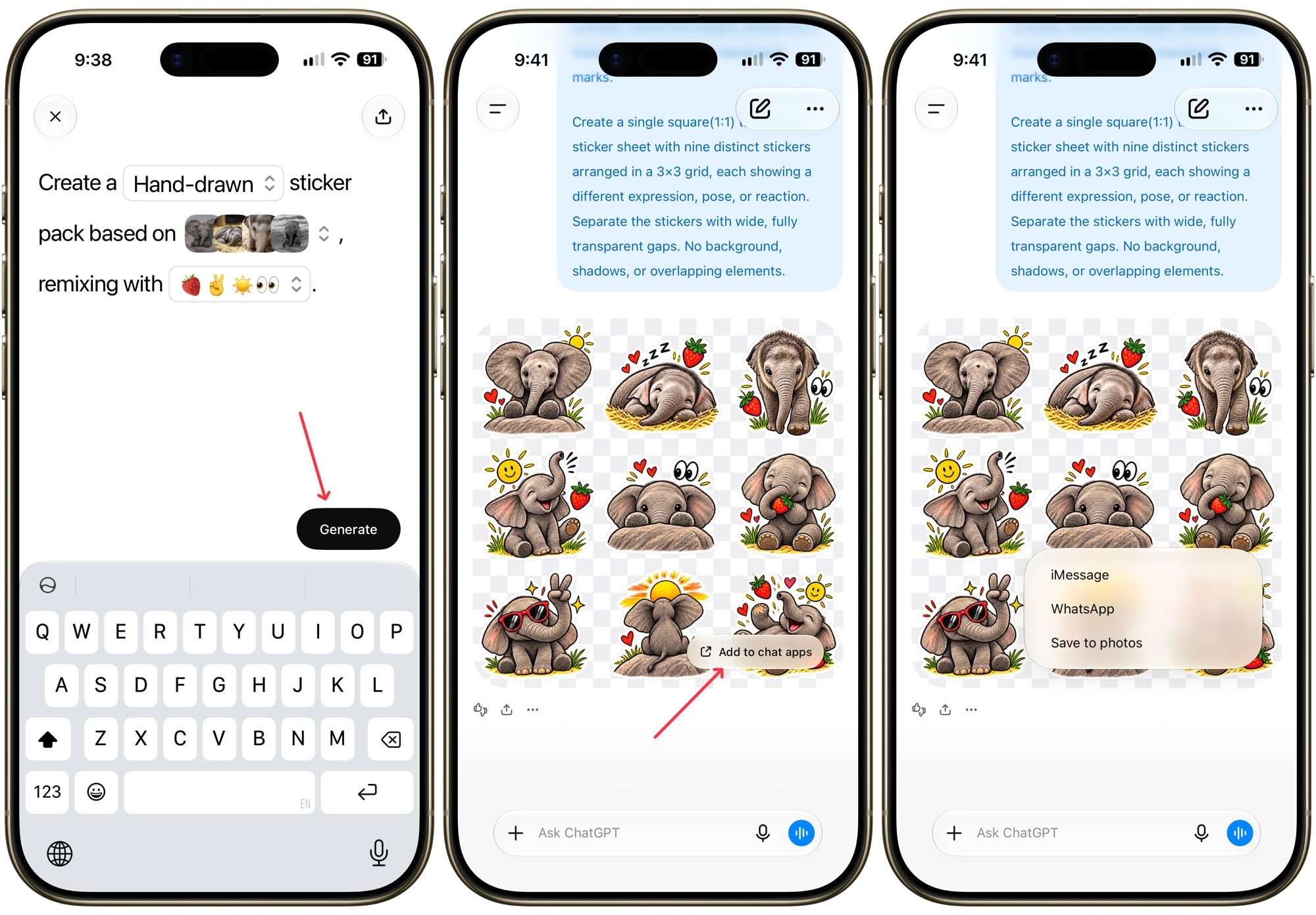
- iMessage
- WhatsApp, though you’ll need at least three stickers ready to export
- Save to Photos
That three-sticker rule for WhatsApp isn’t something OpenAI decided. It’s actually a requirement Meta puts on all apps exporting to WhatsApp, so this one’s on them, not ChatGPT.
The same transparent background trick works on any image you generate in ChatGPT, not just stickers, so it’s worth remembering the next time you need a clean cutout for something else entirely.
I tried creating a few stickers using the new feature, and I am quite happy with them. The stickers are fun and surprisingly easy to create. If you love sending stickers in the chat, you should definitely try it.
